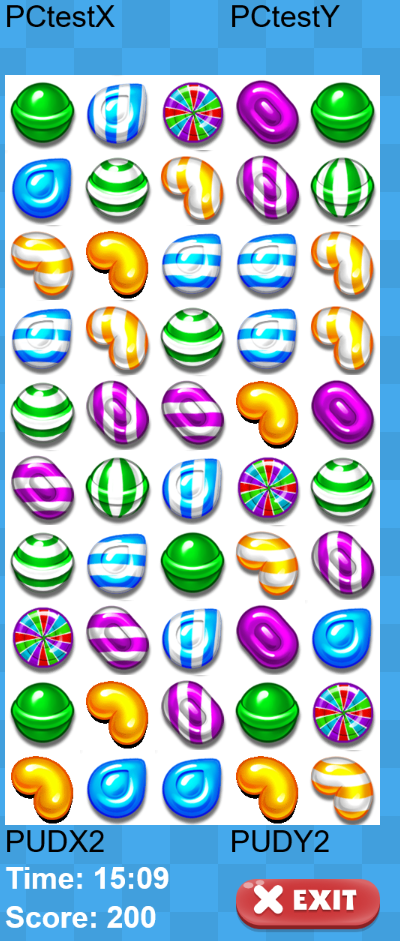
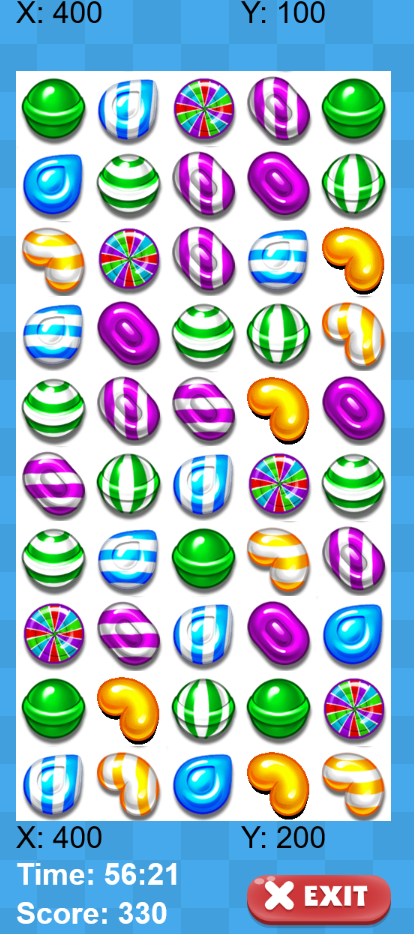
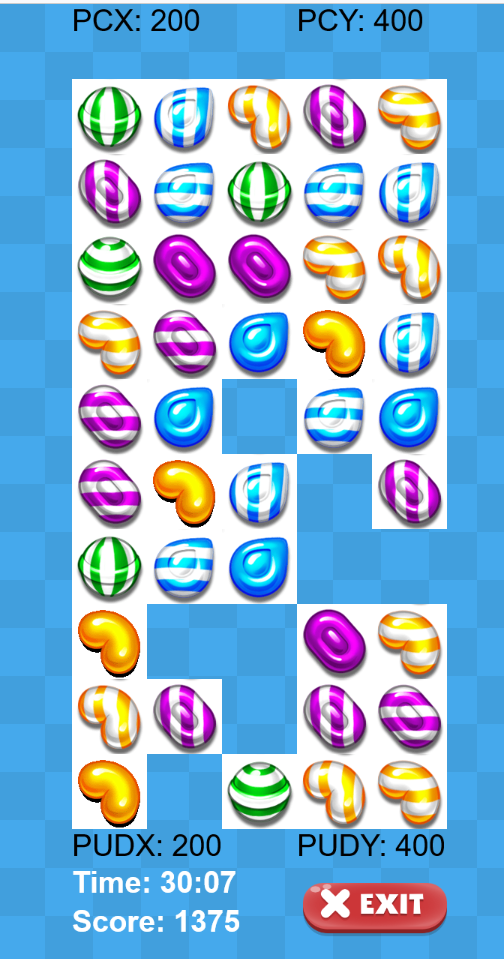
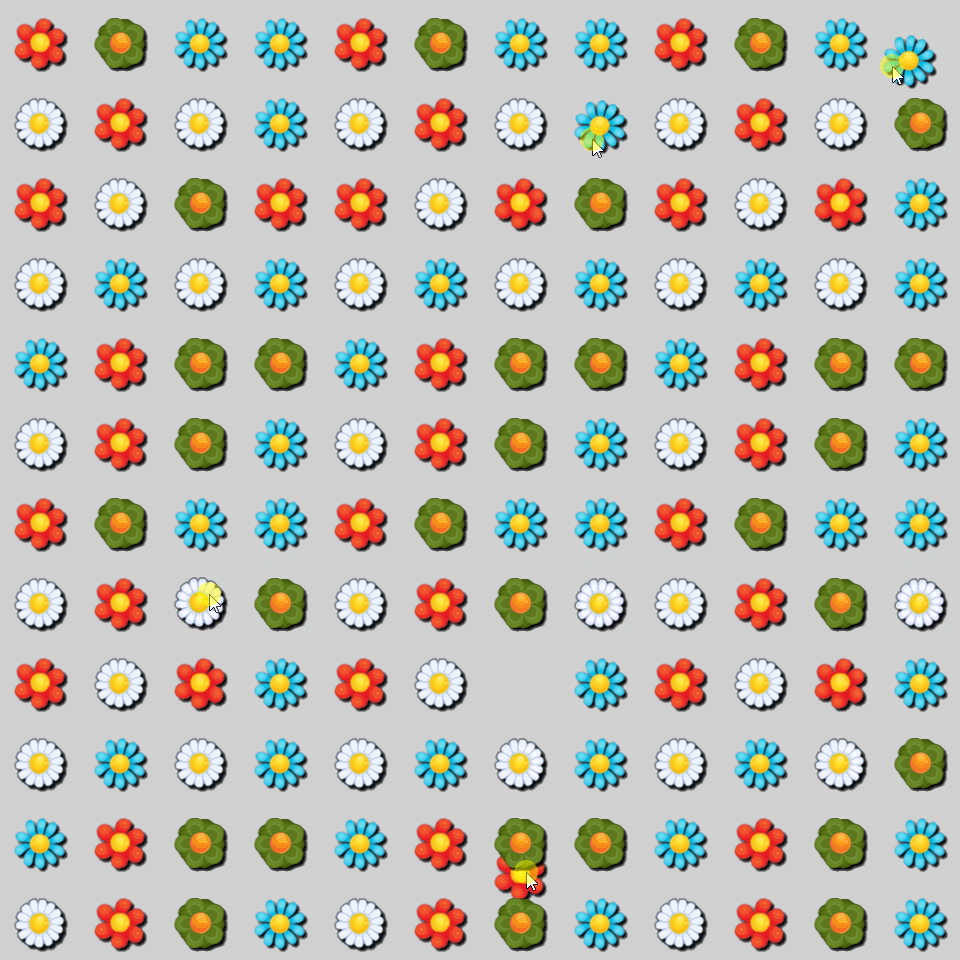
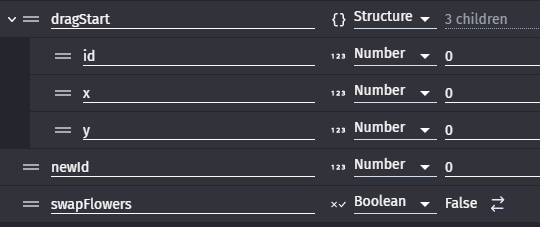
To understand what is going on, when I have issues, I use a lot the “Log a message to the console” function to write some usefull info in the console. For example, which value take these variables when the swapping should occur.
By the way, is it possible that your purple candy collides with 2 bleu candies ? If so, the 2 bleu candies would probably overlap each other.
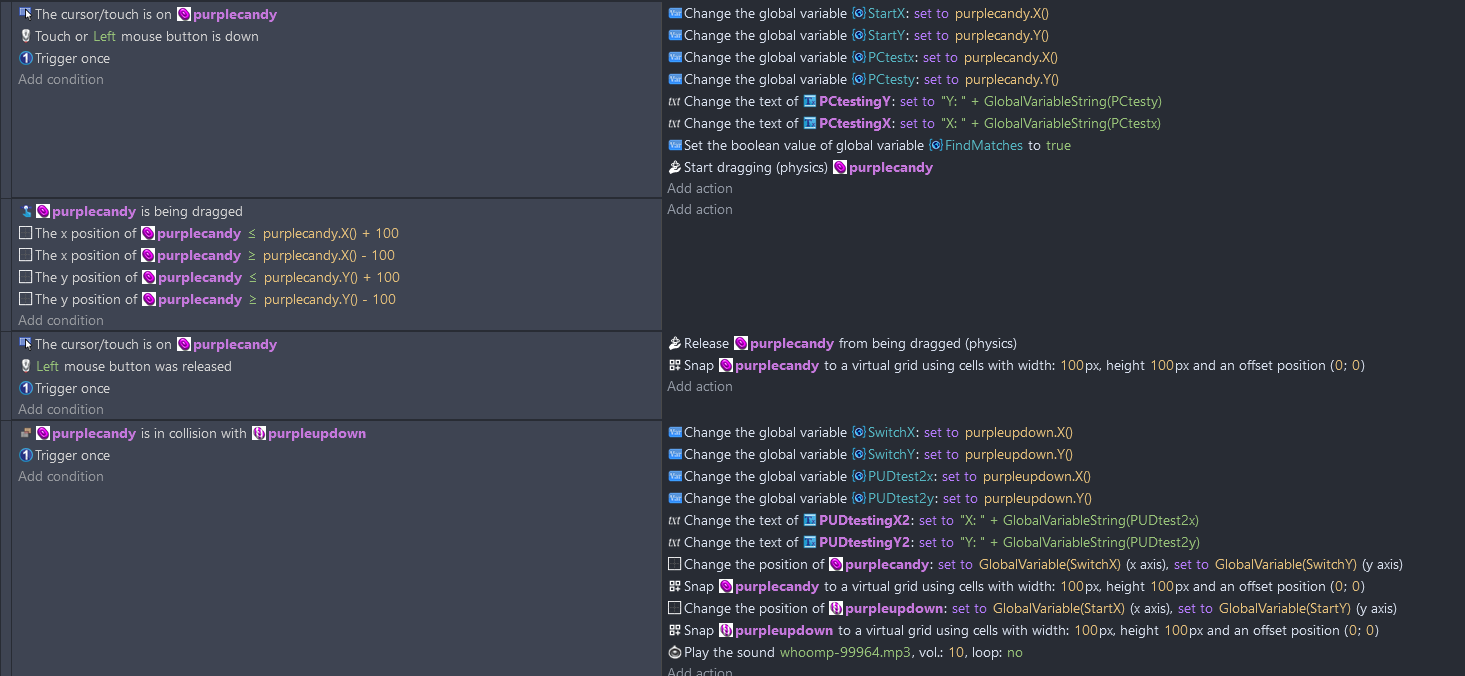
Here’s the code. The test textboxes show the StartX and StartY results and the SwitchX and SwitchY results. After this switch all matches are found and replaced with random instances of candies. It should work. I am obviously not seeing what is going wrong.
I wish there was a more formal way of learning the gdevelop editor. So far I have been cruising the internet for solutions and on this community forum. A bit frustrating. But it is a nice change from hard coding.
I think it’s a good idea not to go with draggable behavior. For one thing there will be less complexity in making sure your players don’t drag candy to inappropriate places all over the game screen. They are really only going 1 block over. They don’t need to actually have to pick up a piece of candy and physically carry it to the box they want it in. It’s right there.
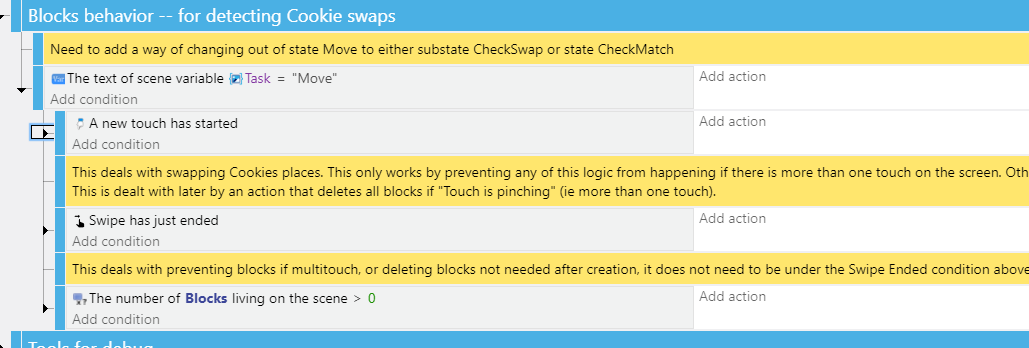
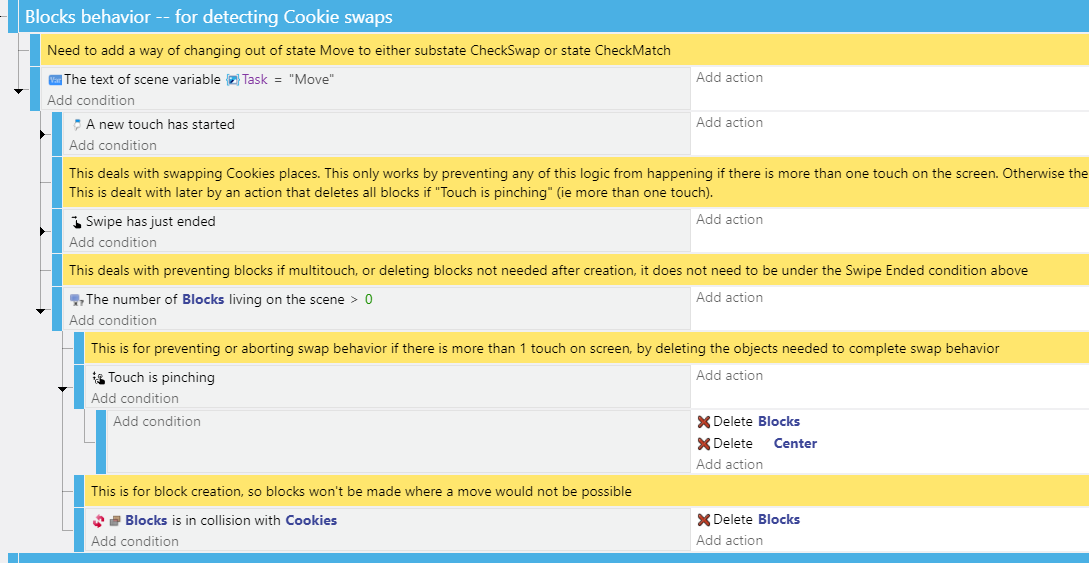
I’m working on a project that involves swapping places too and at this stage I think changing positions with a simple tween would be better, unless I decide to go with a multi animation single object later. But since I am using different game objects for each swappable item right now I think our swapping is similar so far. But I put all my swappable items in a group and just call the group instead of the individual swappable items. I use the Swipe Gesture extension to detect when swipes end. I also use the Pinch Gesturing extension as a simple and lazy way to tell when the player has more than one touch on the screen so I can prevent swaps from happening then (prevents the incorrect object picking that can occur with multiple touches). I make positioning blocks so I know what pieces to swap and where.
Here are the events I’m using so far. Just ignore the notes, I don’t get a lot of time to work on my projects so I like to keep notes so I don’t spend all my time wondering what I was doing or why on earth I’m doing it this way and not that way. So hopefully you can find some inspiration or ideas.
Summary
This is just a placement image so you can better see where the 3 main event groups are.
And this is just some extra utility where I delete all blocks and center if there is more than 1 touch on screen, and also delete blocks immediately after creation if they are not on the game board, so the player can not swipe pieces off the board
Wow wee comforting to know that there are other game developers out there willing to help me out. Games are a great way to keep people on your website. I would love to make games to put on company websites.
I took a quick look at your code but it is late at night so I will have to take a closer look tomorrow.
Well, I don’t even know if it will help. It’s just swapping positions, I haven’t created the rules for detecting if a swap is valid or not. But it might give you some ideas anyway.
I tried the cursor/touch is on event instead of dragging the instances. It kind of works…but it has the same troubles as the dragging code, it leave a blank space sometimes…and you can drag the instance all over the screen.
Well if you want to have them draggable then keep it. You can try using the “was just dropped” condition on your candy to know when the player drops it on the rainbow.
Ahaha… I suspect that it is something about “object picking”. A concept with the app which at first seems easy, but actually has many subtelties. If you which to investigates this possibily, there is in the expression editor a way to know how many objects of a specific type are currently selected.
Can you post your whole project somewhere ? I might have time to have a look this friday.
Trying something different. I will post if it works. I find a lot of concepts difficult to understand, like the sub-events, the 2 different collisions and the force with direction…
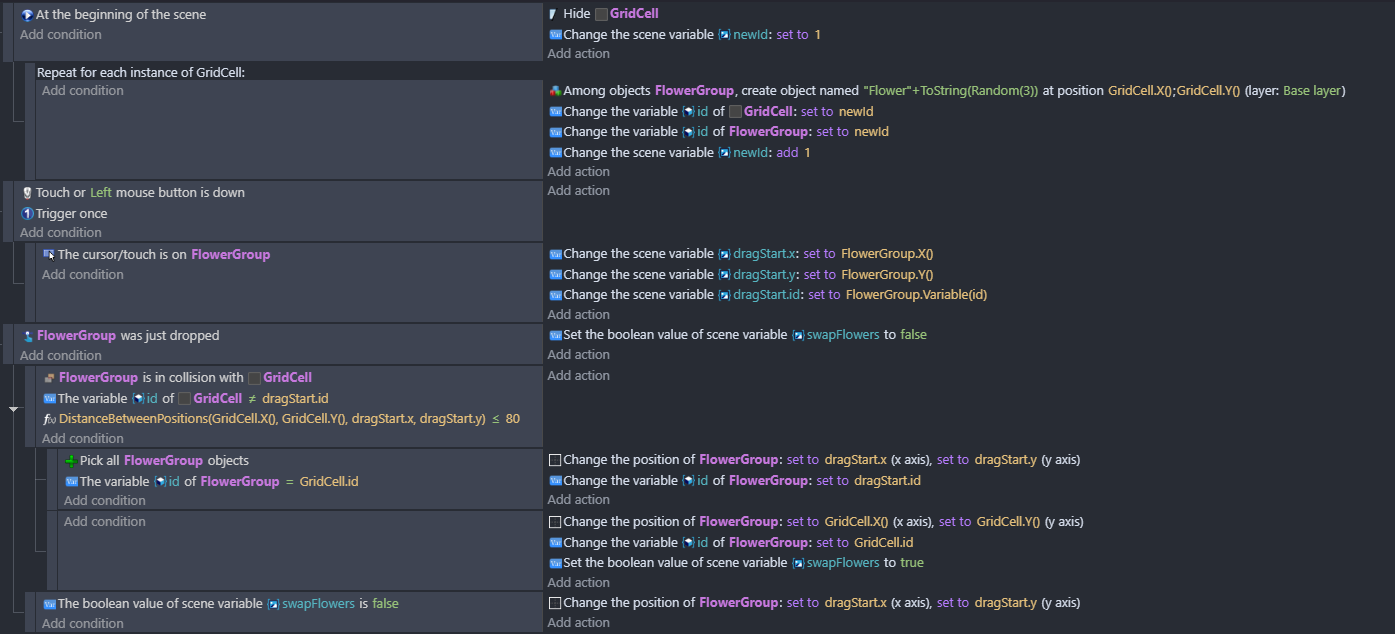
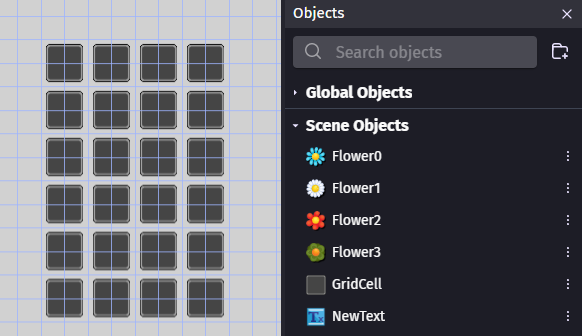
Note, each GridCell and Flower object have the origin moved to the centre, The editor grid cells are 40 pixels apart, hence the distance <= 80 check in the events.
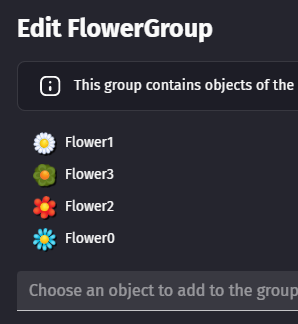
FlowerGroup is an object group with all the Flower objects in it: