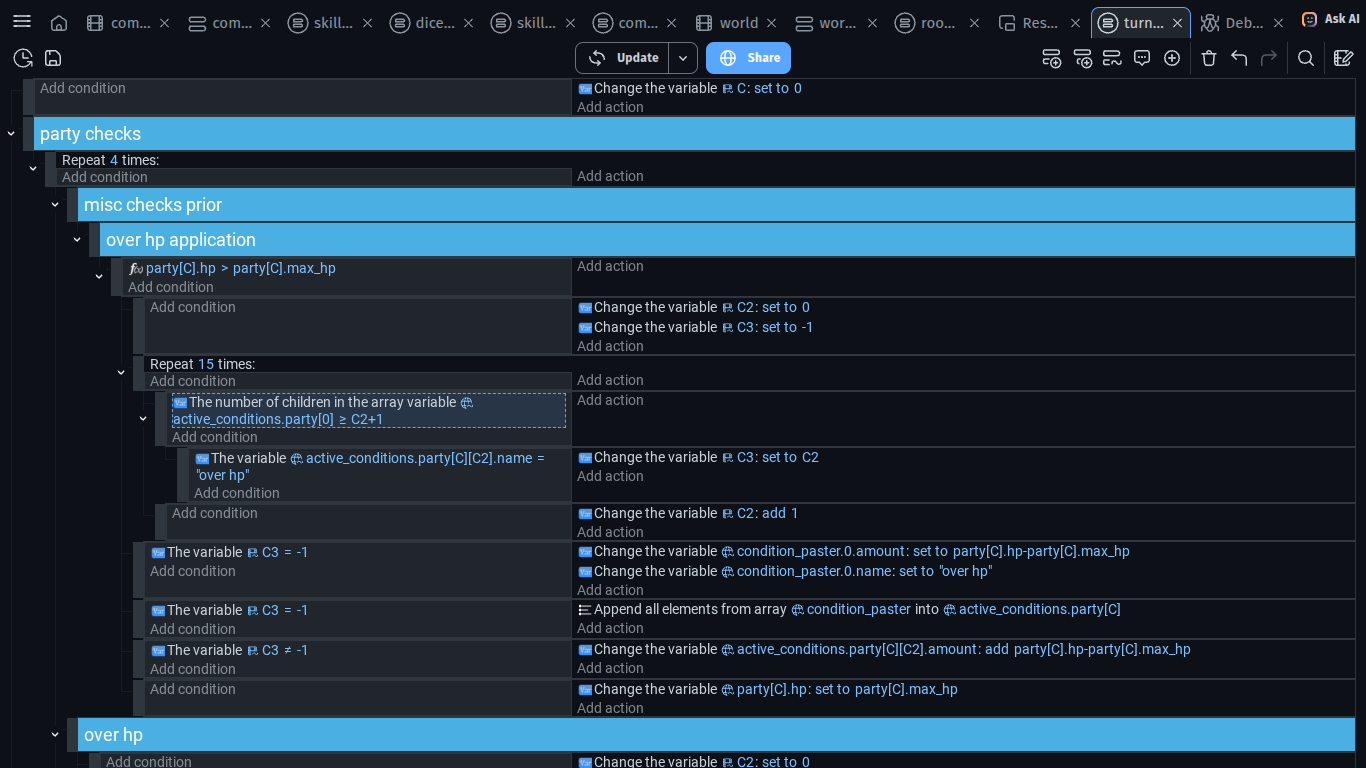
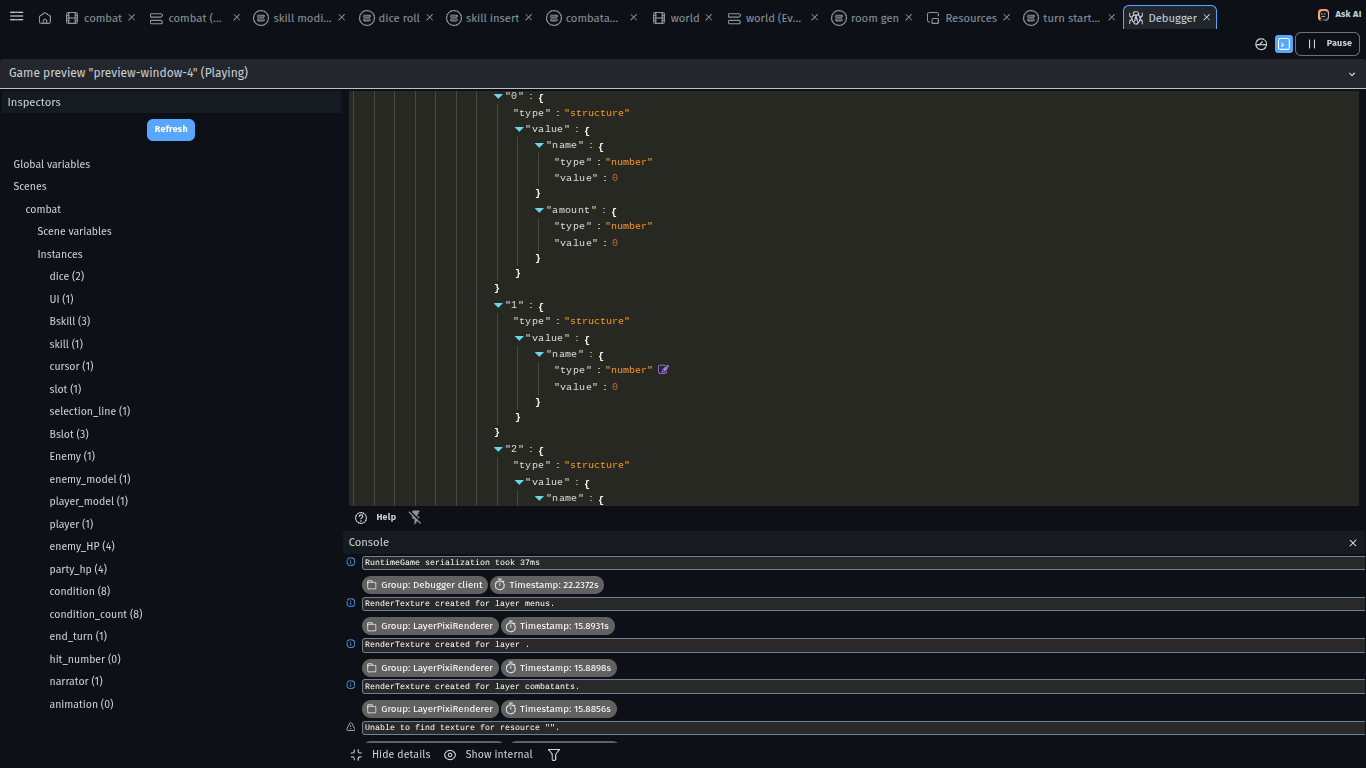
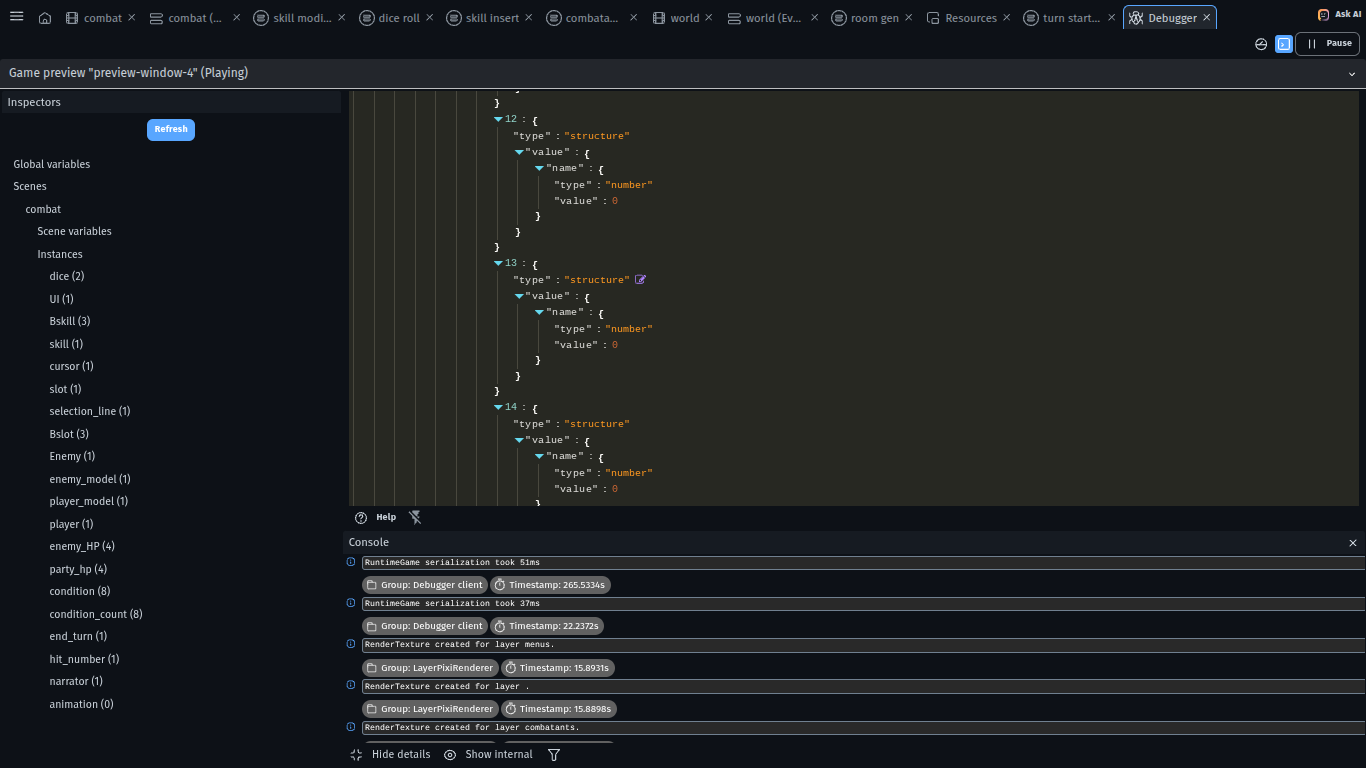
i am trying to check to see if a variable exists with a specific value, but when i look at the debugger after running the code, there are a bunch of variables there that shouldnt exist. how do i only generate the variable i want without the extra 15 and still check the value?
(the append all elements is from the array tools extension and basically just copies one structure/array variable into another one)
I cannot clear the variable because i plan for this to be done for every status effect added, clearing the variable will make it so only 1 condition may be active at a time, which i dont want
To my understanding you are checking if like there is variable with some value which indicate status effect
BUT also you want to be able to have more than 1 status effect
SO why not make HOW MANY status effects you can have at once that many variables
And set them to 0
If anything else then 0 then it means there is status effect applied
SO in other word instead of adding like lego blocks to your array
You would have there pre set variables which works like slots
If empty children or indexes are being created then it’s probably trying to read an index that doesn’t exist.
(Every language uses different terms for arrays. To try to keep things simple, GD tends to merge the terms for structures and arrays. It can be infuriating trying to use the best term.)
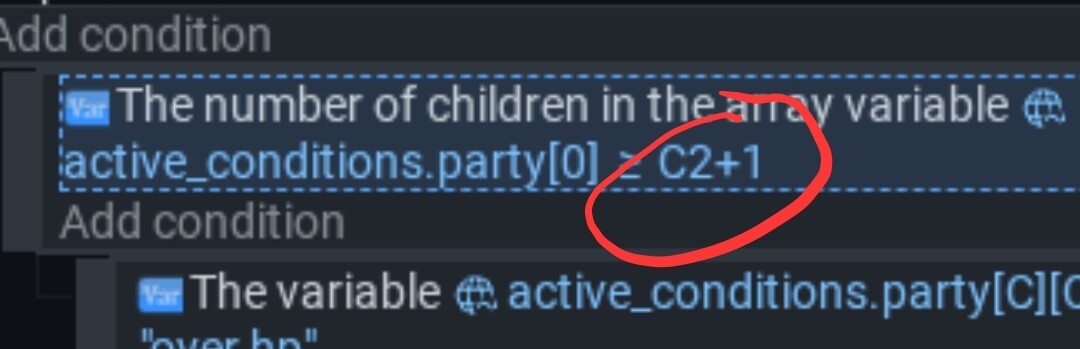
I think this should be -1 not +1. Indexes start at 0 so the last item will always be the number of children or indexes -1
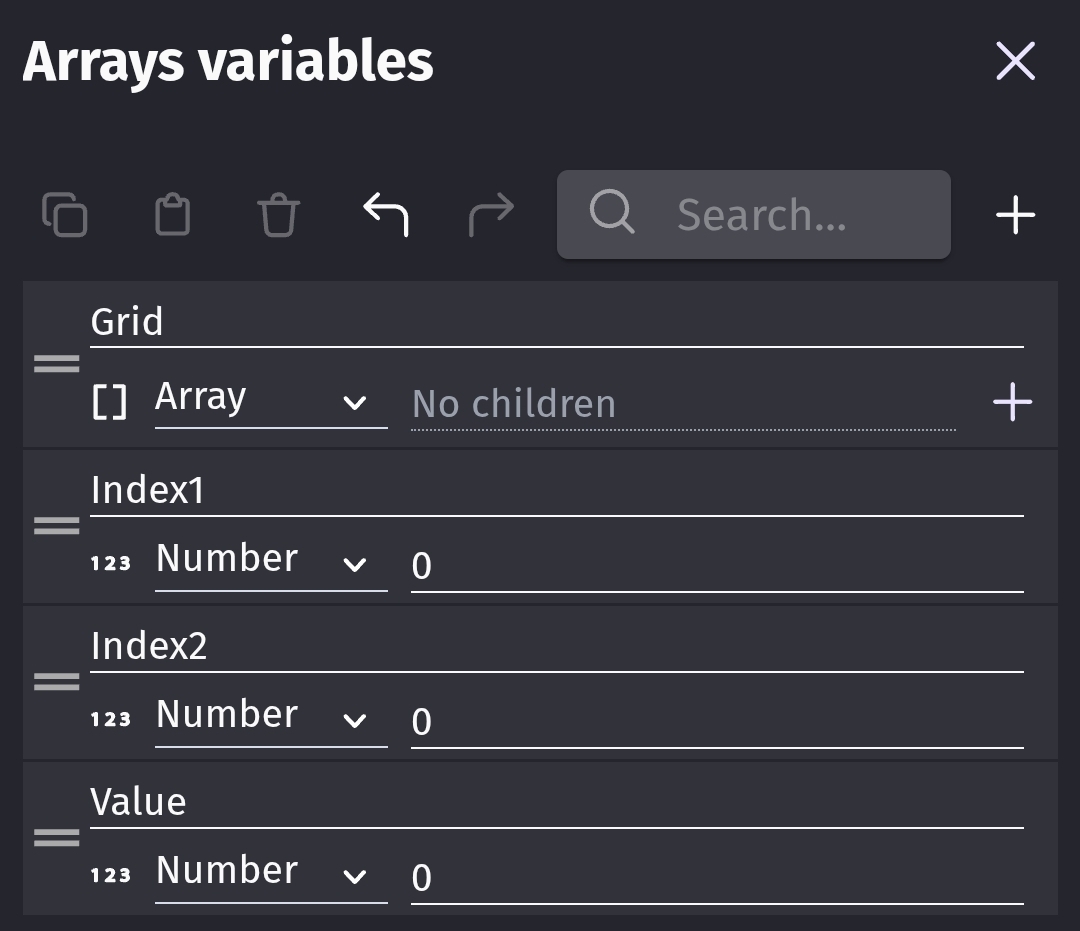
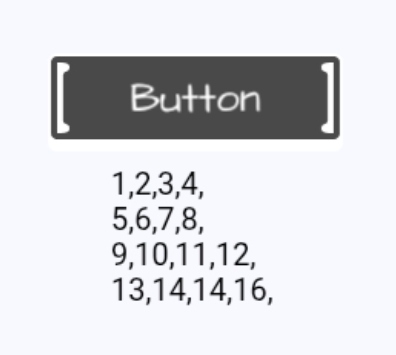
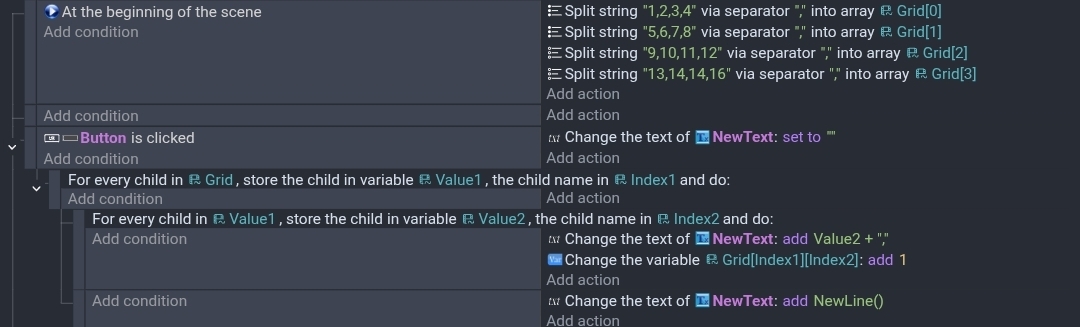
Events. I didn’t feel like setting up an array within an array or structures. So I used the Array Tools extension to add the numbers 1 through 16 in a 4x4 grid format. Arrays start at 0 so it’s 0 to 3.
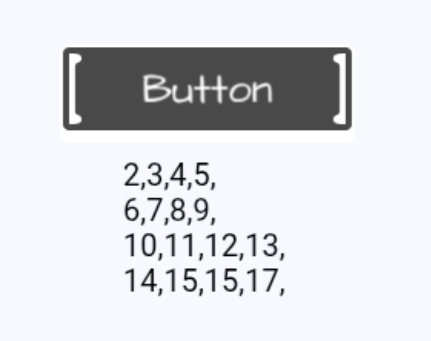
It displays the current value but then increases the array value. I guess it probably would make more sense to increase the value and then show it but it was just an example.
The Value variable can be of any type, number, string or boolean or a structure or another array.
If you used a variable in the first for each child for the Value, the Value variable would contain or link to that array. You could then use that variable as the source variable in the 2nd for each child. I felt the 1st version had an easier flow.
This is that alternate version. Value1 is an array and Value2 is the number. Otherwise, Grid is still an array and Index1 and Index2 are numbers.
One thing ive noticed in gdevelop is my debug in game text that refrence array children that shouldnt exist will actually create a child just by looking for it. I havent tested when this works or not, but be aware that this can happen.