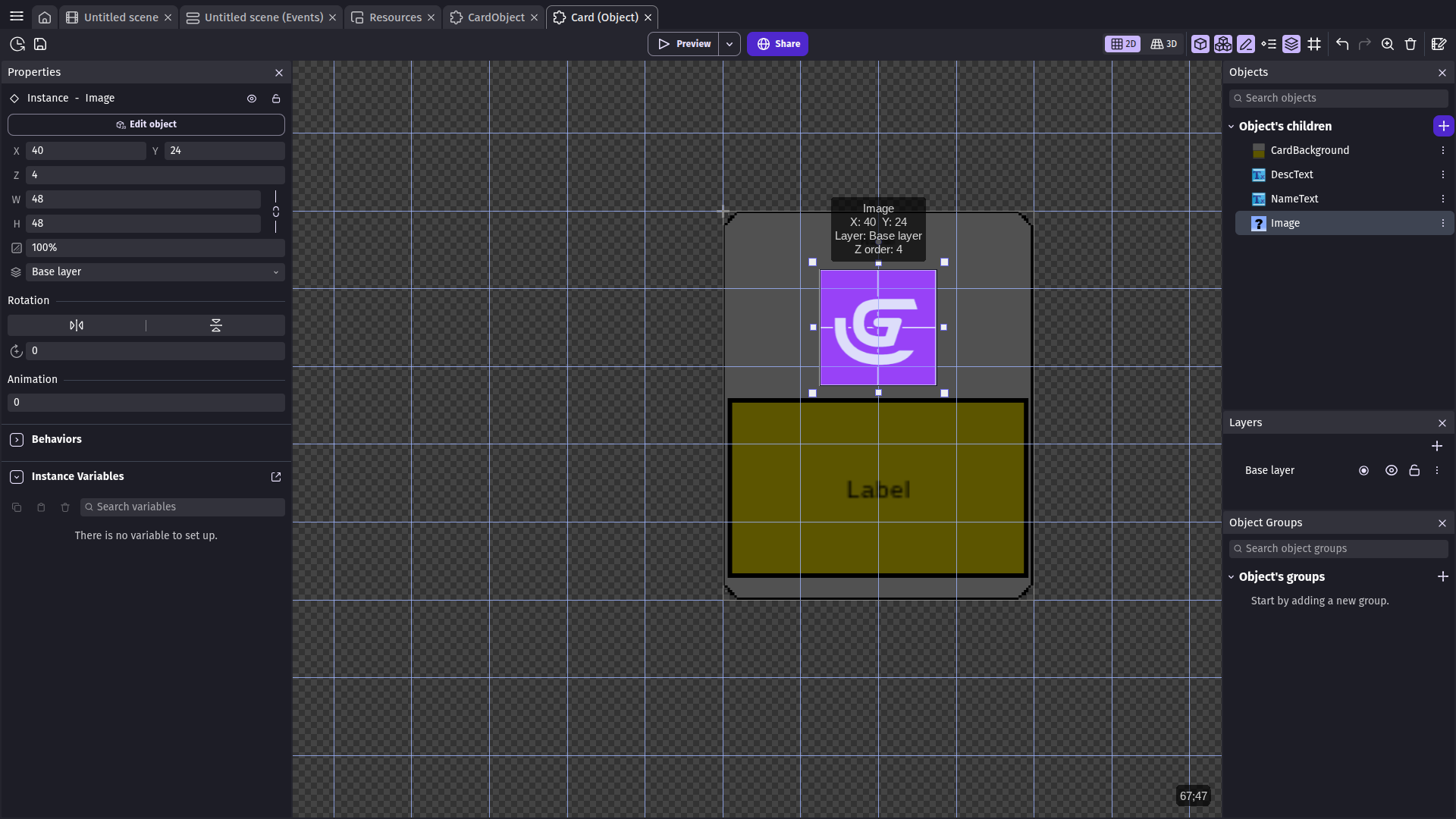
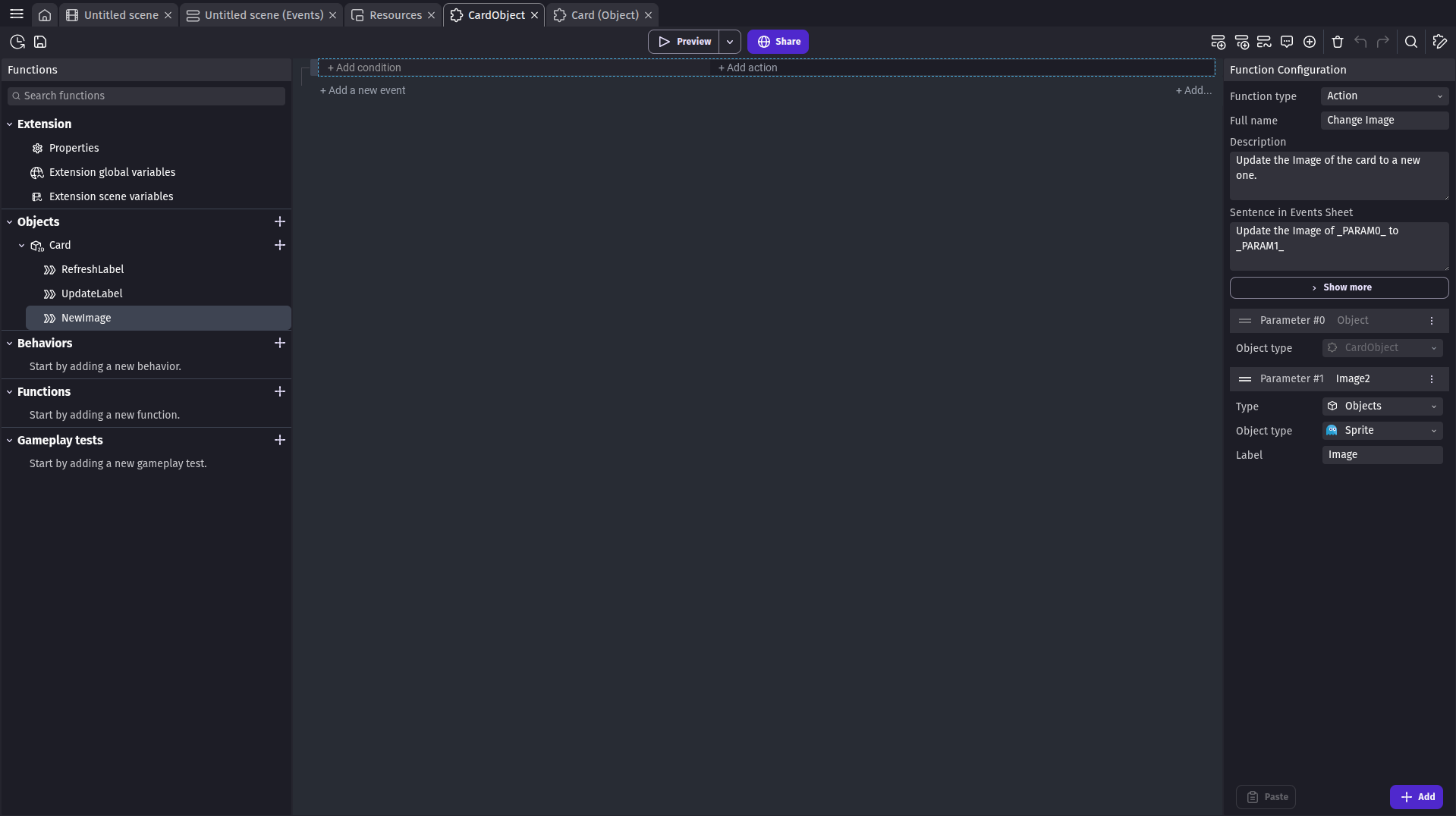
Hello. I am making a TCG game inside GDevelop, and I need to allow an image on the card object, a child object called Image, to be able to reflect a custom Property image. However, there does not seem to be an action inside the Functions sheet to change the resource.
Short answer: there is no action to change a Sprite’s image resource, and there won’t be one, because a Sprite’s texture is fixed when the game is built: every image it can ever show has to exist in the project as an animation frame, so it lands in the preload list. What you change at runtime is which animation or frame is shown, not which file the sprite points at. That’s why the Functions sheet has nothing for a Resource property.
So keep the art as design-time resources, and drive the choice from data.
Option A - one animation per art (start here)
On your Image child sprite, add one animation per card art and give each a name (e.g. card_knight, card_dragon). All of them are now normal project resources and get preloaded.
In the custom object’s function, add the action Change the animation (by name) on Image.
In the Animation name field, flip the small “Use an expression” switch and put the name in. If the name comes from a property on your custom object, just write the property name there: properties are usable directly by name inside the object’s own events, the same way variables are (the generated property accessors pass the property name straight through as a function argument).
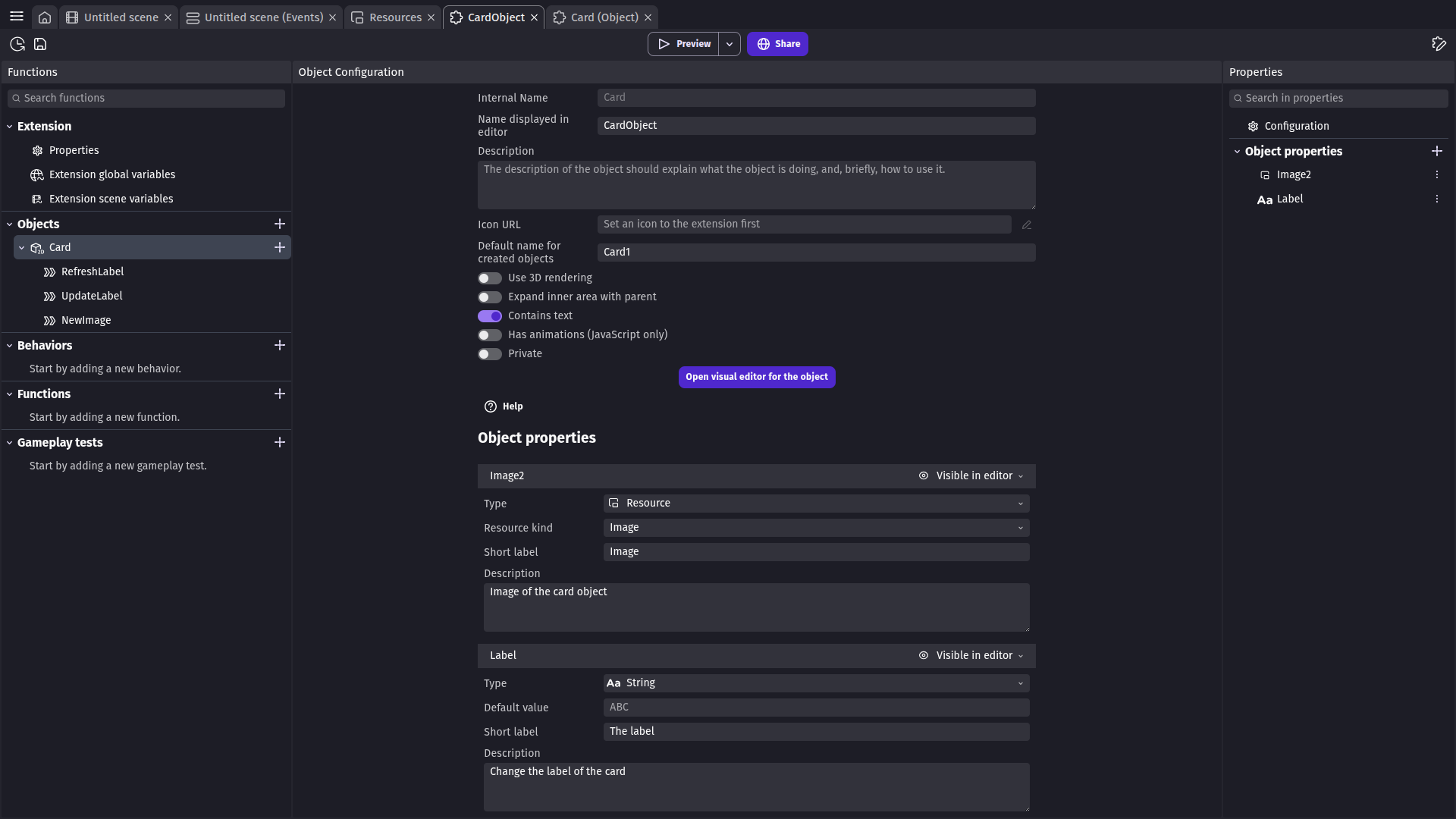
Better than a Resource property: declare that property with type ObjectAnimationName and point it at Image. The properties panel then shows a dropdown of that sprite’s animations, and the value you get is exactly the string the action wants. A Resource property would hand you a file name string, and no sprite action can consume that.
Option B - one animation, one frame per art (better if you have hundreds of cards)
Put every card art as a frame of a single animation on Image, then use Change the animation frame with an expression for the index (from a number property, or from your card database variable).
If you go this way, pack the arts into one atlas/spritesheet image and slice it into frames, so the browser isn’t loading 500 separate textures.
Why it has to work this way (so you can check me instead of trusting me)
Change the animation (by name) is defined in the sprite extension as AddAction("SetAnimationName", _("Change the animation (by name)"), ...) with the animation name parameter typed objectAnimationName - Core/GDCore/Extensions/Builtin/SpriteExtension/SpriteExtension.cpp, around lines 82-92. The JS side maps it to setAnimationName, which takes a plain string, so an expression is fine.
The IDE’s Animation name field is a combo with a “Use an expression” switch (and it drops to an expression field automatically when the value isn’t one of the known animation names): newIDE/app/src/EventsSheet/ParameterFields/ObjectAnimationNameField.js.
Using properties by name in expressions is documented for events-based behaviors (“a property called ScoreToMultiply can be used as 2 * ScoreToMultiply”), and custom objects go through the same machinery.
There is no runtime instruction anywhere in the sprite extension that takes a resource/file string and swaps a Sprite’s texture. Building a resource name with a formula can’t get you a new texture for the same reason.
If you tell me how many card arts you have and whether they’re separate files or one sheet, I’ll spell out the exact import steps for your case - that’s the only thing that changes the answer.
I have 59 cards planned, I am releasing the game with 13 but adding more as time goes on. There may end up being more than 59 though. I will probably do a seperate animation for each. Thanks!
Side Note: I was very tired earlier and sorry I bothered you to give me a simple solution
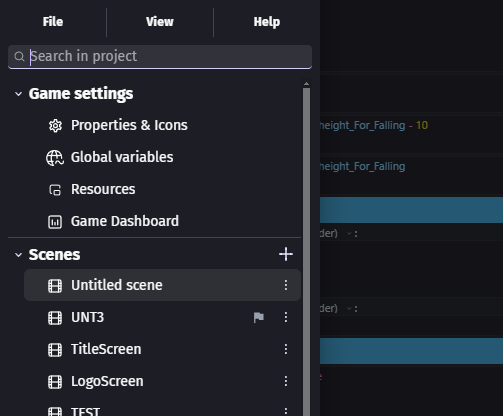
U can look into resources to check if the files there.
U CAN THEN TECHNICALLY LOAD IMAGES THROUGH FILE NAMES
the easiest object to show this is the 9 slice object
For custom names via variables etc JAVASCRIPT IS REQUIRED
but its not that hard. and should take maybe a hour to figure out
this advice prob isnt 100% accurate but i do know its possible as i have prototypes that use this system where i was loading objects animations via variables.
(it was changing image based on file names. NOT change animation btw)
Okay, I just knew that there wasn’t a way implemented into GDev.
JavaScript is something I actually was going to learn. I have learned Golang, Python (I am still in my course in the advanced stuff), and Java (which I now forget and didn’t take the full course cuz I didn’t want to pay ), so I will have to learn JavaScript eventually. I am interested in Linux but do not have a workspace for that at the moment.
 ), so I will have to learn JavaScript eventually. I am interested in Linux but do not have a workspace for that at the moment.