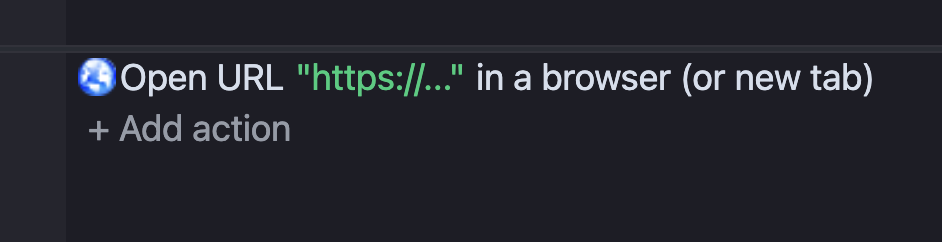
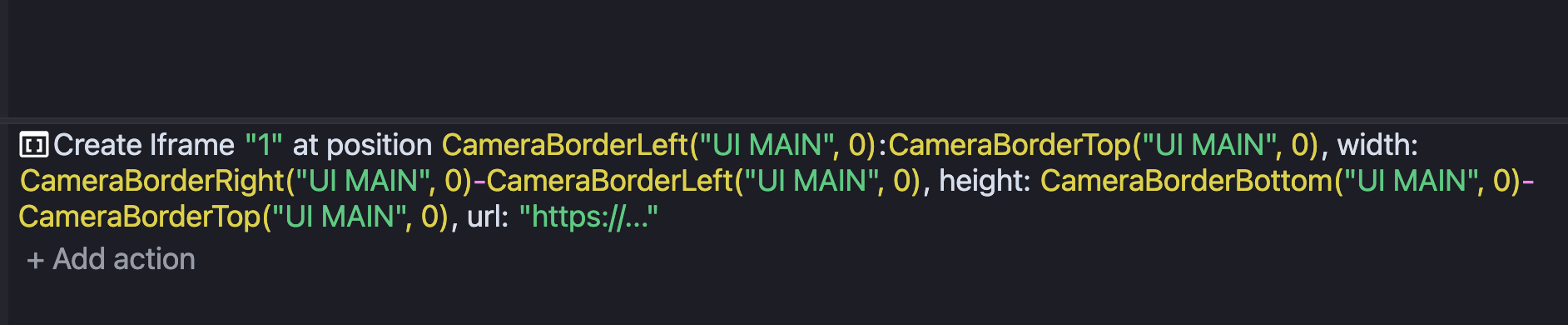
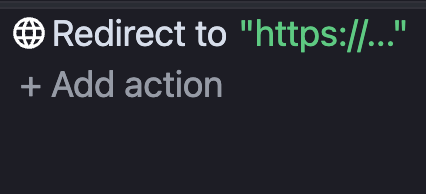
I’ve been trying to open a link from my game — either in a new tab or by navigating the current tab. On desktop it works fine, but on mobile (both Safari and Chrome on iOS) the URL gets blocked every time.
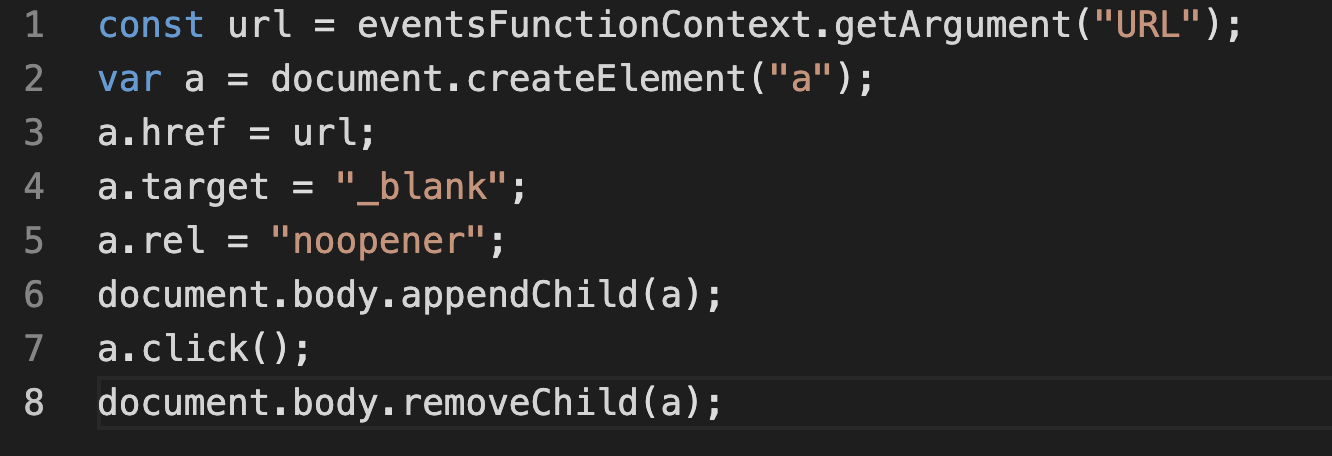
Here’s what I’ve tried so far:
- window.location.href = “URL”;
I’m targeting specifically the web (HTML5) mobile version of the game, hosted on my own domain via HTTPS. Just to be clear — I’m not trying to shove ads in anyone’s face. It’s something the player intentionally clicks on for a legitimate reason.
Has anyone found a reliable way to open external URLs from a GDevelop HTML5 game on mobile browsers? Any help would be greatly appreciated!
Think it has to do with CORS. I also ran into that before, was doing server hosting. However one thing that fixed it was letting my domain into cloudflared and it fixed it. Honestly idk what they did that fixed it but it worked. 
Though this might not be much of helpful but, i strongly think the issue is CORS cross origin resource sharing
@Da-Just
Will try to move it to the cloudflare soon, thanks!
Will let you know if it worked.
@Da-Just
This actually worked!!!
Getting done the simplest task to open URL got me through hell, haha!
I’ll post instructions for others.
Setting up Cloudflare:
- Add your domain - Cloudflare will scan your DNS records
- DNS records tab: make sure your A/CNAME records for the website are set to Proxied (orange cloud), not DNS-only (grey cloud). MX records (email) stay grey.
- SSL/TLS tab: set mode to Flexible (works even if your hosting has no SSL certificate). Cloudflare auto-issues a free Universal SSL certificate.
Also, I got late updates because of caching. To get a fresh version of your game: purge cache on Cloudflare, then hard-reload the browser or use incognito. Incognito bypasses cache entirely and works best on both mobile and desktop browsers.
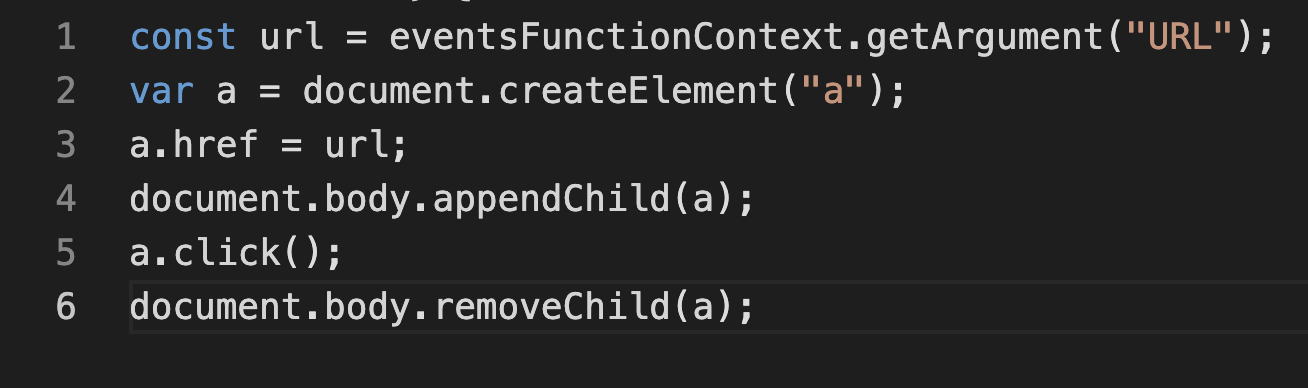
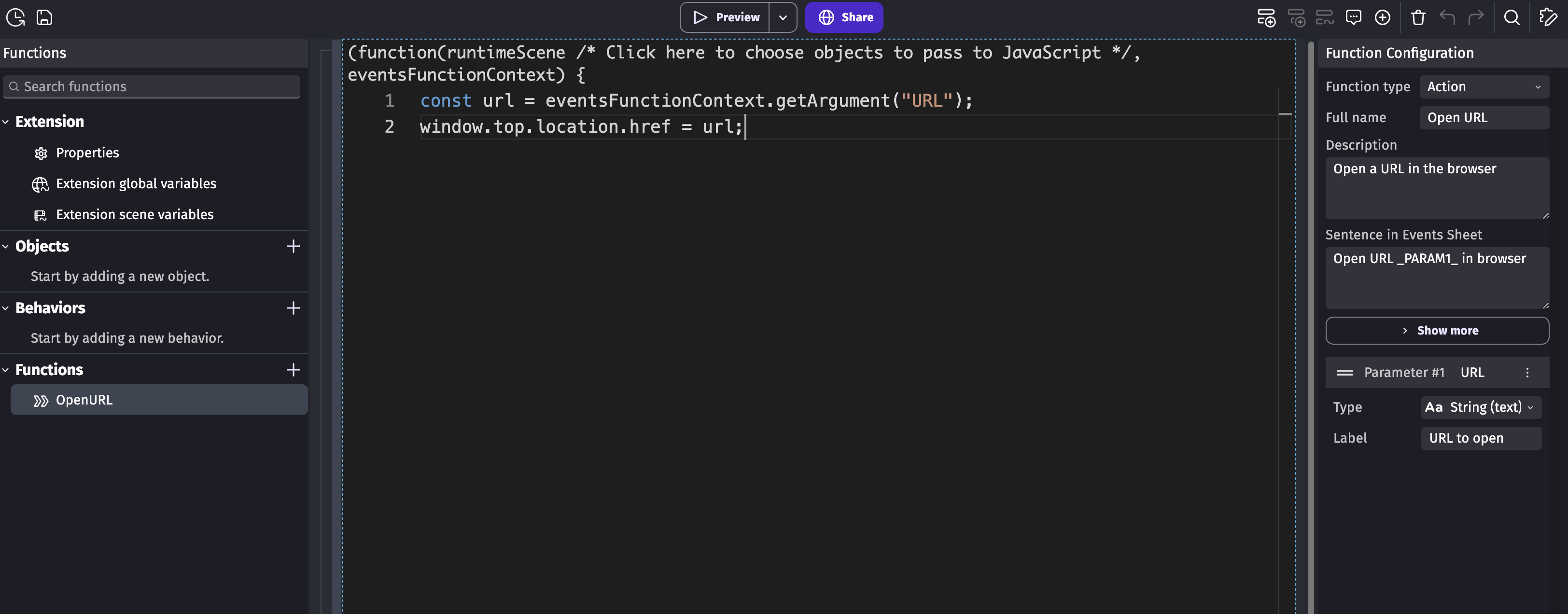
So built-in Open URL works best for desktop app and for web is better use Cloudflare DNS + open in the same window. You can repeat this simple extension in your game:
Will update topic after the native app export test.
Ey, it had me sweating and pissed for sometime 2. Glad you had it chopsticked tho!