Before proceeding, please use the forum search feature at the top of the page to check if your question has already been answered.
How do I…
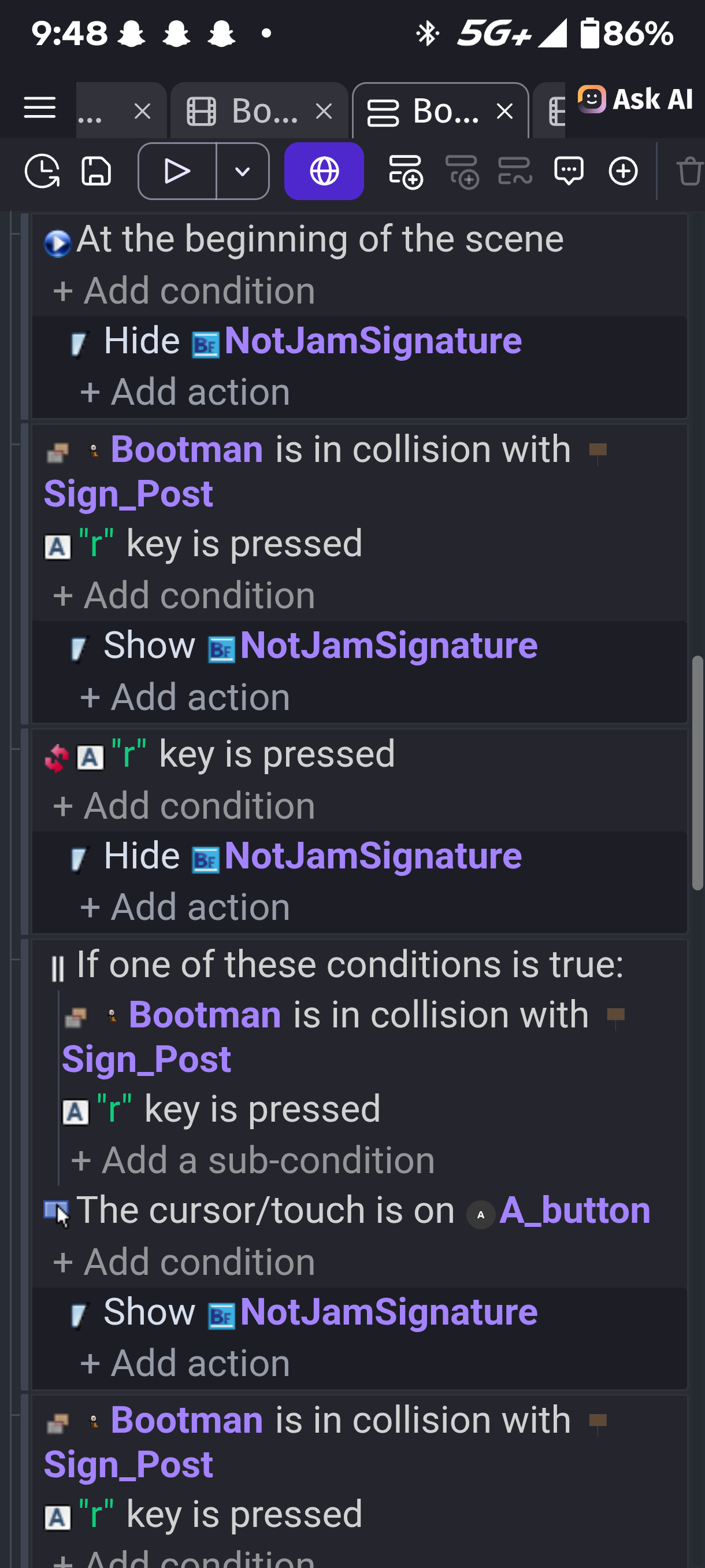
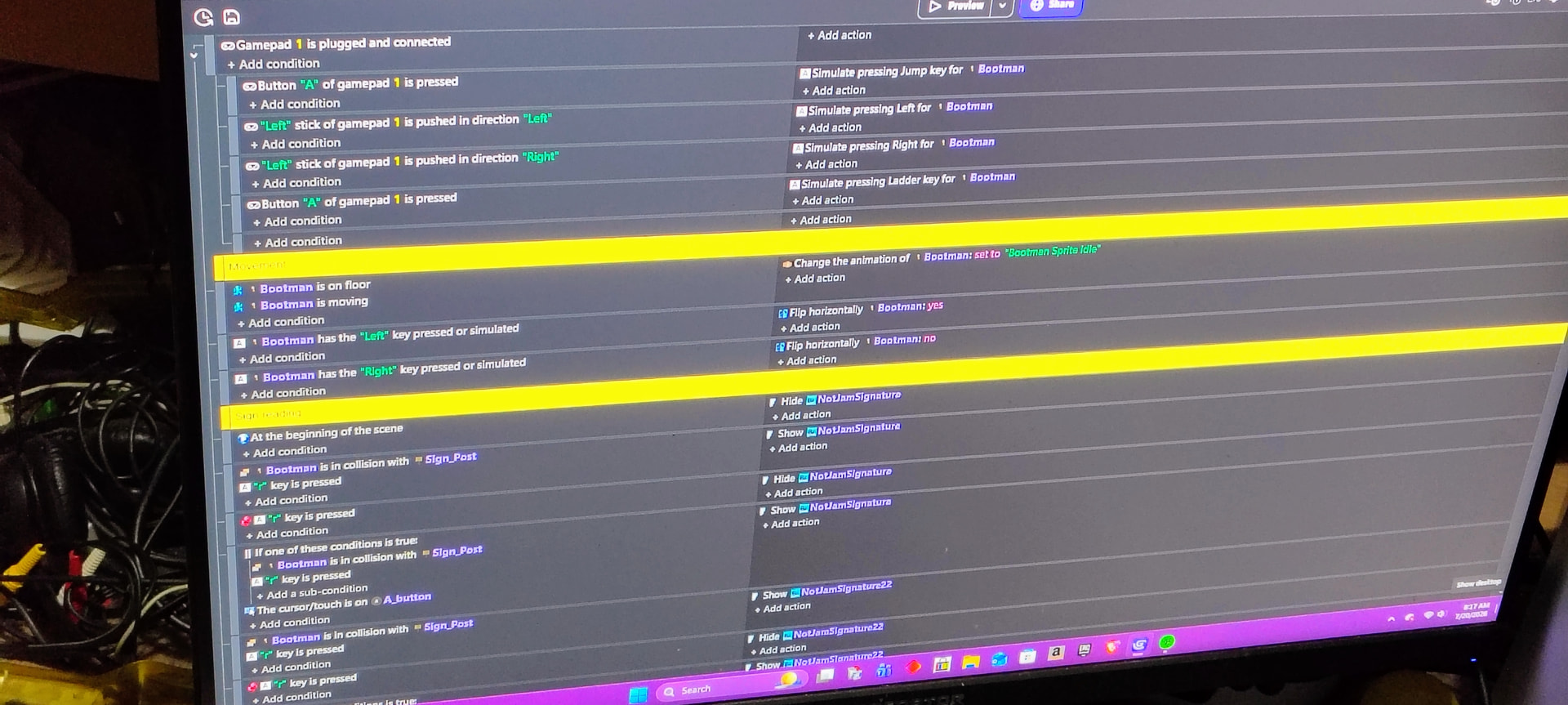
I need some help with getting controller support for interacting with the sign but I need help figuring out how I can put it into the OR statement
What is the expected result
I want the player to have choice of what control style they like to play with I have both keyboard and mobile actions working but I also want the ability to use controller as well
What is the actual result
It’s not registering the inputs
Related screenshots
Project files (optional)
Insert a minimal game showing your issue in a .zip or .rar.
Id appreciate the help I am nearly ready for a trailer
The issue of your OR condition is your condition checks if the A Button is pressed and ( collision detected or ‘r’ key pressed )
meaning your condition stay true if:
- ‘Bootman on Sign_post’ collision is detected & A_Button is on cursor
- ‘r’ key is pressed & A_Button is on cursor
My solution:
Condition
[Bootman] is in collision with [Sign_Post]
In OR statement
‘r’ key is pressed
Cursor is on [A_Button]
That a button is for the mobile UI what am trying to achieve is a for controller while keeping the mobile and keyboard controls at the same time
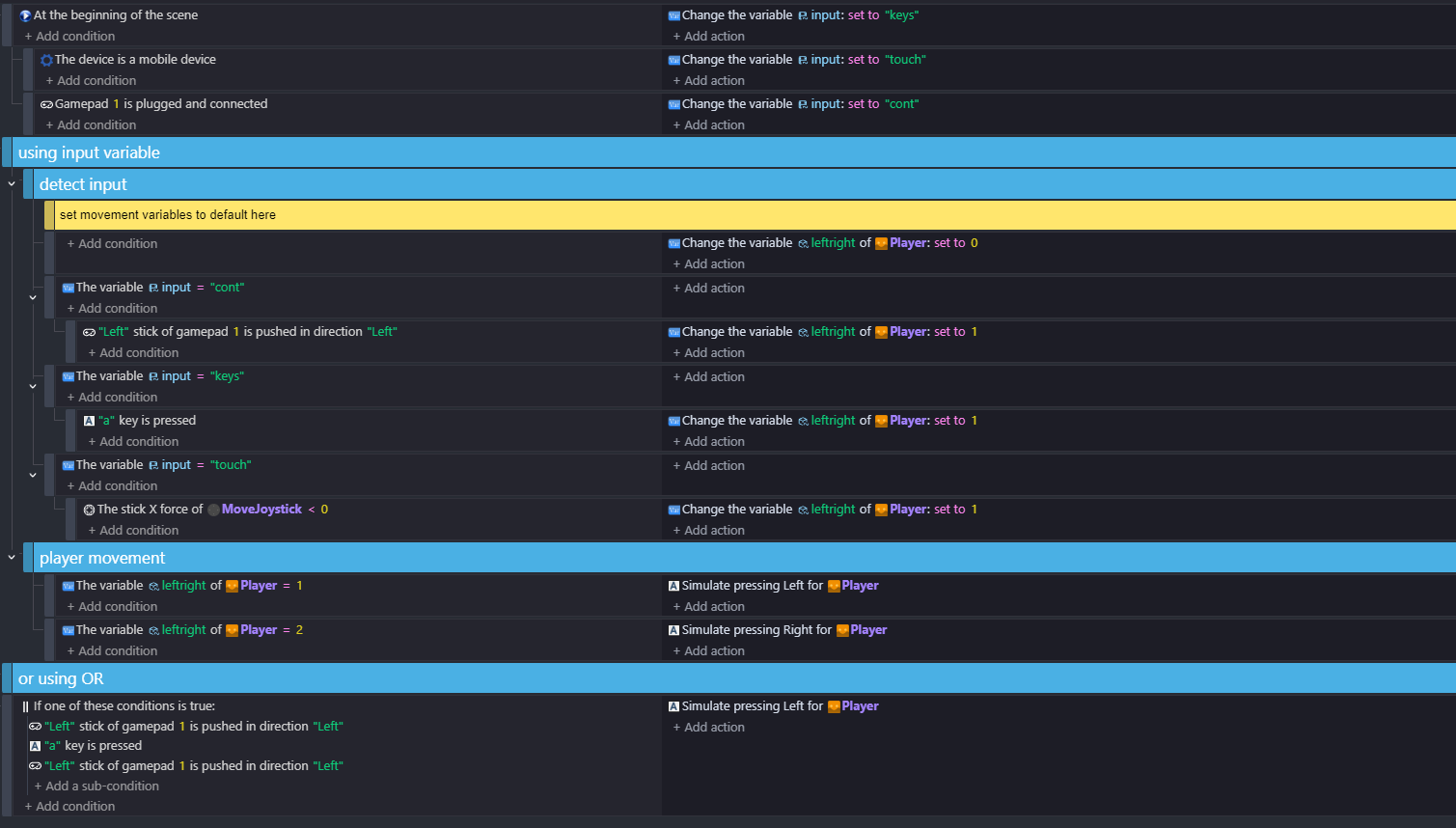
you can do that with OR…but sometimes if its getting complicated i use a variable for input select and use variables for the player movement
so if input =‘controller’
…left stick pressed …player left/right set to ‘left’
this way you can separate the logic …otherwise with IF’s for every type of controller/keys/touch etc…the OR and ANDS start to get really messy!
Can you show me what it would look like
so here ive used a variable for input - I sometimes find this useful when things get complicated, but also shown using OR. Sometimes you need AND inside the OR eg …AND(cursor touch on object, Touch held)
And this would let me keep both keyboard and touch while having controller support as well?
If you want them to be able to use touch, keyboard and controller in the game at the same time … without selecting which then you need OR and a list of conditions. What I’ve done there means that the events aren’t checking touch etc if they don’t need to . The player can select input type…and it only checks that type of input.
So if they use controller with this then the controller registers input but if they use touch it would register the touch instead of keyboard and controller?
Usually on a homepage you select the input type..
There’s no homepage here…so I put at the beginning of the scene …is the device mobile? …if so turn input to ‘touch’ and then … is a controller connected?..if so turn input to ‘cont’ to check controller inputs.
i just set it to keys at the start - as default
Ok I will try it and see if that works if not then maybe I can make a mobile version and just use controller and keyboard for the normal one
Ok I decided to do separate versions one mobile and the other one for PC
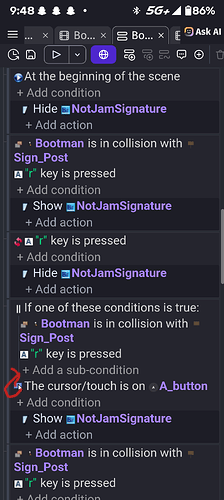
Hey the one condition at the bottom is outside the OR statement
This makes it check if either of the first 2 and the third are true
This is causing the issue
May you please Show me what you mean
Yes
Just move the A Button condition up 1 place into the Or and you’ll be good
And if I put the controller condition in the sub event aka the third then it would work Is what your saying