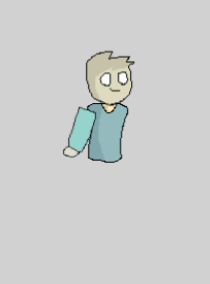
What's the best way to create a composite player (Player made of multiple sprites)?

Hello, I have a question regarding how to make a complex character made of multiple parts

Let’s imagine that I want a player that has multiple skins, and the weapon they’re carrying is visible in their hand. What’s the best way to go about this?

I’ve thought of three potential options:

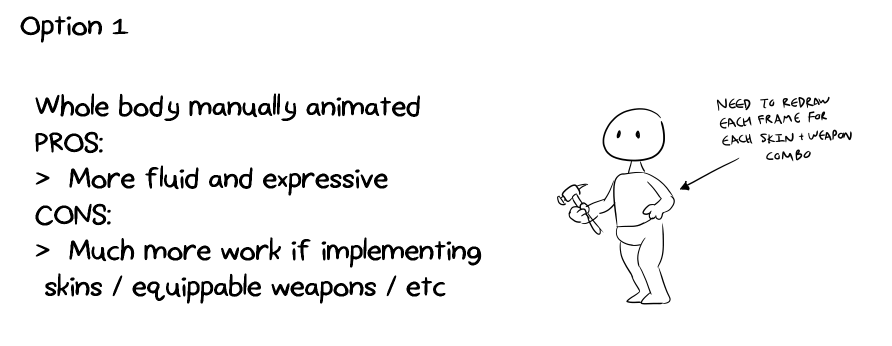
OPTION 1: Manually animate the whole body
This isn’t ideal because I’d have to redraw the body for every skin + weapon combo, but it does make the animation more expressive
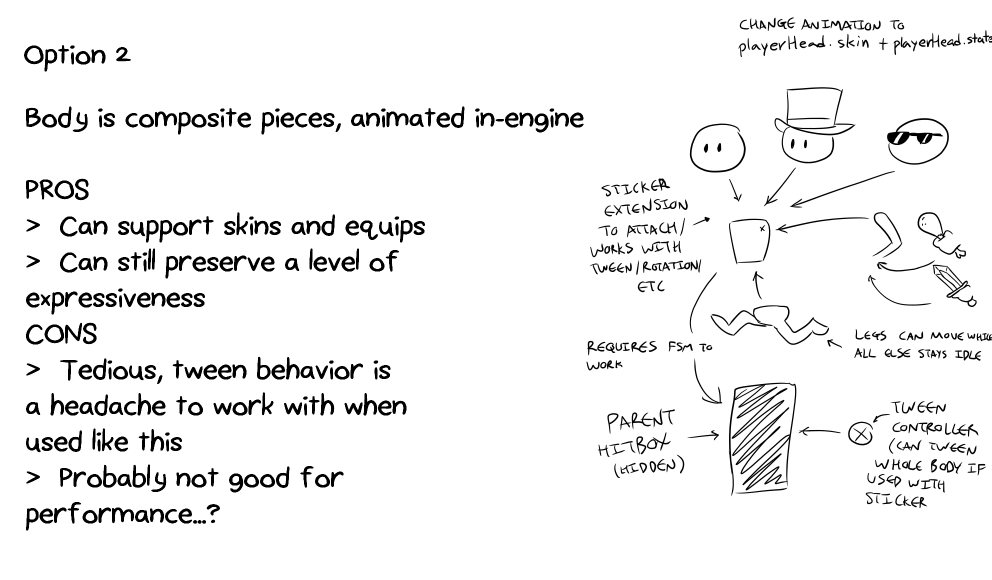
OPTION 2: Animate in-engine
This gives me more control, and it puts the surprisingly powerful sticker extension to good use, but from my experience, it’s a headache to work with, especially if you want to crossfade tweens together. Also, I fear performance might take a hit from all the extra code

There ARE parts where these composite parts disappear and the whole body is drawn, like for a specific sprite. For example, Yoshi from SNES Yoshi’s Island is made of multiple sprites, but when he takes damage, his hurt sprite seems to be one single piece.
Should I hide or delete the composite parts when this special animation plays, and respawn/reshow them after the animation resumes?

OPTION 3: Spine
Spine makes things easy and efficient, but it costs money.
Also, Spine is still experimental, and most likely low priority on the developer’s to-do list, and therefore unfinished
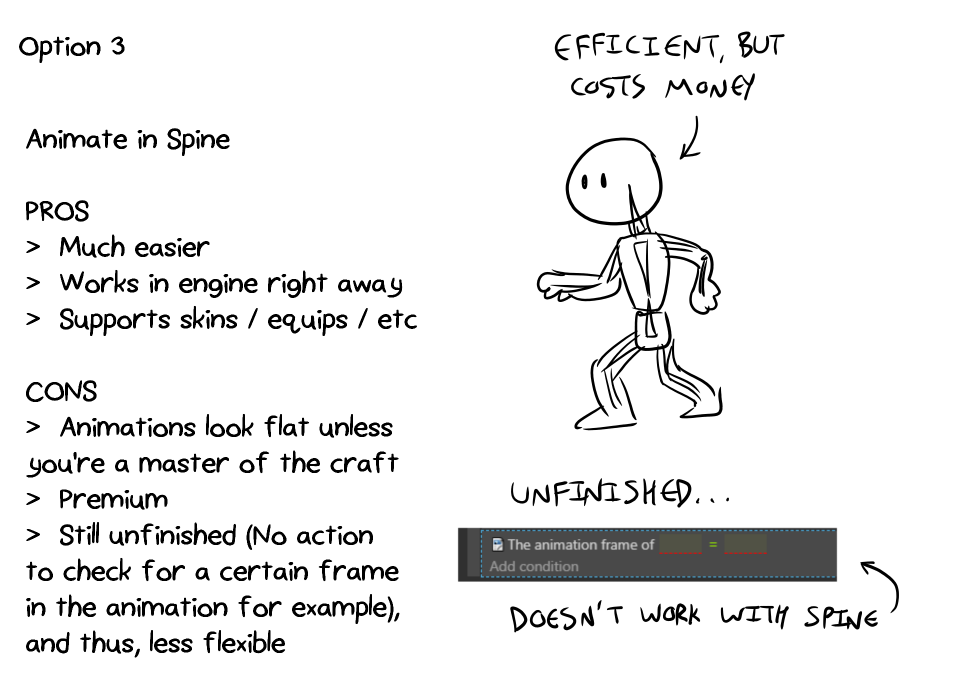

The condition to check for a certain frame in an animation is missing. In fact, the Calcopus example LITERALLY showcases this problem in it’s comments:

That being said, I’m torn on which one I should use to animate a composite player. Option 1 isn’t ideal, so that only leaves me with 2 and 3

Should I stick with 2 and animate the character in-engine? Or should I wait it out for more features to be added to the Spine behavior and go for 3?

2 Likes

I never used Spline and since I can’t vouch for it, personally I would go with 2, especially if you plan to include a lot of skins and weapons.

It actually ain’t that hard, you don’t even need to use the sticker extension and it doesn’t really need a lot of processing power.

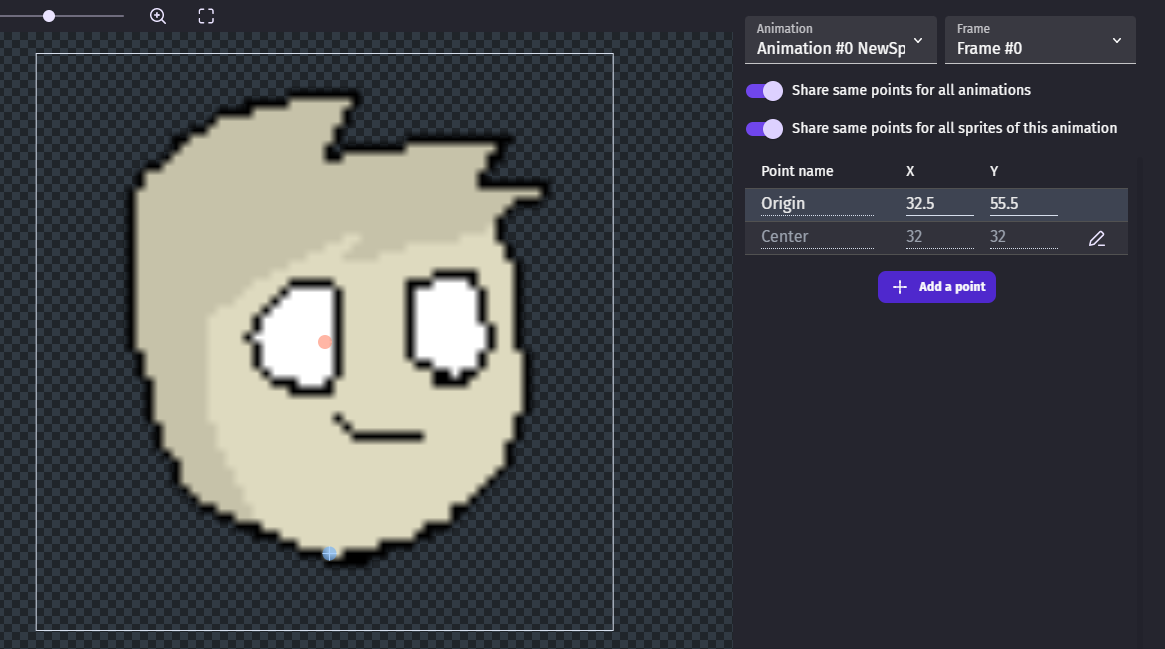
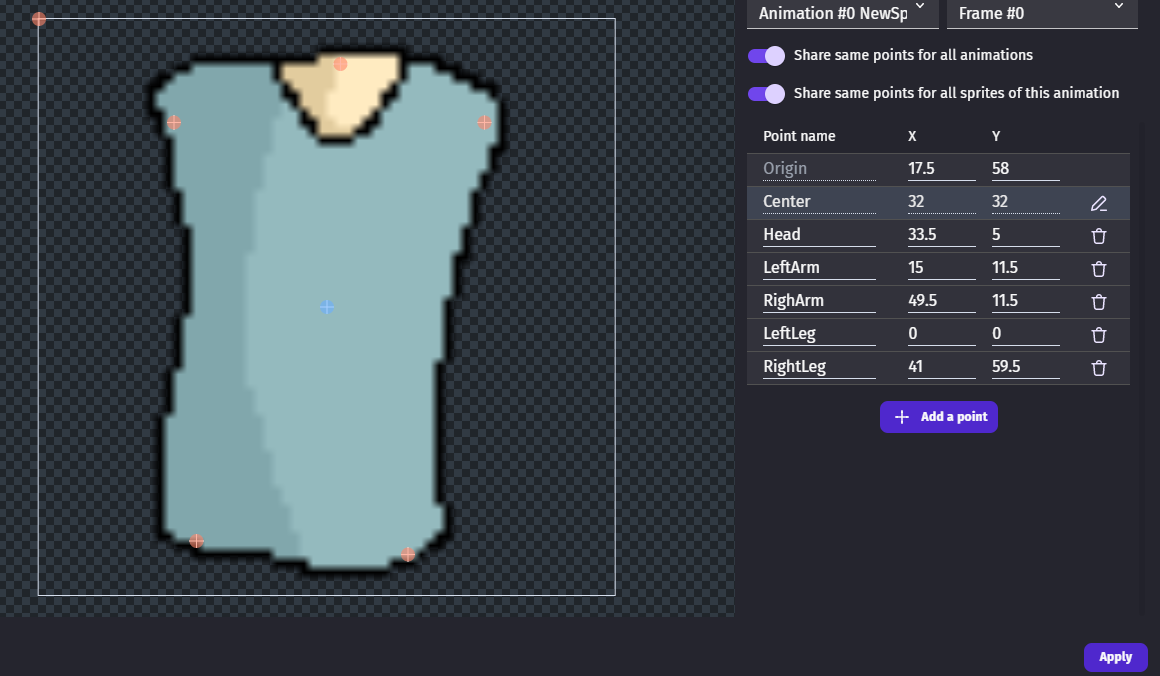
Create your player torso and then add different points on it. (For the head, arms, legs etc) Position them accordingly based on the shape and animations of your body parts.

Create your body parts as separate objects and attach all of them on the torso by having them follow their specific points.
Example: Have the head part follow the head point on the torso etc.

image

If you did it correctly, the body parts should follow the torso for all events.

Keep in mind that you will need to adjust the ORIGIN point of each body part as this is how the engine positions the objects. (For example if you leave the origin point of head at the top left, it will position your head inside the torso) I think you also need to adjust the center point if you want your objects to flip properly.

You will still need to animate manually your animations for each body part, but it should be much easier. Maybe you can skip the legs and arms animations by just rotating them in the engine to show movement? (Kind of like the movements in Scribblenauts)

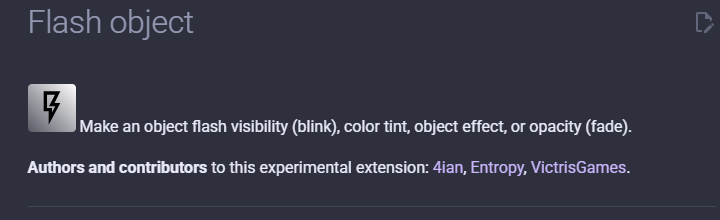
For the damage, you can give all of your body parts the flash behavior and have all of them flash each time your character is damaged.

Anyway this is my take on it. I’m sure that some of Gdevelop’s wizards can provide a better solution, would love to see their way.

1 Like

Hi - I did option2 on this game Forty Eight Foe | Play on gd.games
use WASD and K
it did get very complicated tweening the various bits to flipped angles and there was quite complicated platform code. some of the angle setting of each piece was directly linked to variables that change as you walk etc. Set up similar to @Digitalstickmans describes sending each piece to a point on a body object which is attached via change position to a point on a block with platform behaviour