In the scene editor search box for objects, instances and object groups (probably global objects and groups too) the typed search just stays there. Can we please have a little x to delete it as shown so that we don’t have to manually select and delete/backspace when we do the next search?
Sometimes I forget this isn’t already a feature and accidentally click on the little x that closes the whole panel by mistake.
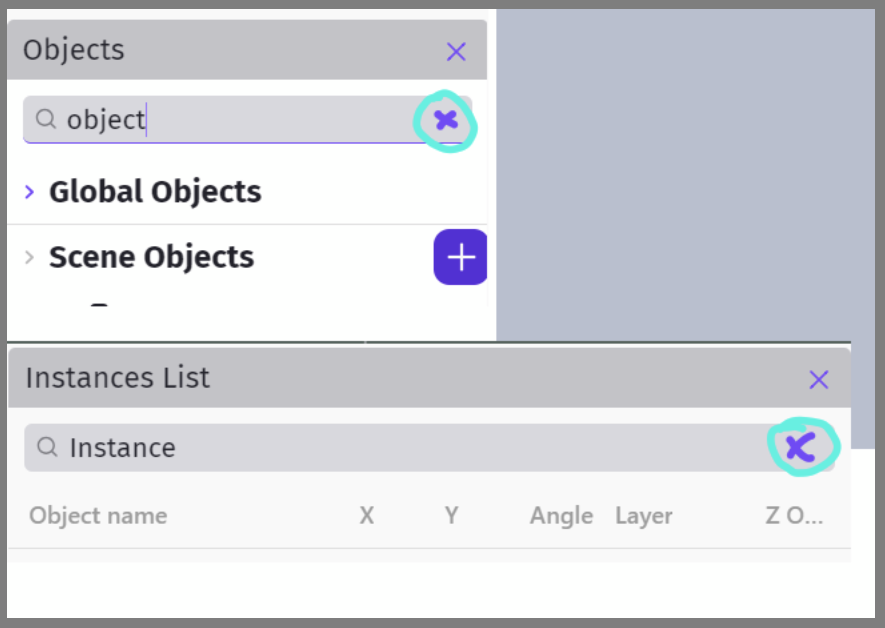
Extra info, it affects more than the next search.
Also once we type something into the search, obviously it filters the list. And if we don’t clear the search then the list is still filtered and we can’t see all our objects/instances/groups as we go onto whatever the next thing is we’re doing.