First of all, this type of formatting in your text is excellent if you don’t want people to take you seriously. Trust me.
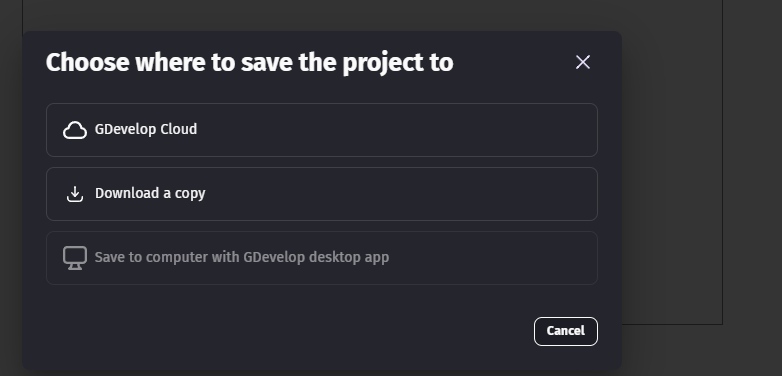
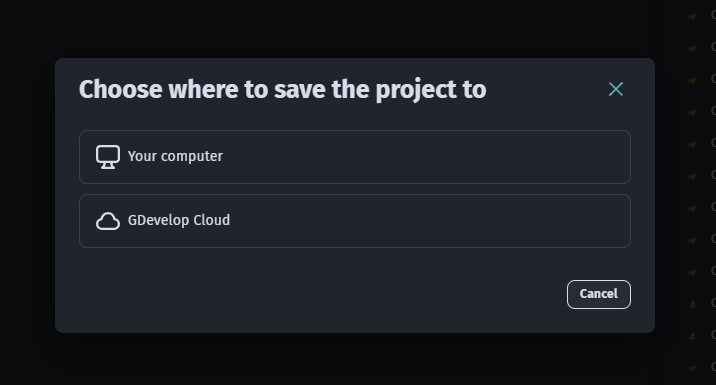
Now, to the point in question: How would adding a button make this easier, and how would that button work in practice? By compressing the source code? By creating a copy of the directory? Where? Do you really want to give the IDE permission to manipulate files in this way on your own device?
Having a button on the screen doesn’t prevent you from forgetting to use it. Creating a project backup is as simple as manually creating a copy of the project directory in another secure location where the IDE won’t have access to the files, or uploading all your source code to a separate cloud repository, for example. If you want to be a game developer, you need to learn how to have a recurring manual process for backing up your project. This would be much more useful for you, as an inexperienced developer, in understanding valuable concepts and best practices important for managing your project and its assets, than just a button that does this for you, which you’ll definitely forget to use at some point.
After adding some extensions, my project breaks. After removing the extensions, they still continue to perform their functions and ruin the project, but a backup that simply downloads the cloud project to my computer can save it. This is why I want a button like this. I could make a copy of the project before adding new extensions.
My point remains. You should never have only one saved version of your project. Never. Whether it’s a project saved in the cloud or locally, that’s what I talked about in my answer.
A backup button would only make the process of saving your project to another location faster, but it wouldn’t prevent the project from breaking if you didn’t have another backup saved and forgot to do it in the first place.
My last big project done in GDevelop with two other colleagues was a graduation project, so it was something we absolutely couldn’t lose. Since we were working simultaneously, a single codebase wasn’t feasible for us, so we regularly created different branches of the project to work on our own implementations, and at the end of each cycle (usually on Friday) I was responsible for merging our branches into the main development version, updating our backup, and ensuring the code didn’t break in the process.
What I mean by this is: You don’t need a backup button, you need to learn to create your own backups frequently to prevent your project from eventually breaking. This will happen regardless of whether the IDE has tools built in to prevent it, and it is your responsibility to create a safe version to revert to if it happens.