hello once more, i am curious if we can turn a png into tiles. for example: you take a png with a transparent background, and for each pixel that isnt transparent, a tile with a different id gets placed there. just like how developers use perlin noise for world generation.
my plan was to scan the entire image and place tiles accordingly, however i dont really know how to do that since i am new ofc. it would be great if you guys can help plzz, thx
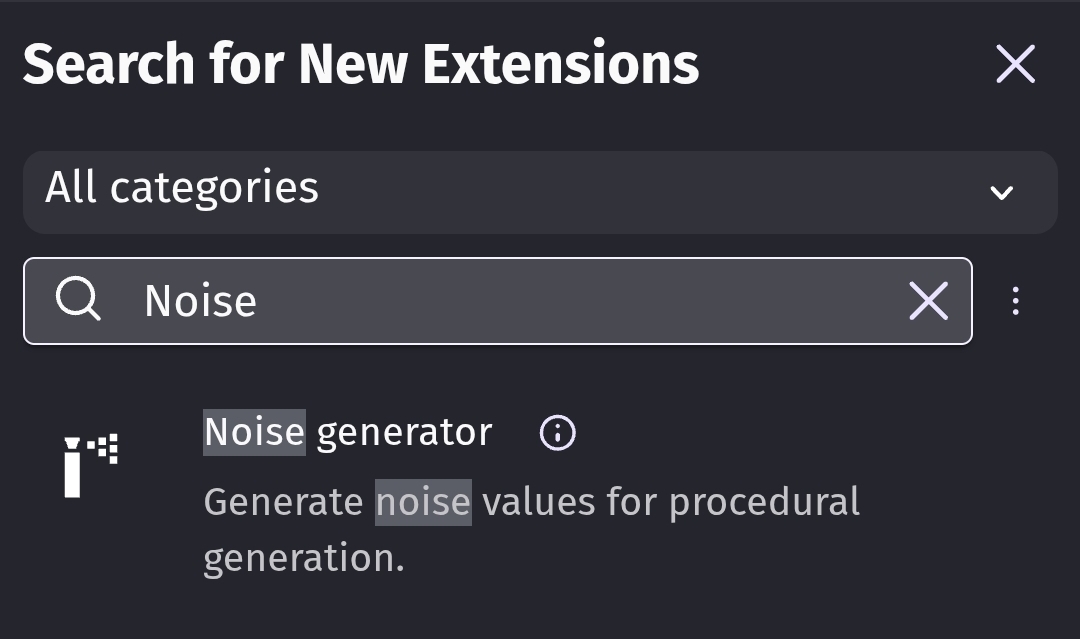
There is read pixels extension
You could totally loop trough your image even do it on grid and that would not be a problem
BUT how you would determine which pixel should be what?
I mean if you would have few colors then yeah you do like
Read pixels = SOME NUMBERS HERE
Then do this or that
And you would need to have same events for as many colors as you have on your picture or scene or whatever
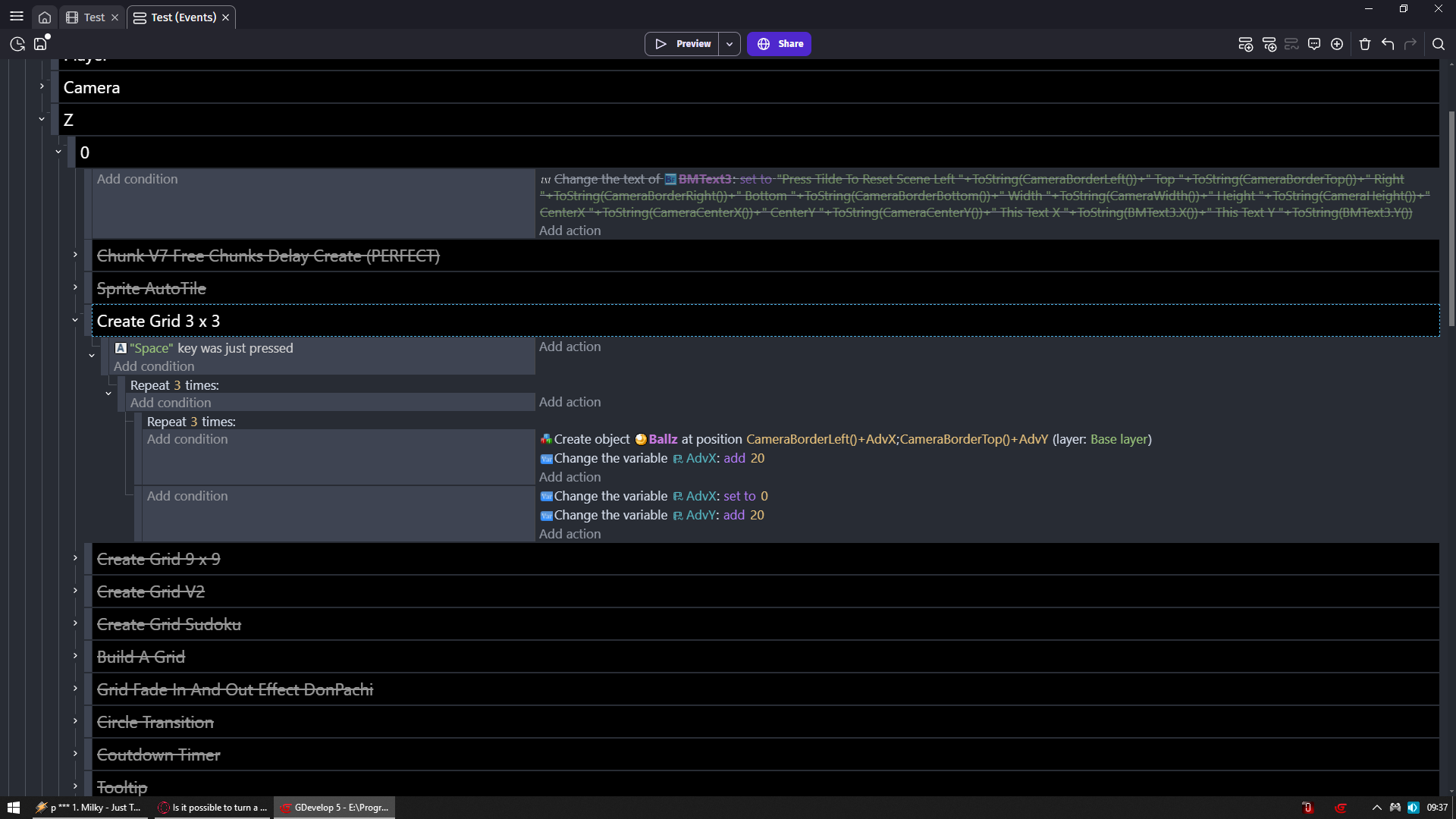
I am not like literally creating grid of ballz there
I am telling my game to create ballz at this position then move away to the right 20 pixels and create another one and then repeat it so i have 3 ballz
Then add 1 to 20 to Y pos on which it happened and i reset X pos to 0 and it is again done 3 times
And then once more i do exact same thing and bam grid of 3 x 3
You would do exact same thing with your image
But you would need to start on Image.X() + some offset + your multiplier (AdvX in my case)
Same for Y
And then you would need to have action to set tile on tilemap to some ID in relative position
Issue is like i told you
You would need to pre determine color what which color be as tile ID
This guy is doing pretty much what you want
He is just reading color of button whichever you pressed
And apply color of that button to outline
You would need to read same way pixels using grid logic i provided and then apply it to tilemap tiles
It sounded like you wanted to read a png that wasn’t onscreen. All i could find was this Room Generation from Image - “Read pixels” Extension (Usage) - How do I…? - GDevelop Forum
the response from davy was that it might be possible with javascript - but won’t be easy.
There was a thread last year where Keith did a clever thing with reading pixels of a tiny image in a tiled sprite …but i cant find it! - it was about six months ago
Otherwise, it might be easier to use an array or a different style of file like JSON.
You can’t read a hidden or off screen image but you can put the image in a tiled sprite and read it a pixel at a time by shifting the tiled sprite’s offset. A bit like peeking through a hole at a paper and shifting the paper.
The post is there but they were using it with a map. So, the tiled sprite offset was set to the cursor position minus the visual map position. To scan it you could use a repeat or 2 nested repeats to scan the whole thing.