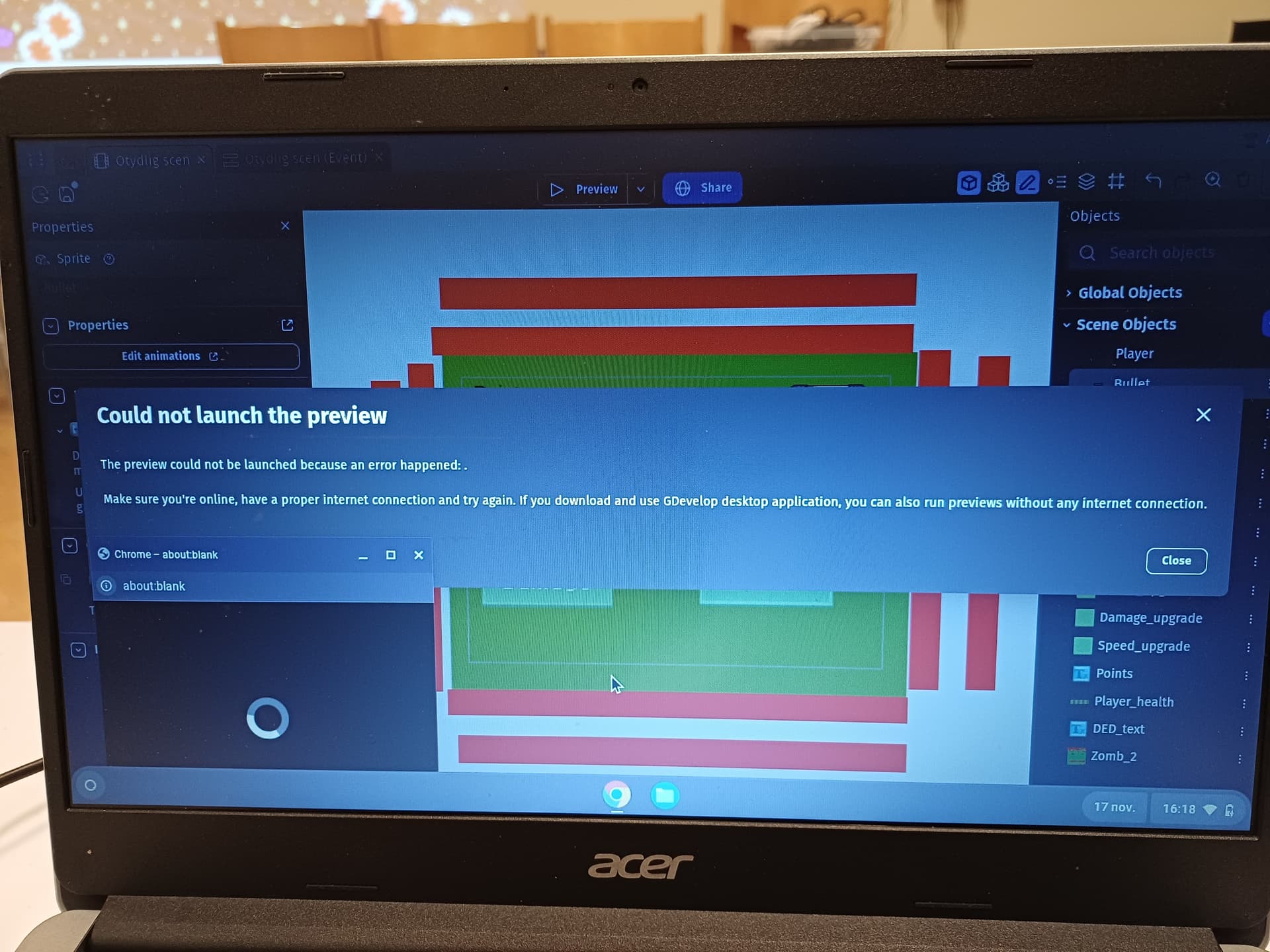
I’m using GDevelop to teach game development to middle schoolers. We’ve been using chromebooks and the web version of GDevelop, but have started to see some issues. In particular they have gotten an error when launching previews, saying:
"The preview could not be launched because an error happened: .
Make sure you’re online, have a proper internet connection and try again. If you download and use GDevelop desktop application, you can also run previews without any internet connection."
The error doesn’t show up every time but once it does it’s impossible to open a preview. Restarting the computer fixes the issue, so I assume it might have something to do with cookies something in the web cache which gets cleared once the computer shuts down in our case.
I haven’t been able to find a clear pattern to when the error shows up, which is very annoying, and since the error description is so unclear I don’t know what to do about it. Sometimes they can work an entire lesson without issue and sometimes they’re forced to restart the computer several times.
The computers are connected to Wi-fi, but are not very strong, can that be the cause of the issue? Does anyone have advice?