And what makes you think 1st time when you reply to my message did not give me any notification?
Re download and re install Formatter
Its now fixed
THX for spotting i totally did not even notice
And i added Formatter::DeviceTime()
Which will automatically spit out your device time
But its 24H time next step is to add to it choice for 12AM PM time
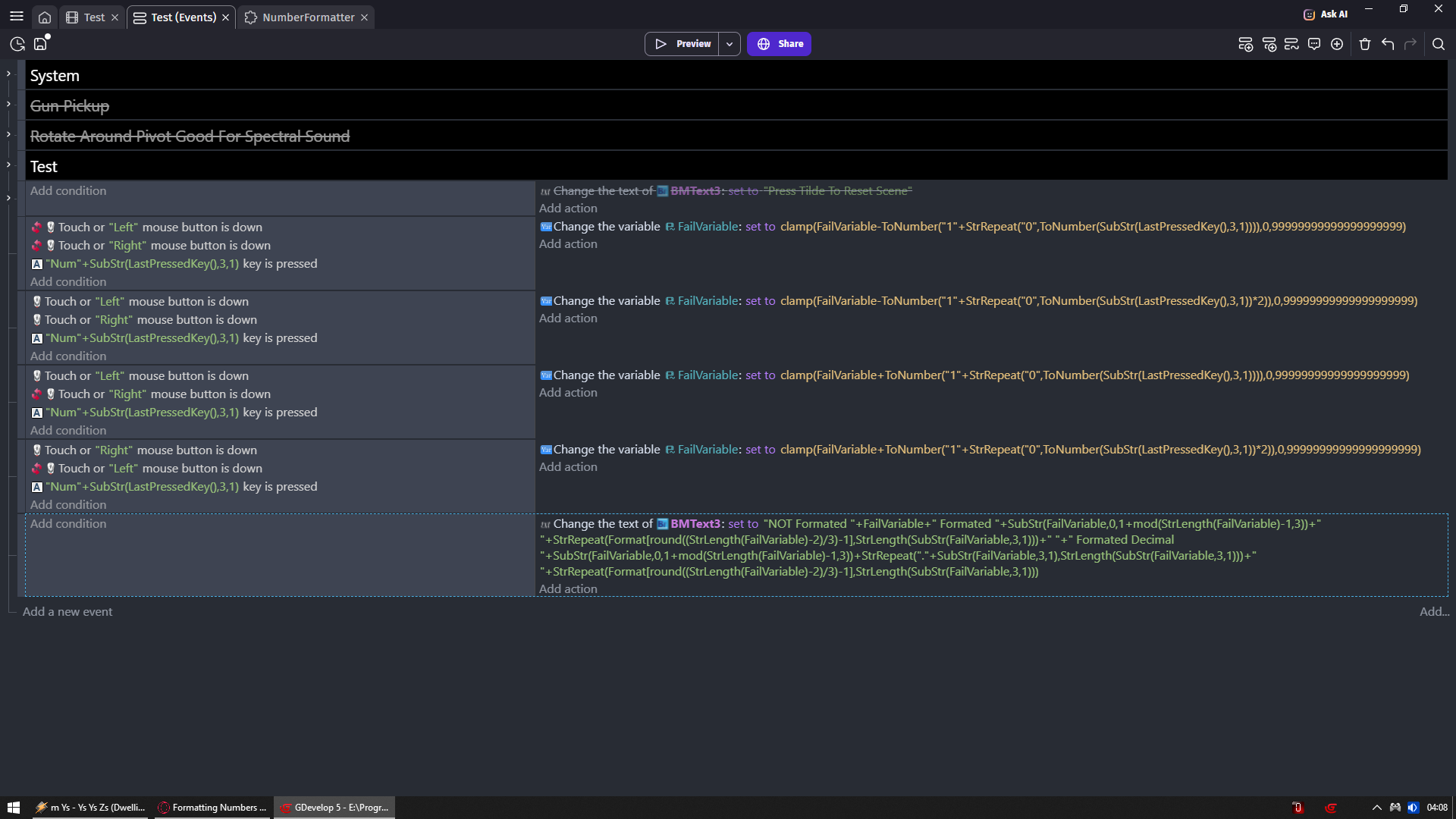
Holding LMB + 0-9 keys will add 1 and that many zeros
For example LMB + 3 will add 1 000
LMB + 1 adds 10
RMB is same story but 2x amount of zeros
RMB + 2 adds 2 0000
Not holding RMB and LMB while pressing 0-9 keys will SUBTRACT 1+ that many zeros as keys you pressed
Holding both RMB and LMB and then pressing numeric keys will subtract 1+ 2x that many zeros
@Bubble Look quick lesson of what how to make it
If you have Score variable that goes 0 1 2 3 4 5 6 7 8 9
So it adds 1 to it constantly
But you gonna use mod(Score,3) in text object then you it will loop around 3 digits
FOR EXAMPLE
Score
0 1 2 3 4 5 6 7 8 9
0 1 2 0 1 2 0 1 2 0
mod(Score,3)
Then there is StrLength(string) which returns number of characters in string
For example StrLength(wow) = 3
StrLength(formatter) = 9
Now imagine this if i want to use SubStr(String , starting position , portion)
To display part of that String i could set it to
SubStr(word,1,1) to display o but if i would have number like 123456
Then
SubStr(123456,1,1) = 2
But you can do it to variable that have some number
And what if i would do
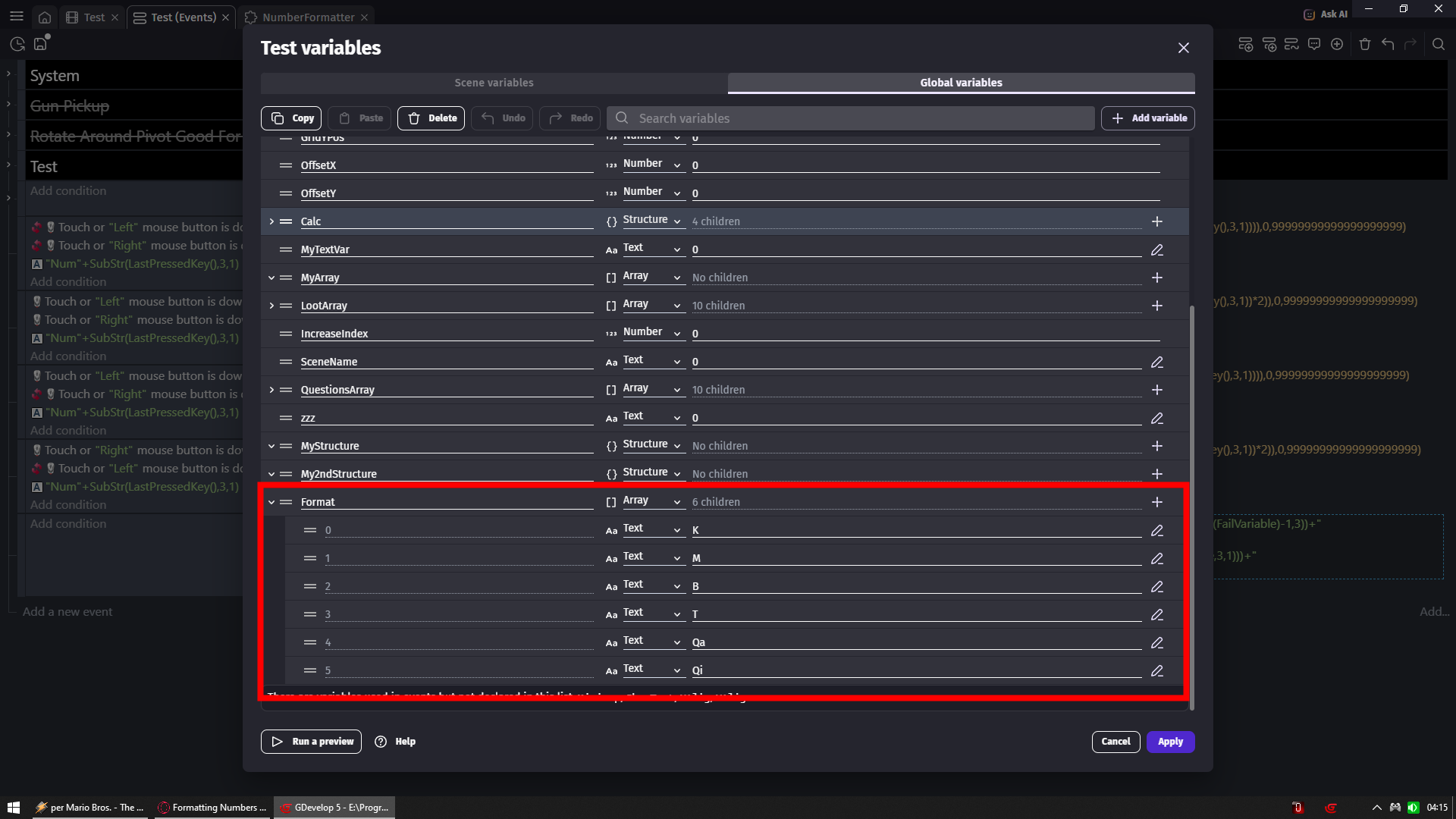
SubStr(Score,0,1+mod(StrLength(Score),3))
Then we would see either 1 or 2 or 3 characters depending on length of Score variable
For example Score variable = 1 we will see 1
If 2 we see 2 if 3 we see 3
BUT if 4 we gonna see 1
For example
Score = 123
SubStr(Score,0,1+mod(StrLength(Score),3)) = 123
But
Score = 1234
SubStr(Score,0,1+mod(StrLength(Score),3)) = 1
Score = 45862
SubStr(Score,0,1+mod(StrLength(Score),3)) = 45
And everything you see in my extension works around stuff like that
https://wiki.gdevelop.io/gdevelop5/all-features/expressions-reference
This is far from perfect but a lot you can find out just by knowing expressions work and tying to use it in text object to get anything out of it
Snowy was right 2nd separator is for you to decide should there be space between number and suffix or - or nothing
I do not like deciding for user
i prefer to leave a choice
Look how suffix with my font in my example is absurdly close to number
Looks perfect for numbers themselves to be that close
But not for suffix that is why there is a choice
Same way that why separator have ON OFF instead only of ON
What if someone want it to blink between / and
Or < and > or ; and : or even maybe - and +
Anyway go to example i pasted in this post and look what happens (device time on bottom)
When your space character have different spacing than colon character
Now someone could be hey in my font # and ^ takes same space
Maybe i just gonna replace them to space and : in font file
And i would get blinking colon
or replace with whatever they want
And in parameter at first i wanted to put there comma that is why it was named comma but you made me realize it was wrong
Now its SeparatorOFF ON
I don’t understand your feedback
Write example when should happen what
Because i am pretty sure i still can keep it 1 action
OR maybe what you want maybe is doable trough expression itself outside extension
What i understand you would want
1.1K
1.122M
1.243B
1.245T
So you set decimal to 1 but its only 1 digit at 1k
But anything above million goes for 3?
Or million have 2 decimal places but then from Billion and up goes to 3?