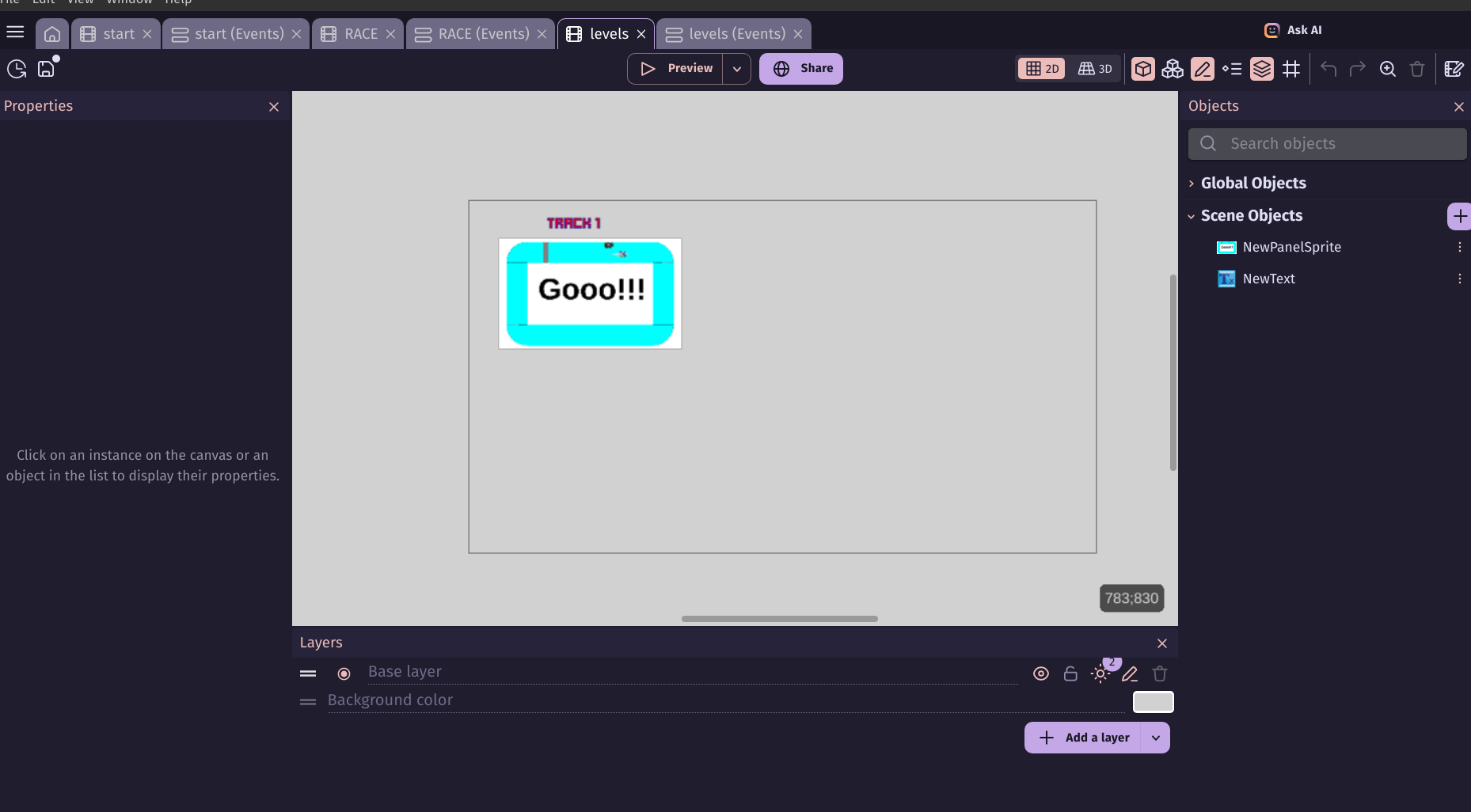
Sup guys! Im still working on my racing game, its called Racing 4ever. And im trying to make the level scene, and adding tweens, i know theres many other ways to do this other then adding a pic, like a outline of the road, or just a button but i like it this way.
the problem is the pic goes too big then too small no matter what i tried.
Here is my game. Racing 4ever 🏎️ | Play on gd.games
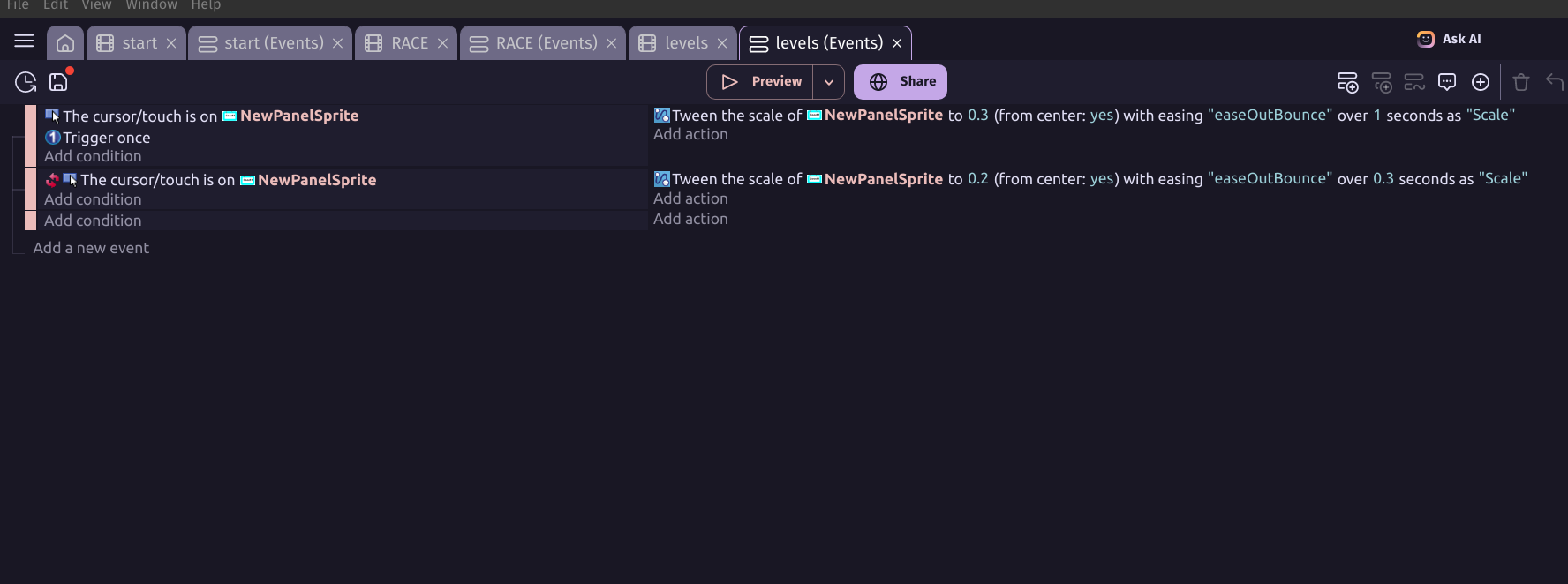
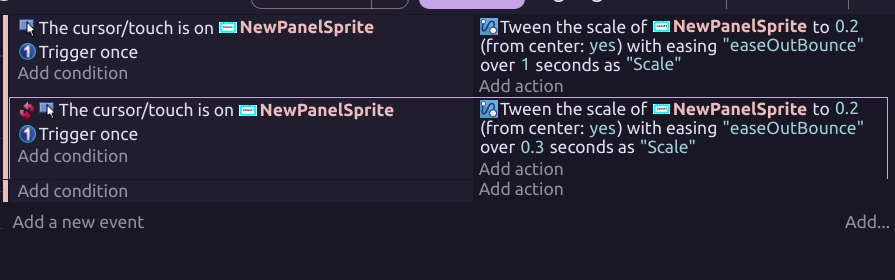
Here is the screenshots of events. go on my game and click levels.
Firstly, there’s not much difference between 0.2 and 0.3. Is this because you’ve already changed the size of the object in the scene editor? The tween scale will work on the original size which means you then have to put weird numbers into the tween?
Secondly, classic tween booboo, each tween needs to have its own name.
Thirdly, it’s best to have some kind of limit on the condition. You’ve got trigger once in the first event which is good. If a trigger once isn’t suitable for the second event, then you can think of some other way, like cursor isn’t on sprite, change Boolean to false. If Boolean is false, do this tween
Fourthly, the wise people here say that if you don’t want tween weirdness then use a remove tween action and a tween has finished condition. It’s probably not always necessary but if you want to reduce the chance of errors, it’s good to go to that effort even though it’s extra work.
I haven’t played your game yet, and I still want to play your other game too. But I had a quick peek. That logo is AMAZING, I love it.
I played the game! - good work there sir! - i couldn’t beat the AI!
so …give the tweens different names eg ‘scaleup’ and ‘scaledown’ and use trigger once on each and you could add the condition ‘scaleup’ has finished to the ‘scaledown’ event.
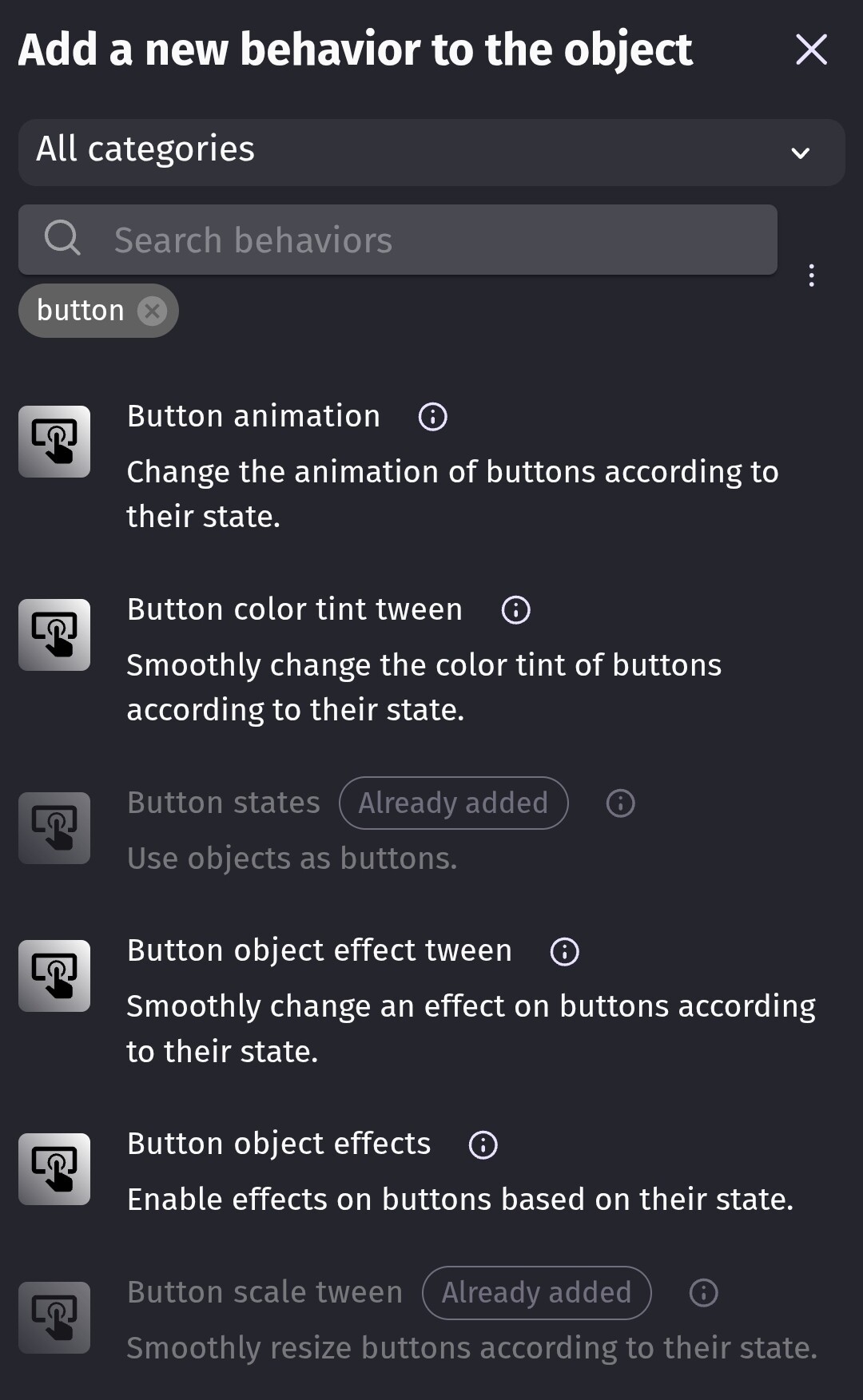
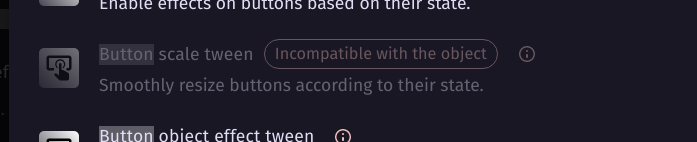
The last one automatically resizes the object with a tween. I believe it might automatically add the button states behavior which adds conditions like was clicked.