Please make sure to follow the forum’s rules before posting.
Posts that do not follow the rules will be ignored, closed and archived.
Hey, in my game. I have anti-aliasing on (for UI and backgrounds), but for sprite characters I need sharp edges (so smoothing edges needs to be off).
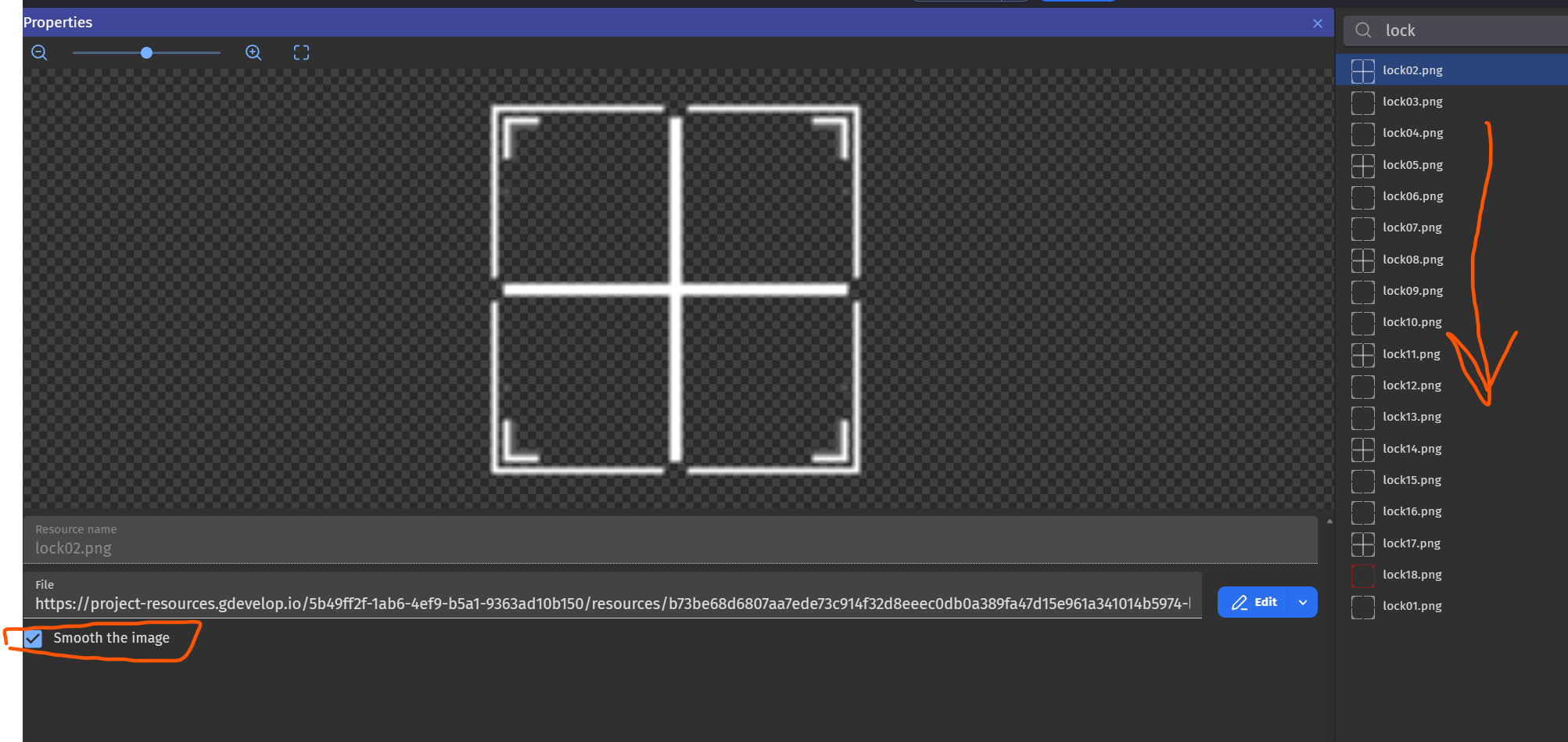
When I am importing an animation, I need to manually turn off all the images in resources to have it without smoothing. I think this topic was raised a few times, but I didn’t find any solution. Or is there any?
If not, this feature is needed and not only by me. Example screen below. This would be easily solved if we could select all desired images with the CTRL key. that same for deleting stuff. Deleting is a pain too!
thanks!