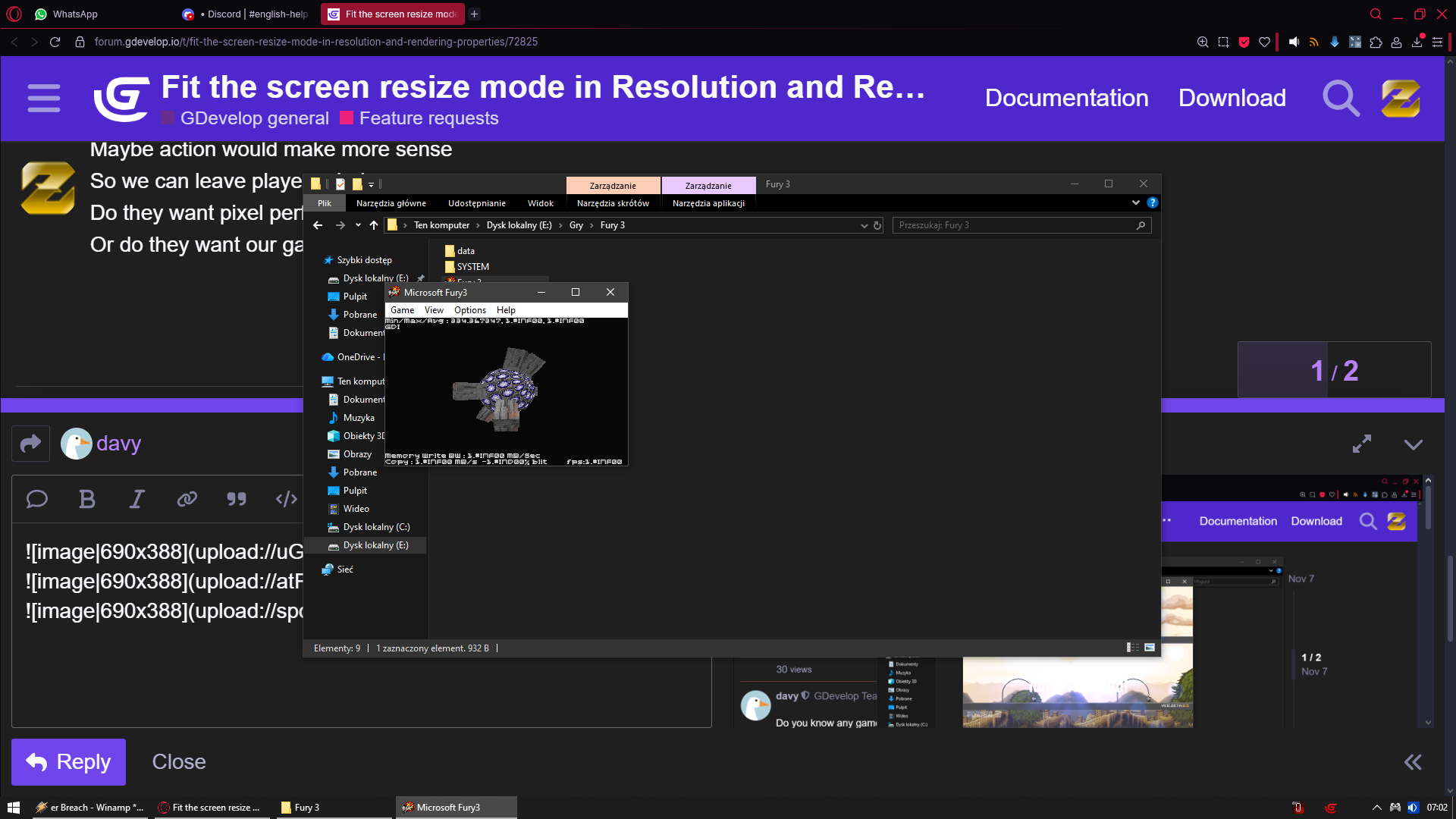
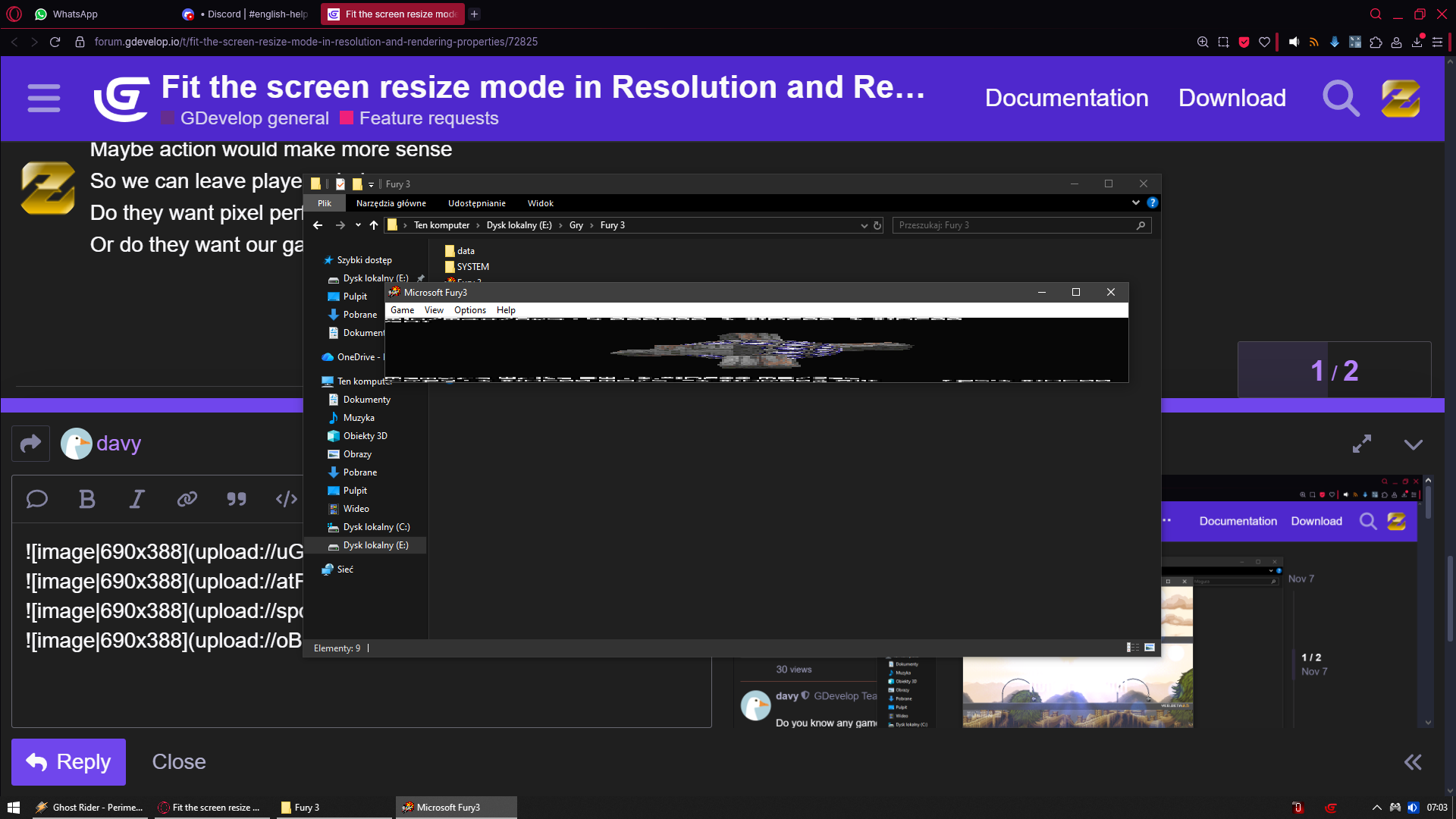
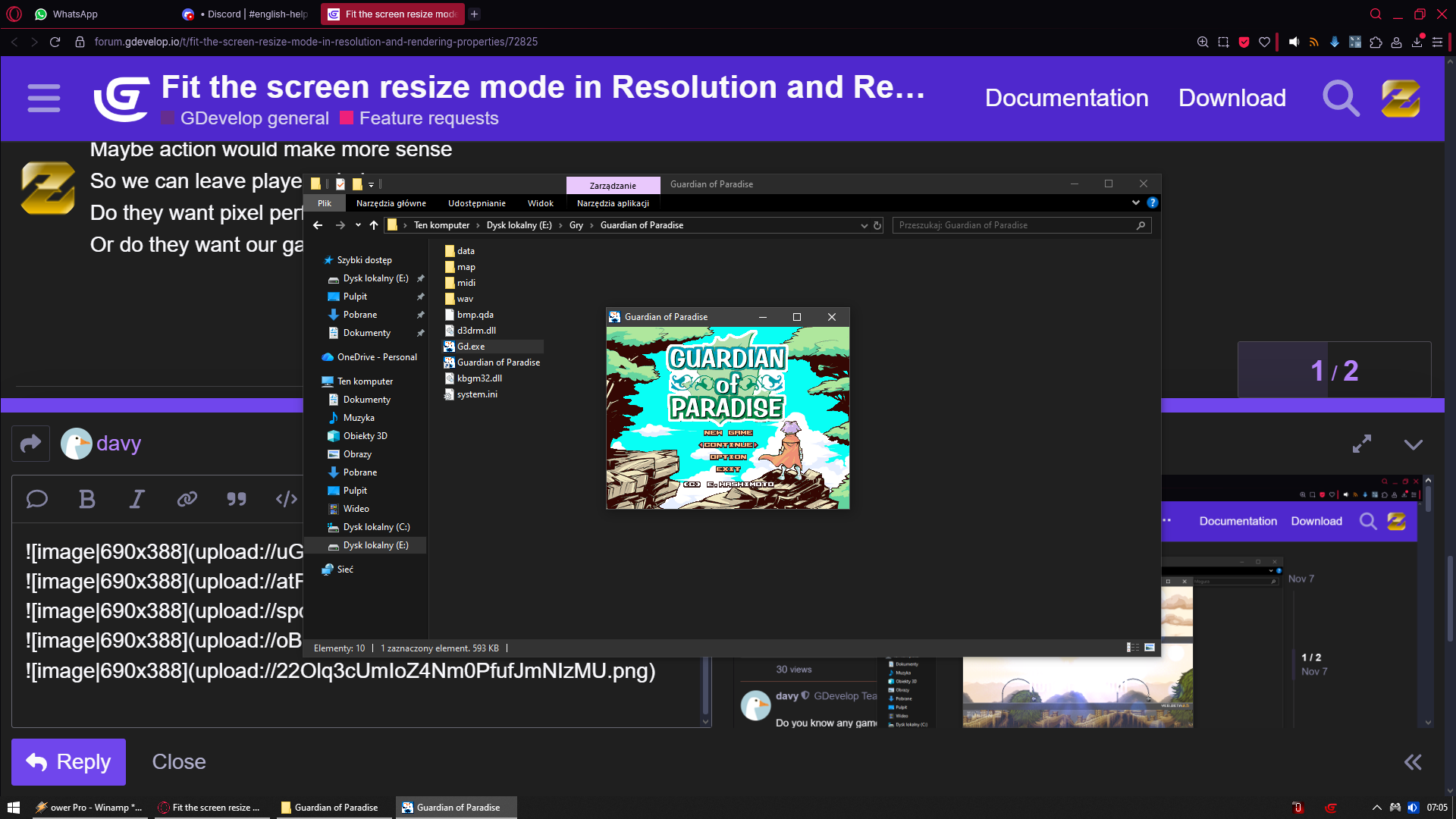
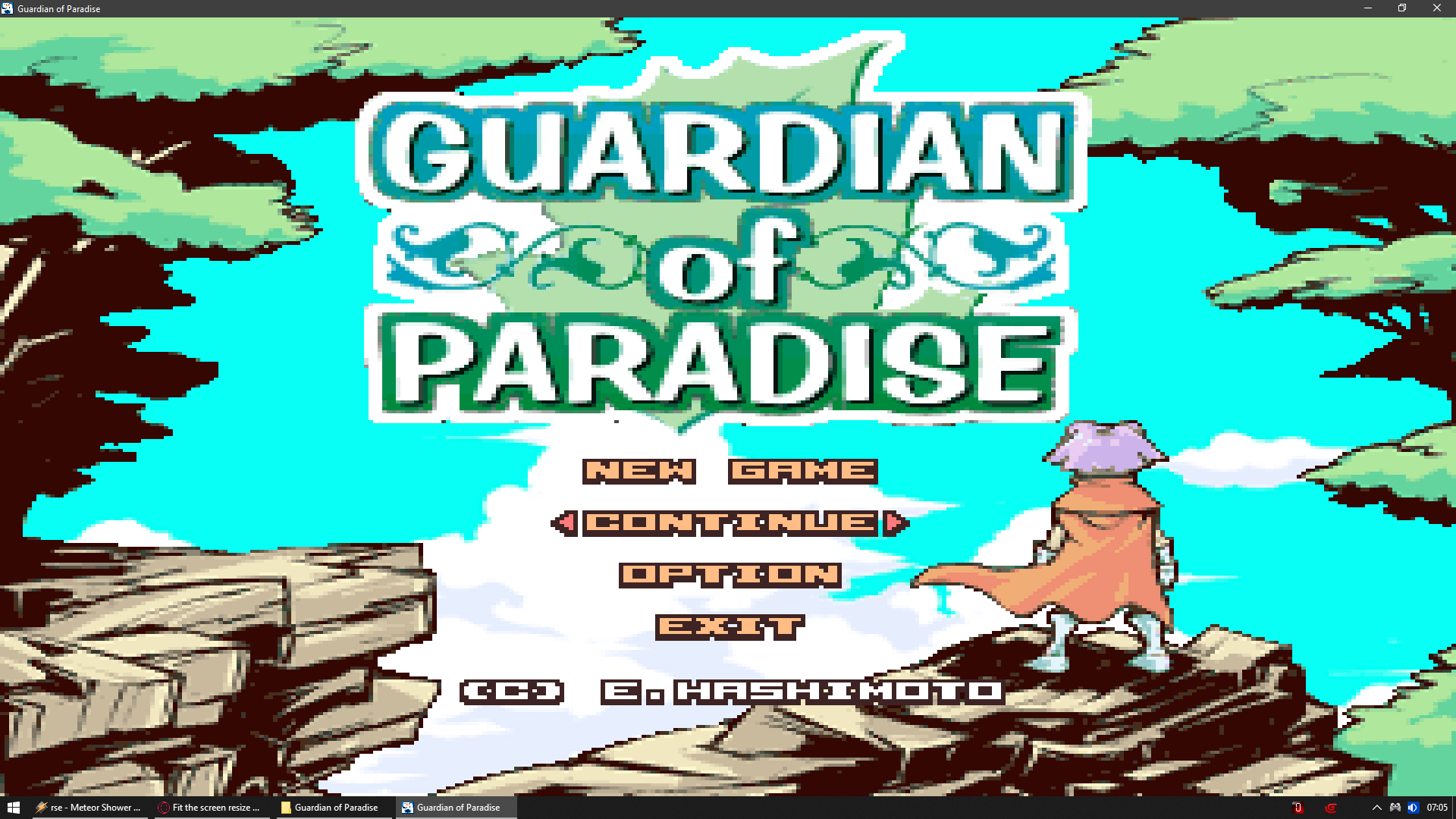
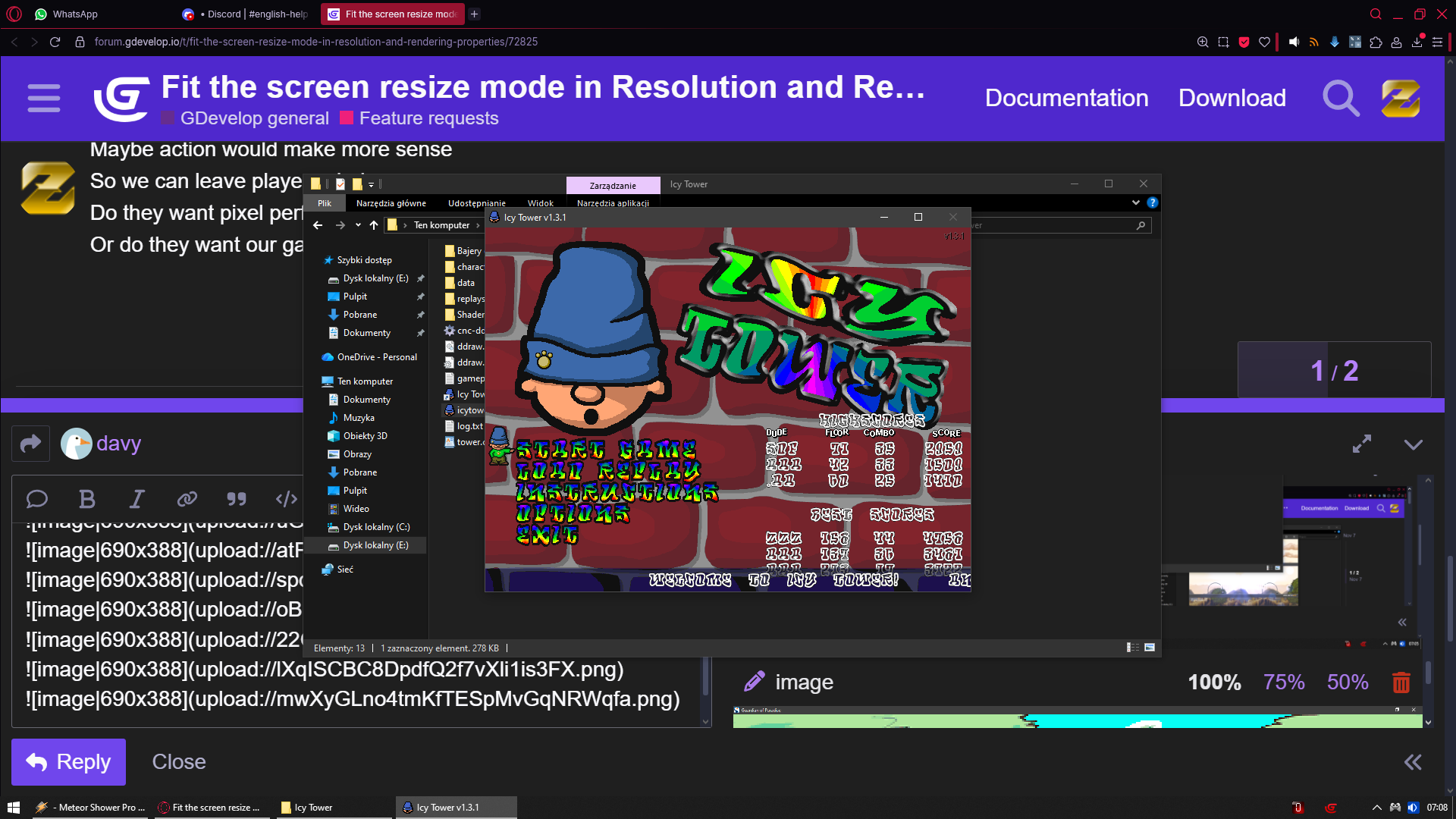
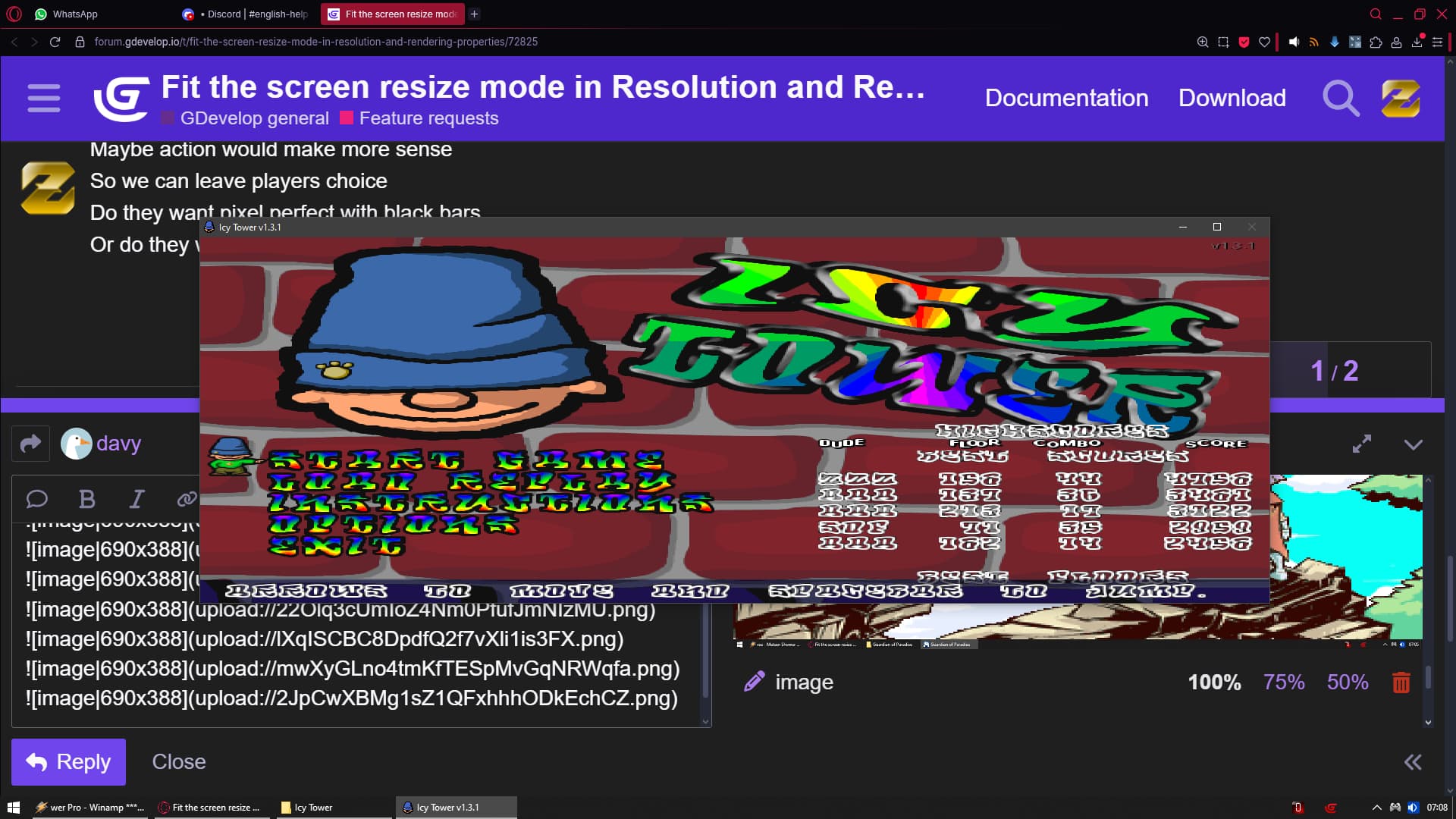
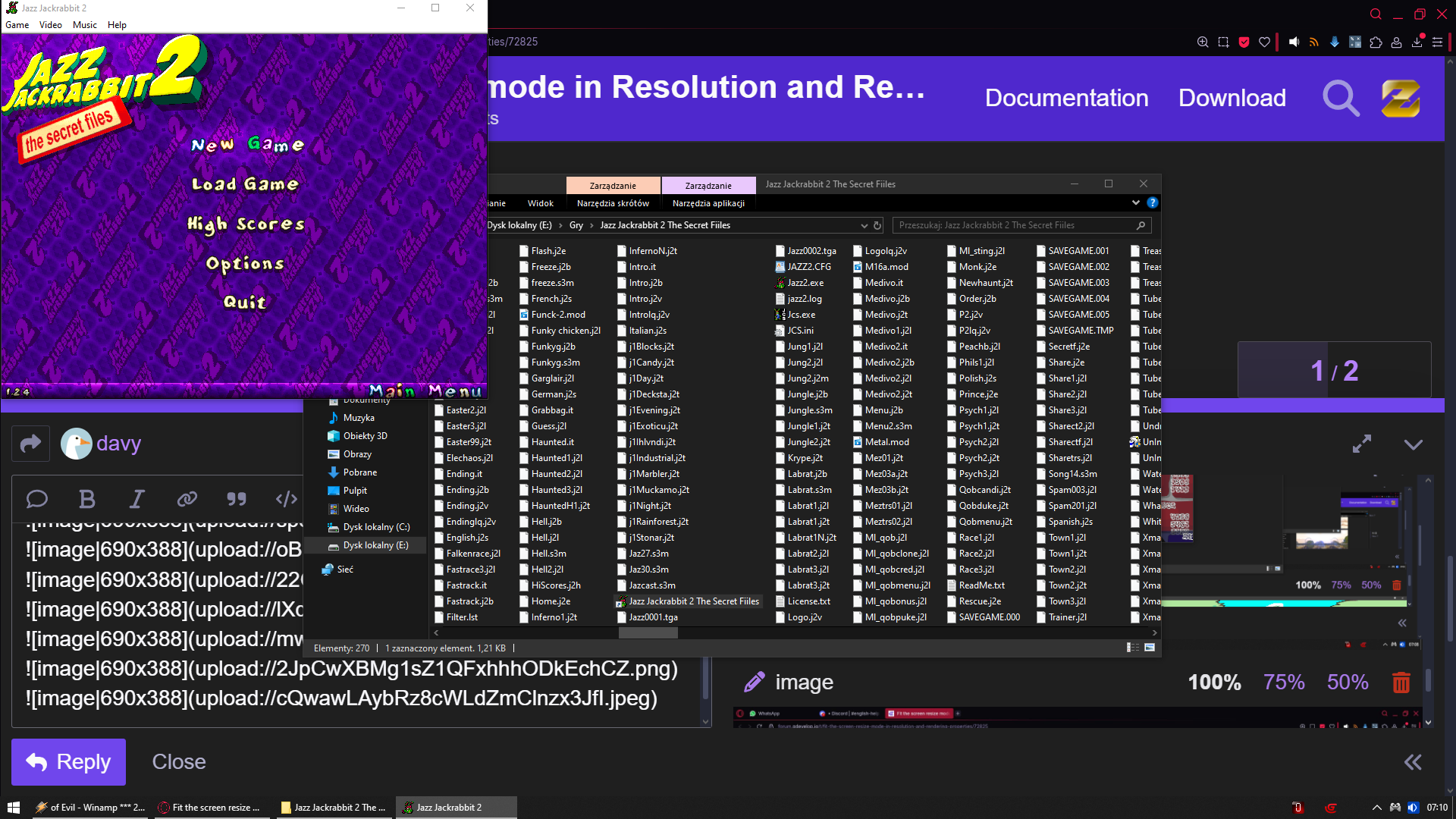
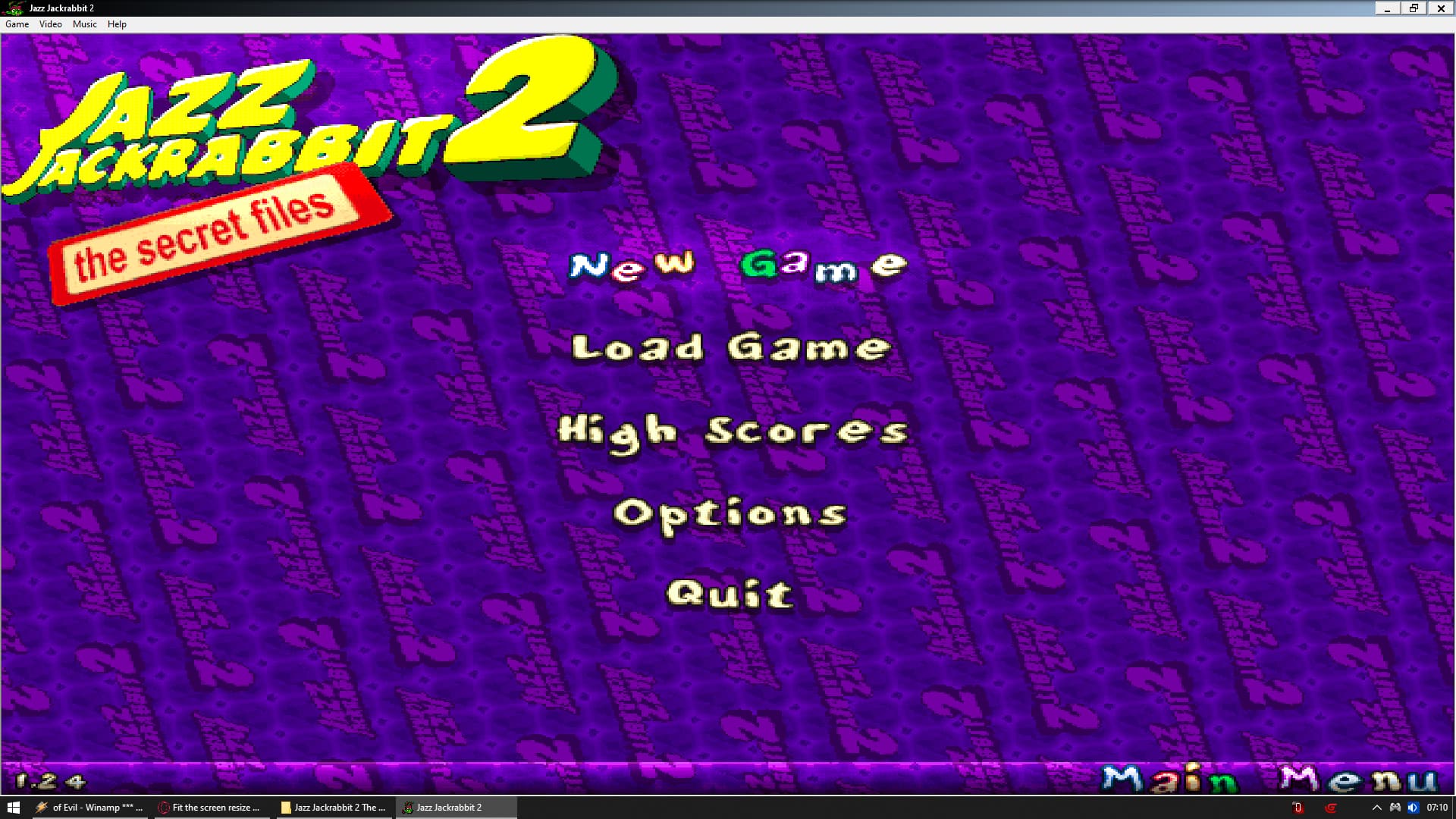
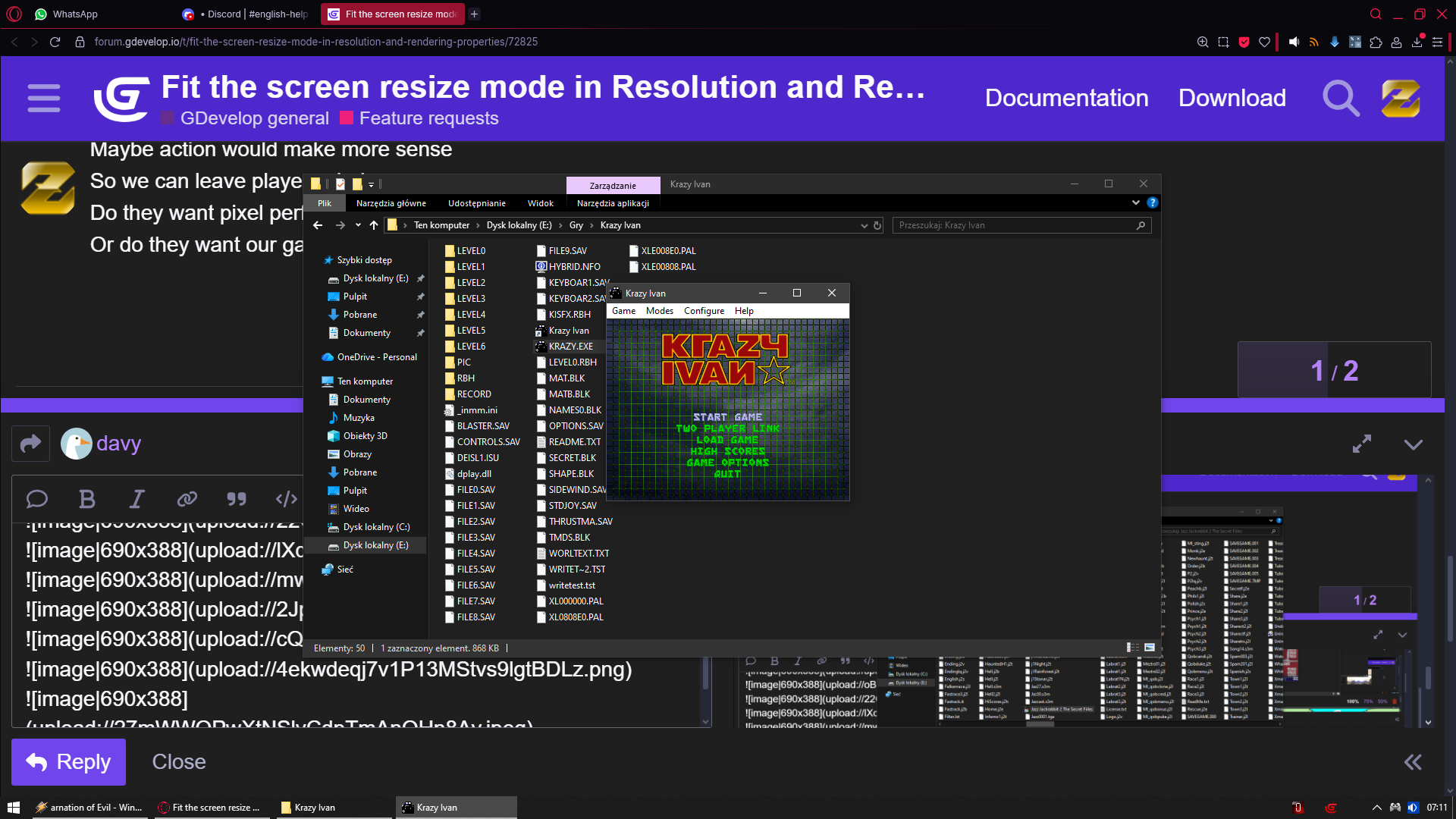
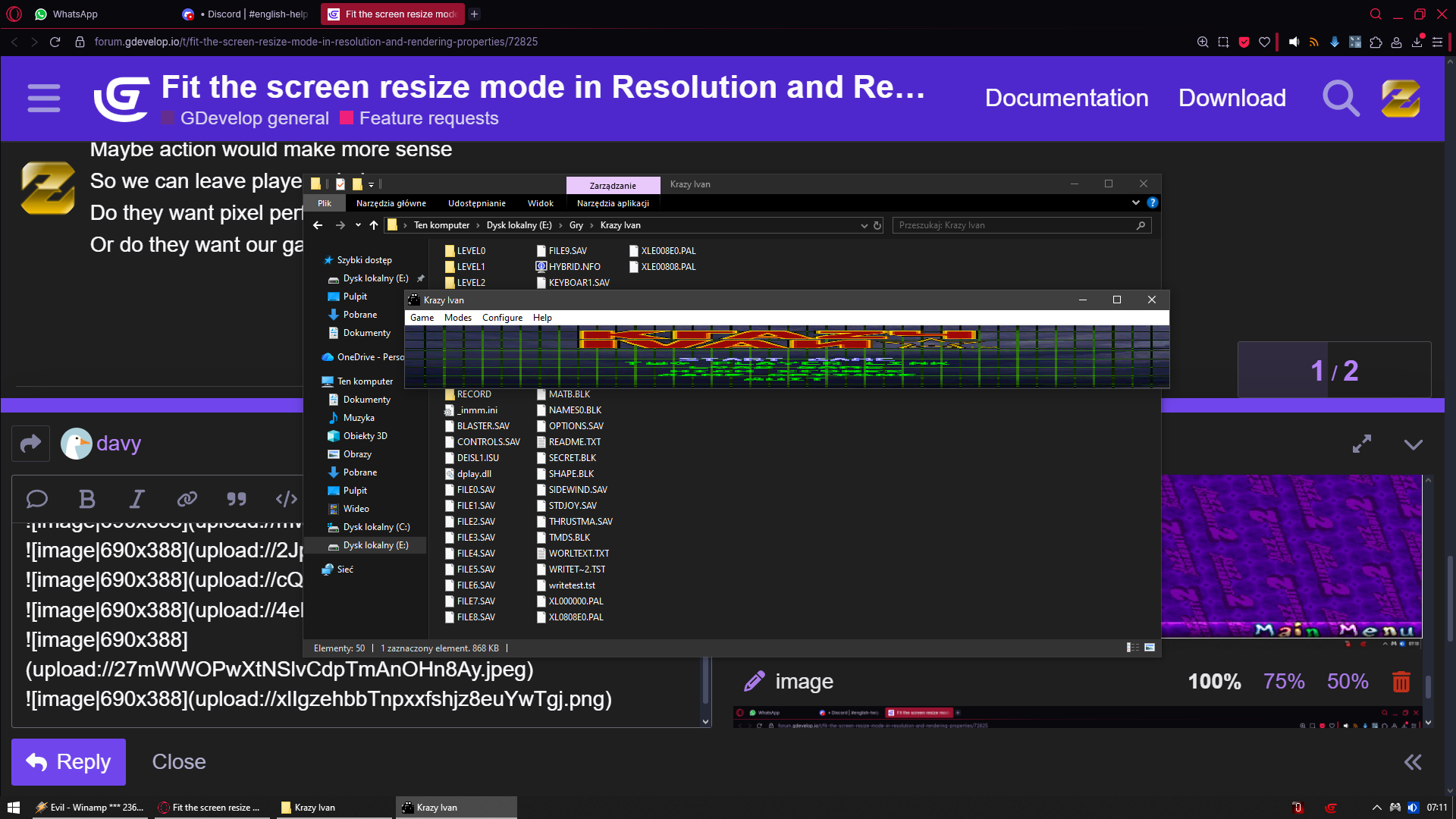
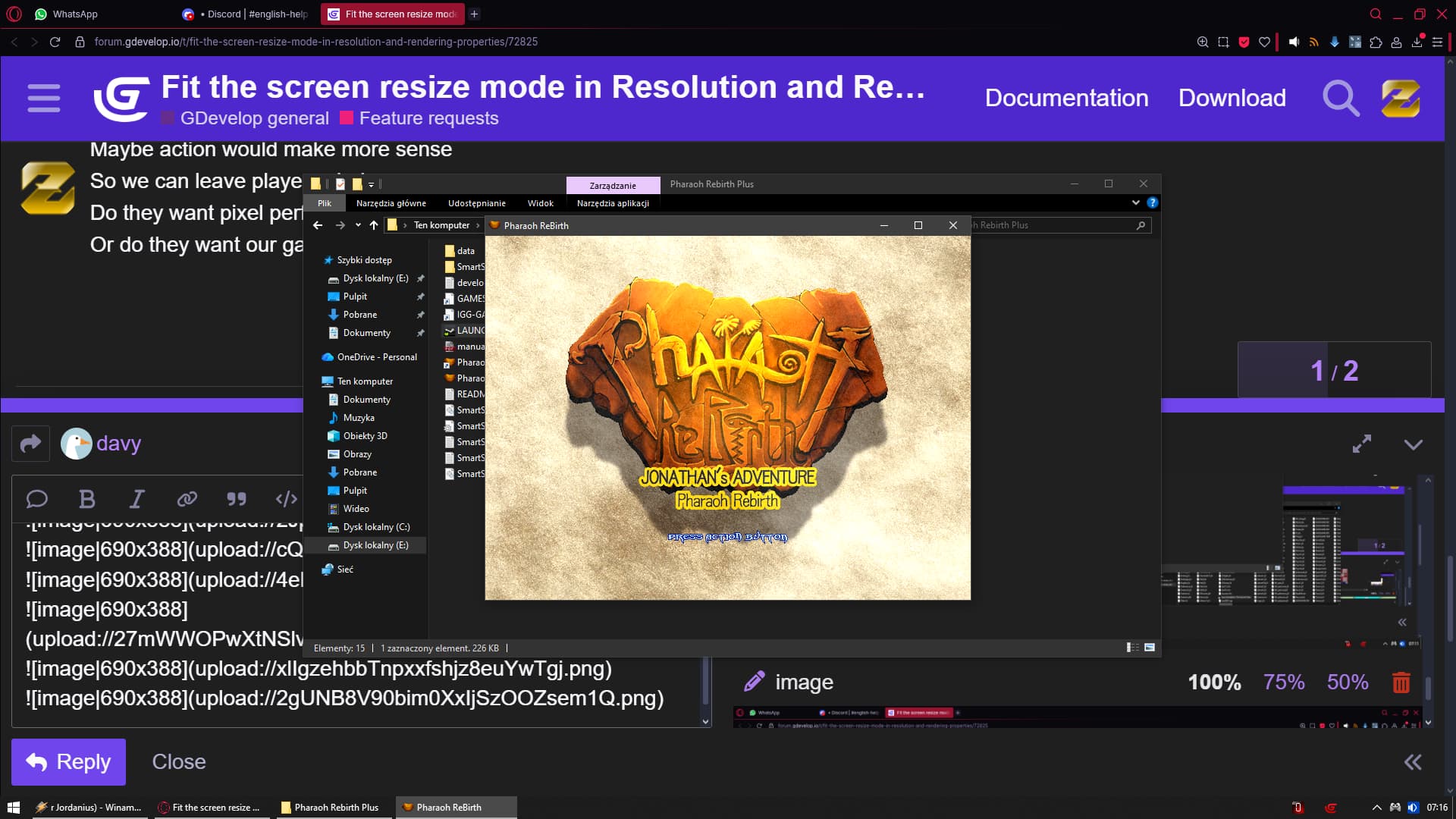
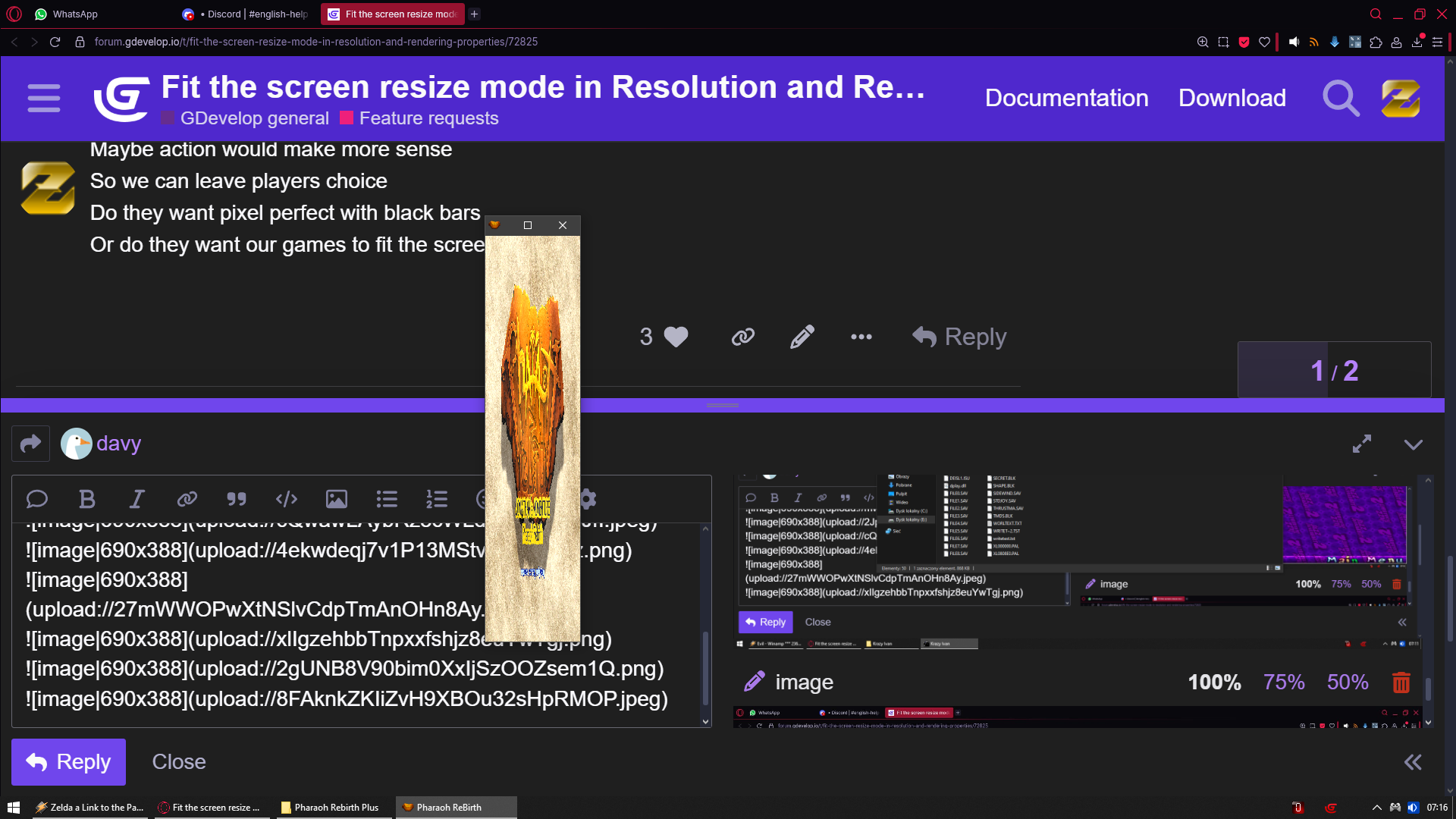
Now that i think of it
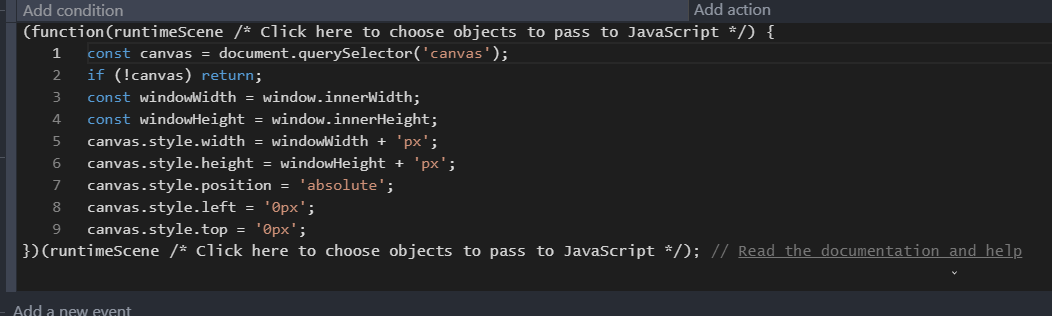
Maybe action would make more sense
So we can leave players choice
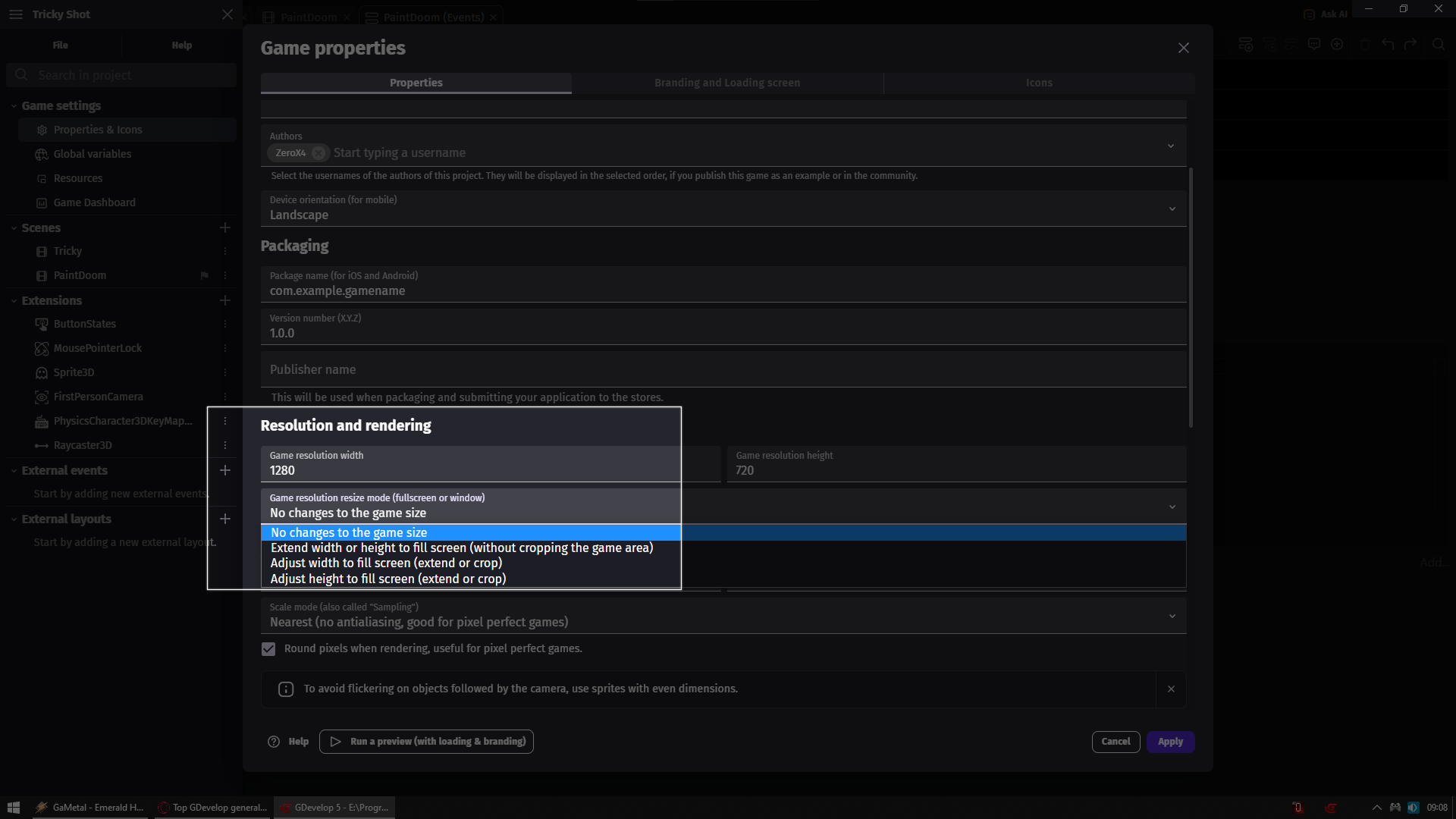
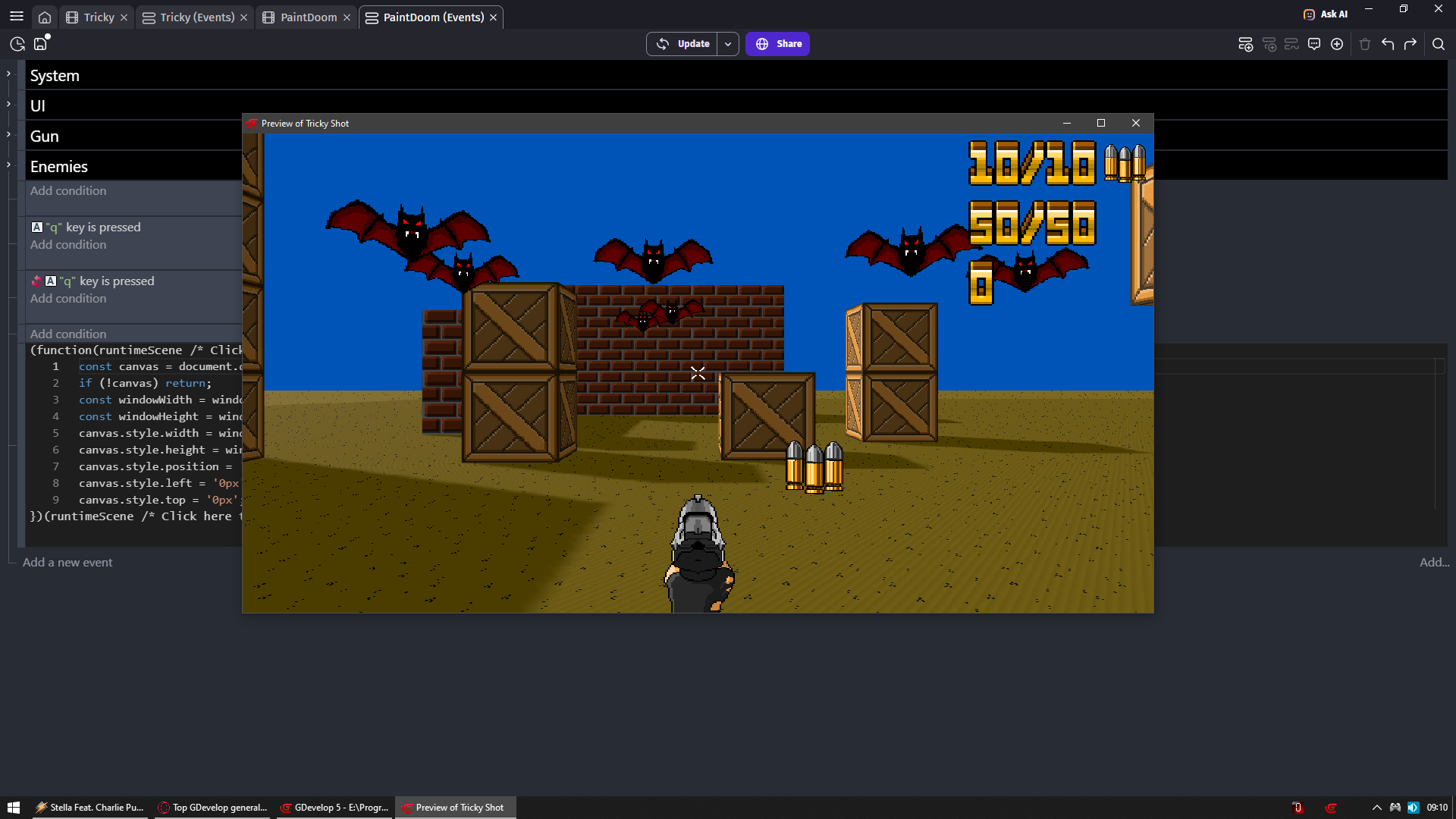
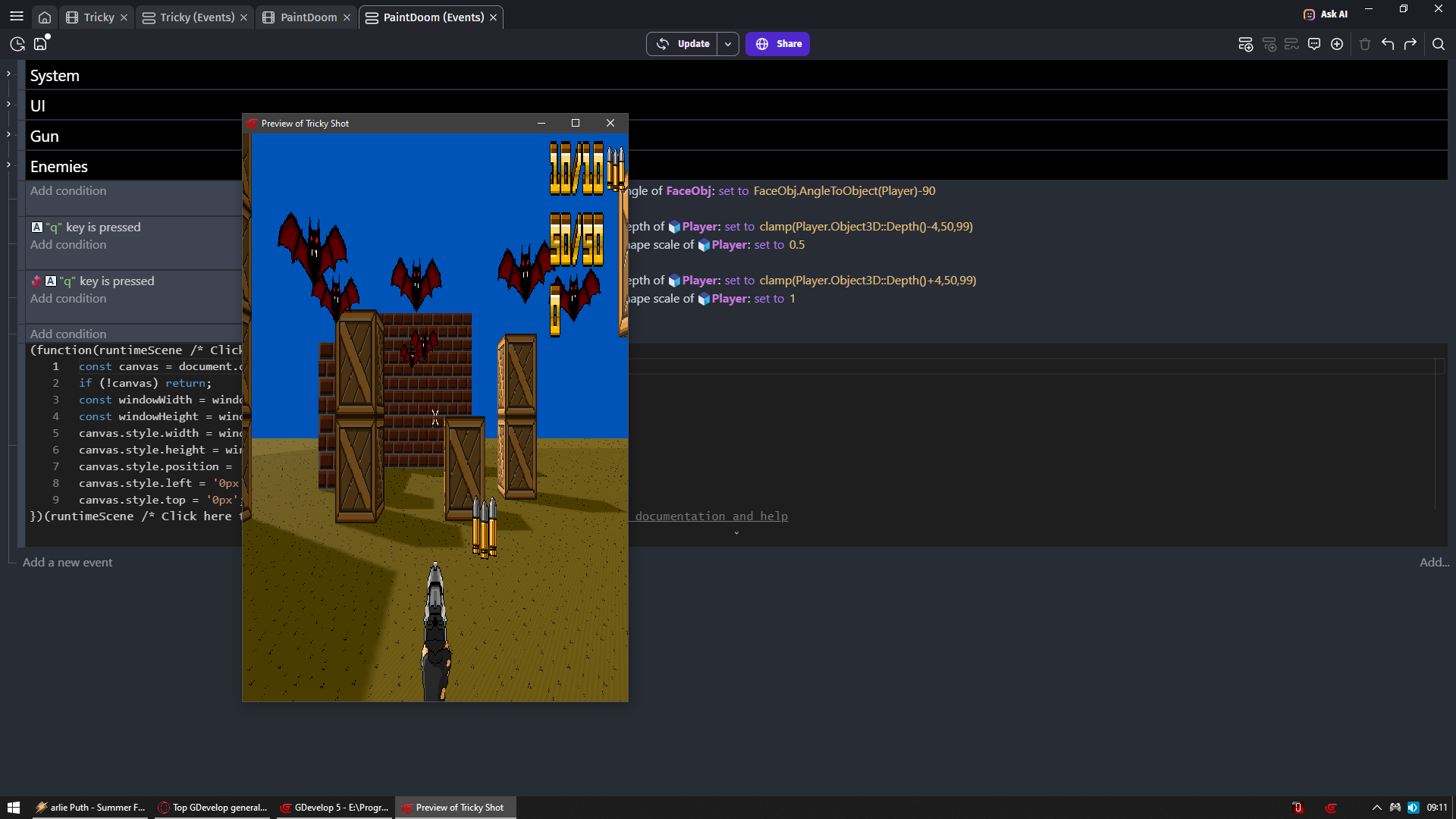
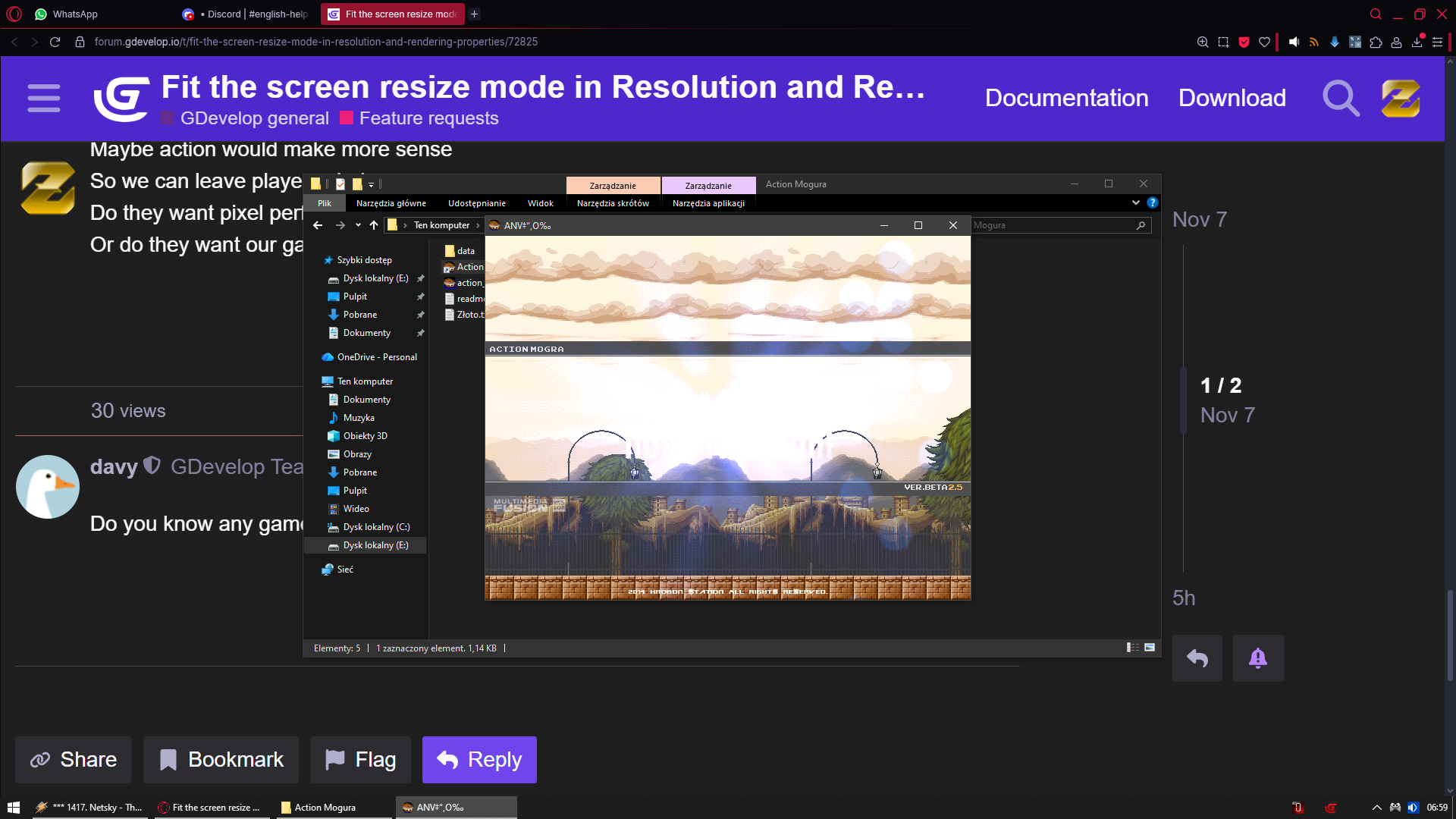
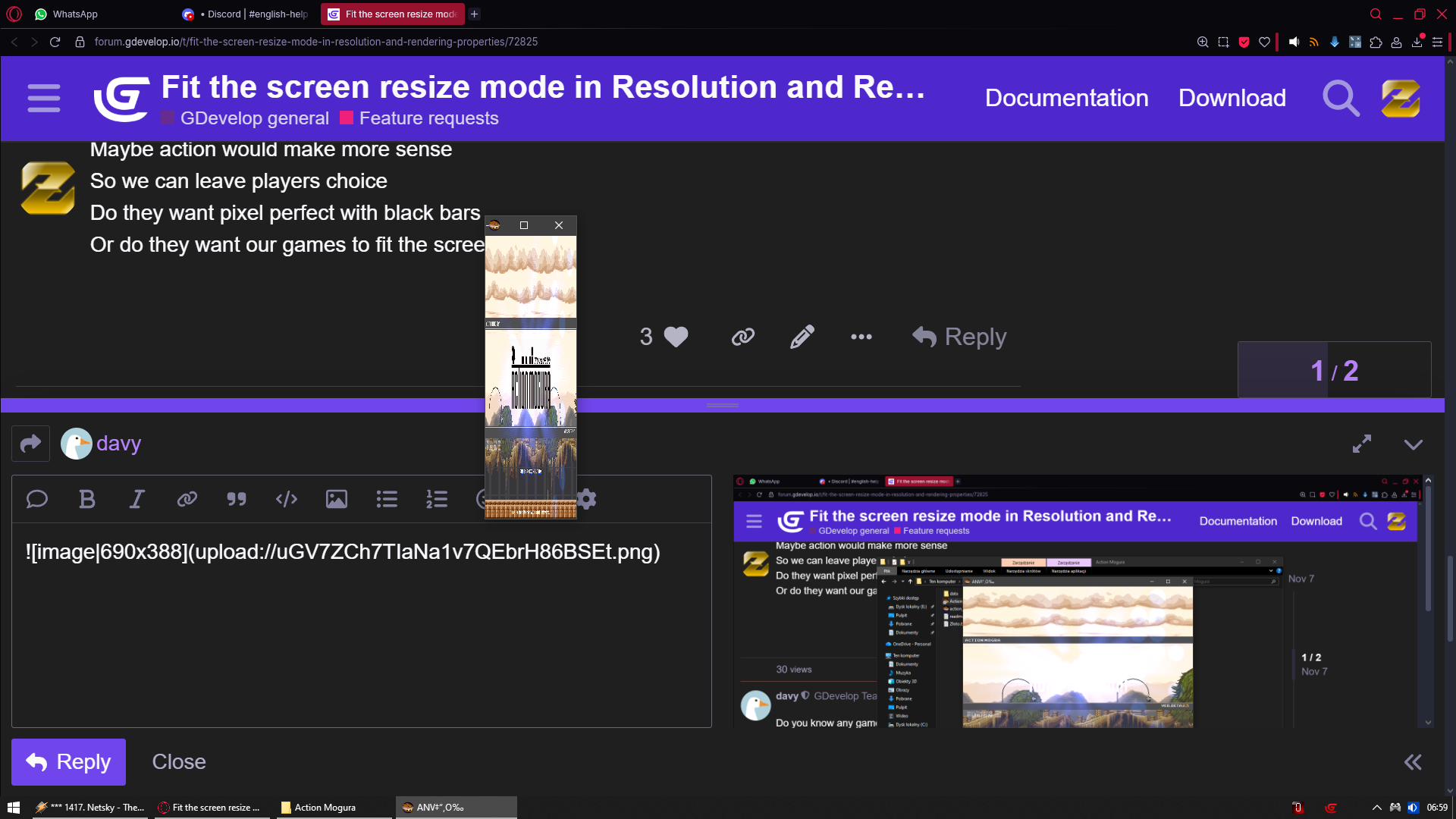
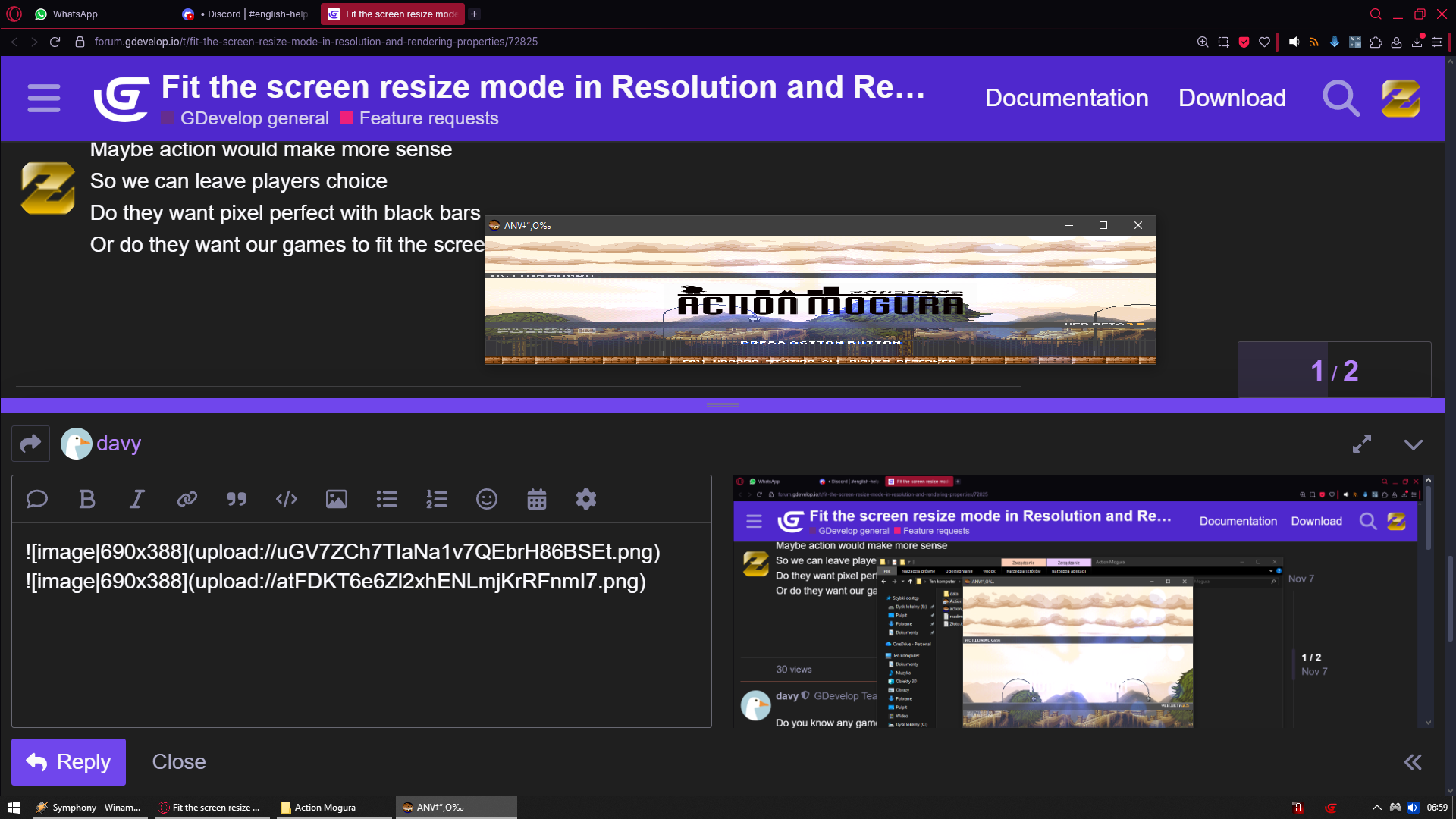
Do they want pixel perfect with black bars
Or do they want our games to fit the screen
There was a discussion on the discord recently. The user was trying to replicate how Atari 2600 rendered on CRTs, with wide (rectangular) pixels.
They needed to be able to stretch the rendering X axis only to simulate this properly, because just adjusting the assets themselves wouldn’t affect their object movement correctly.
It is the first time I’ve run into someone actively not wanting to keep to aspect ratios though, especially for only one axis.
If you want i can prepare list of games that actually have stretch/fit the screen option in their settings so any user can enable/disable it at will on the fly
Unless we can both agree i spammed here enough
I guess it was common when all screens were around 4:3 or 5:4 and I think it was a good option because it avoided black stripes without distorting visuals too much.
Screen ratios have a lot more variety now:
PC and TV are mostly 16:9
but there are wider monitors like 21:9 or even 32:9
I’m sure 5:4 monitors are still used by many people
phones have a lot of different ratios between 16:9 and 22:9 and they can be used in portrait
tablets have a lot of different ratios between 4:3 and 16:9
In this context, I think that black stripes is a better choice if you don’t want to handle a change of viewport size.
GDevelop aims to be an approachable game engine. To decide whether an option should be added or not, there is a balance to be found between more options and easiness to use. More options is not necessarily better.