ZeroX4
November 8, 2025, 2:53pm
4
Of course i do not
I also never seen any1 ask for it
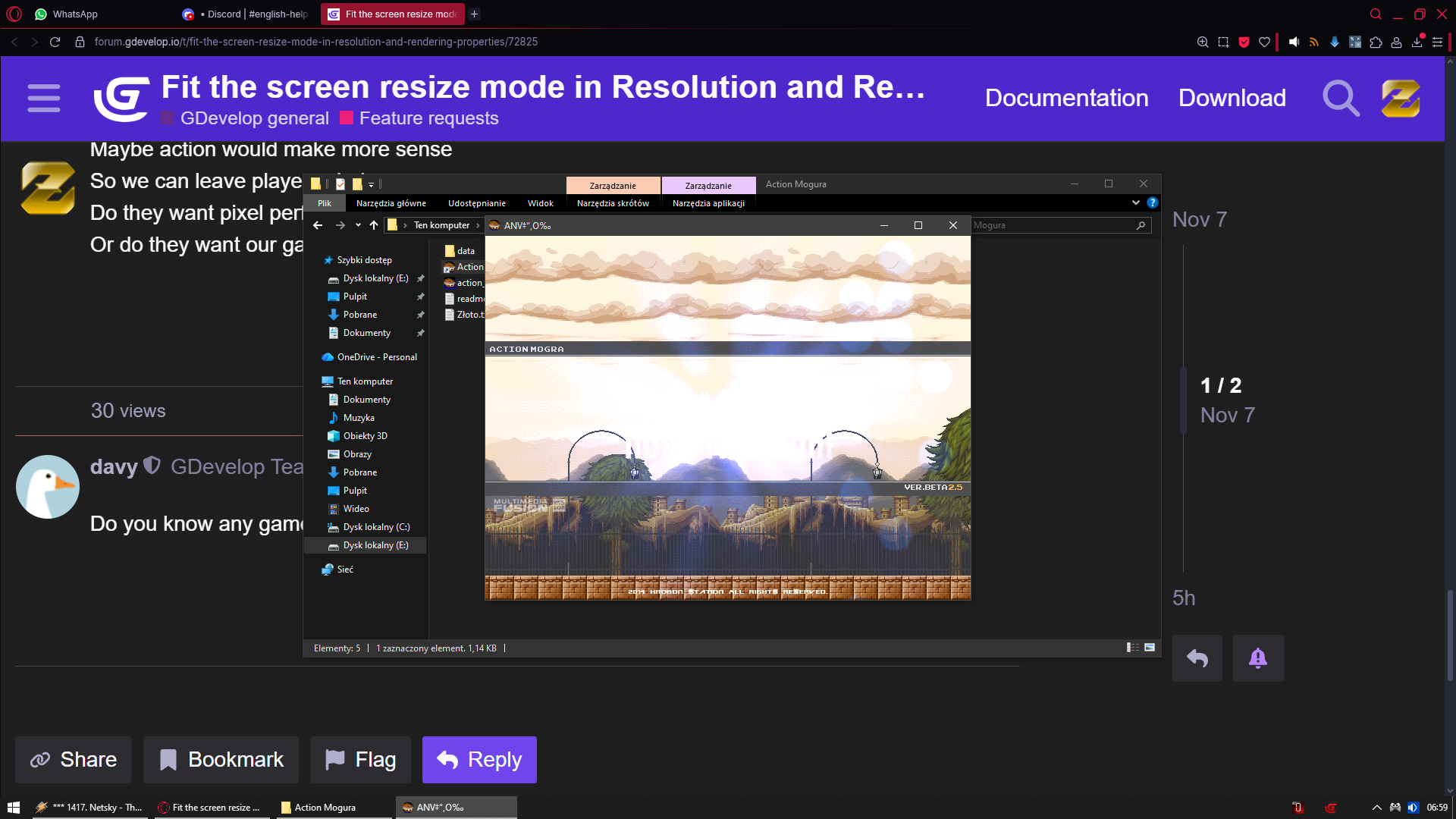
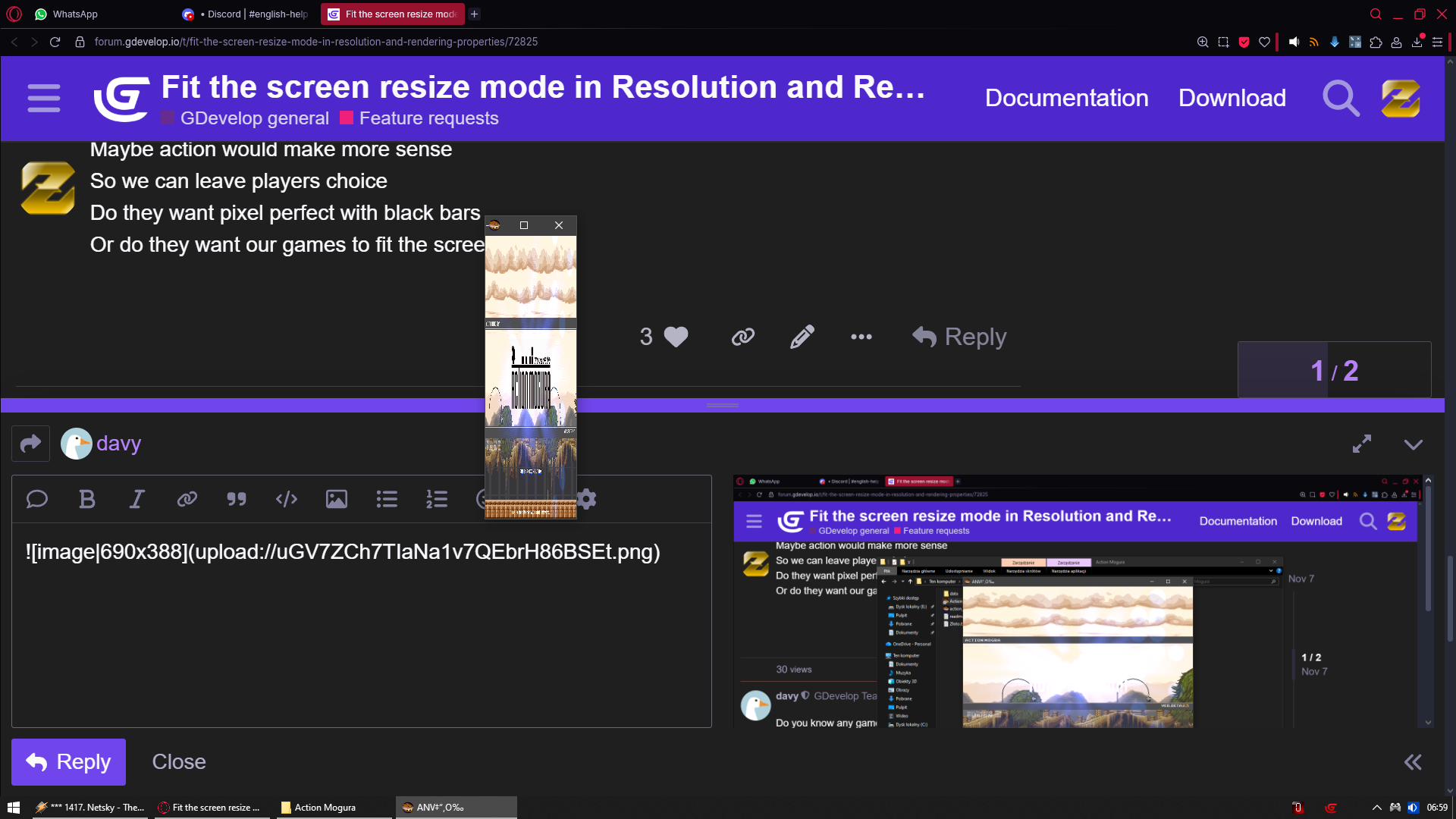
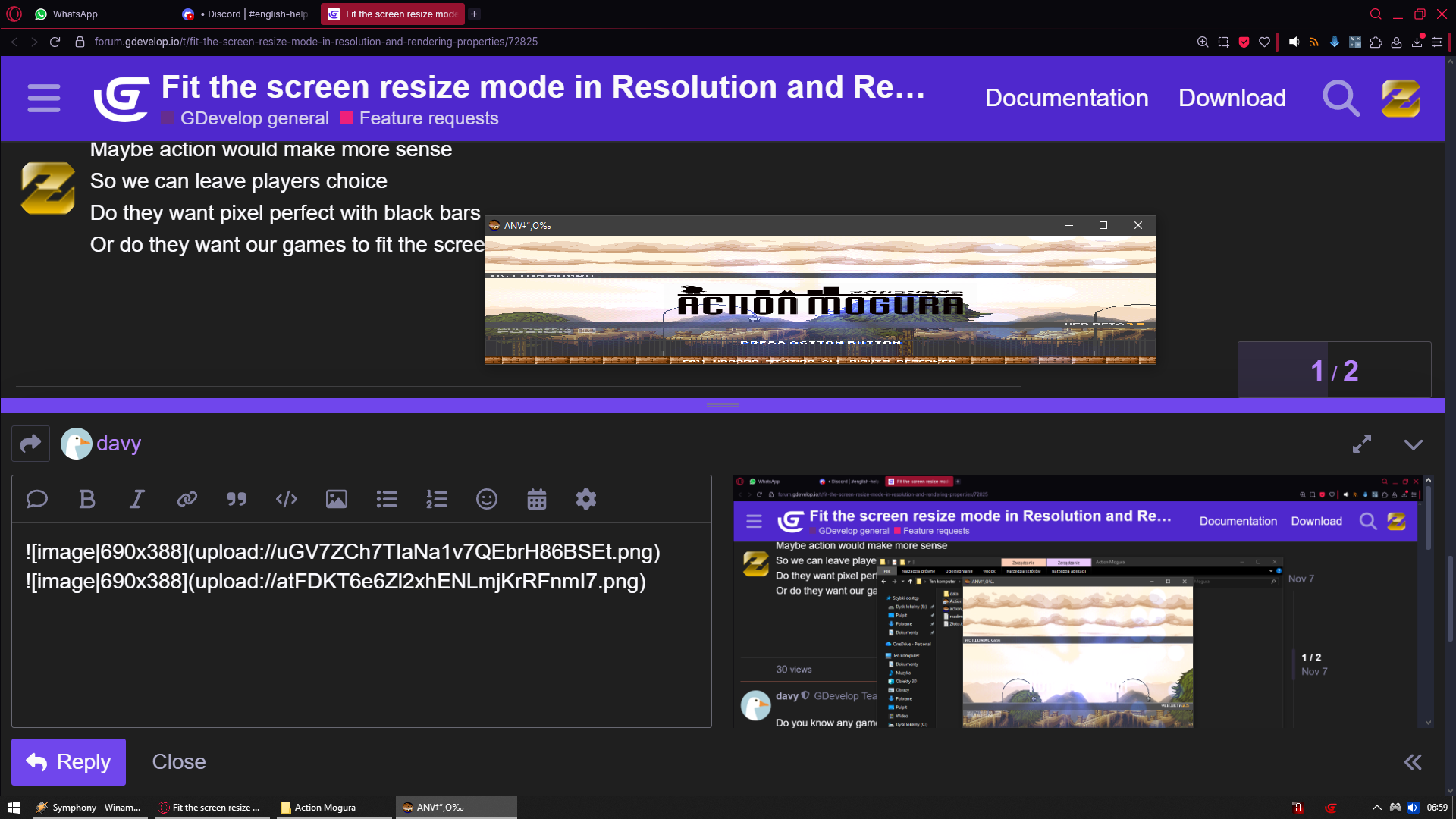
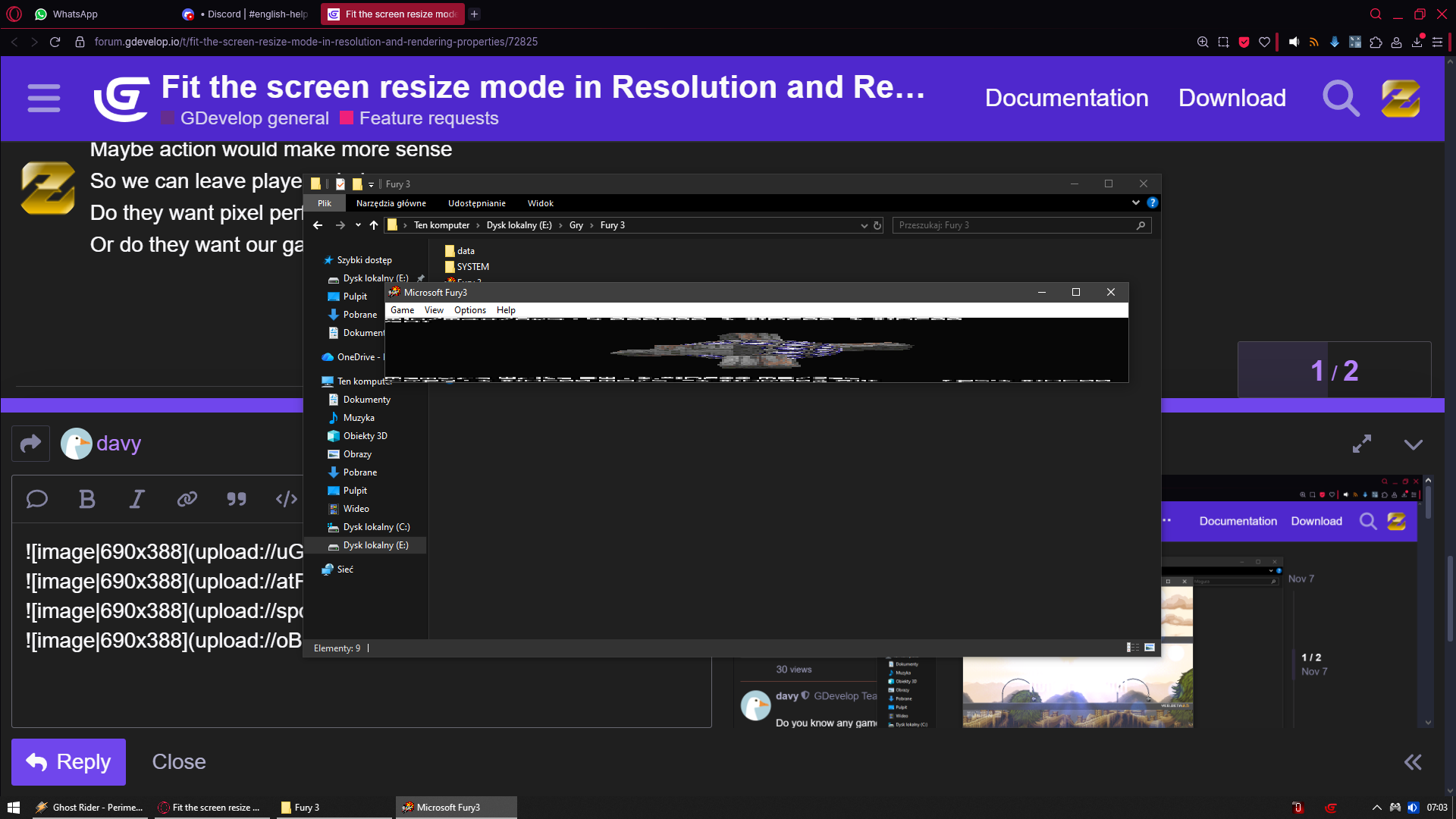
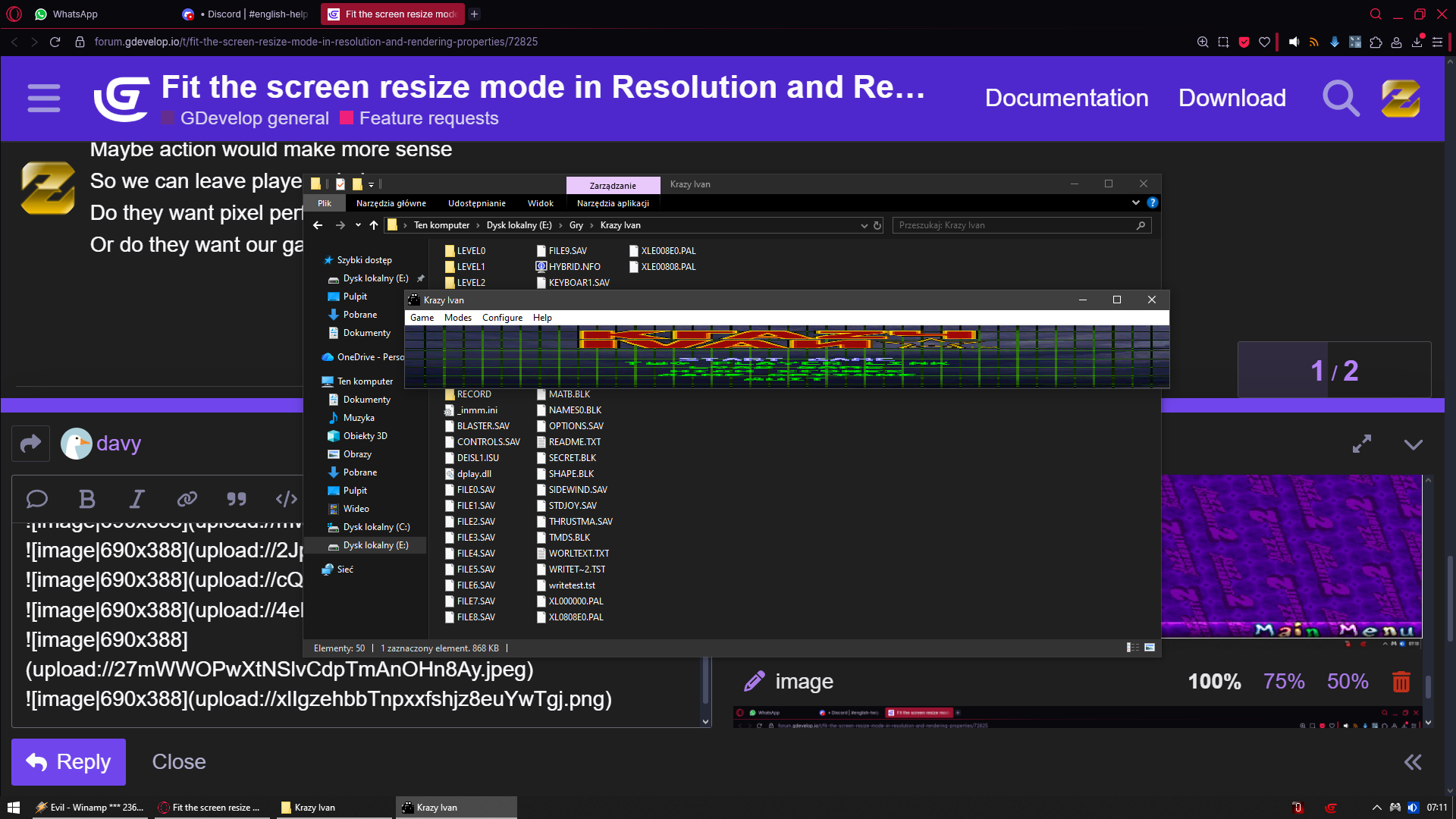
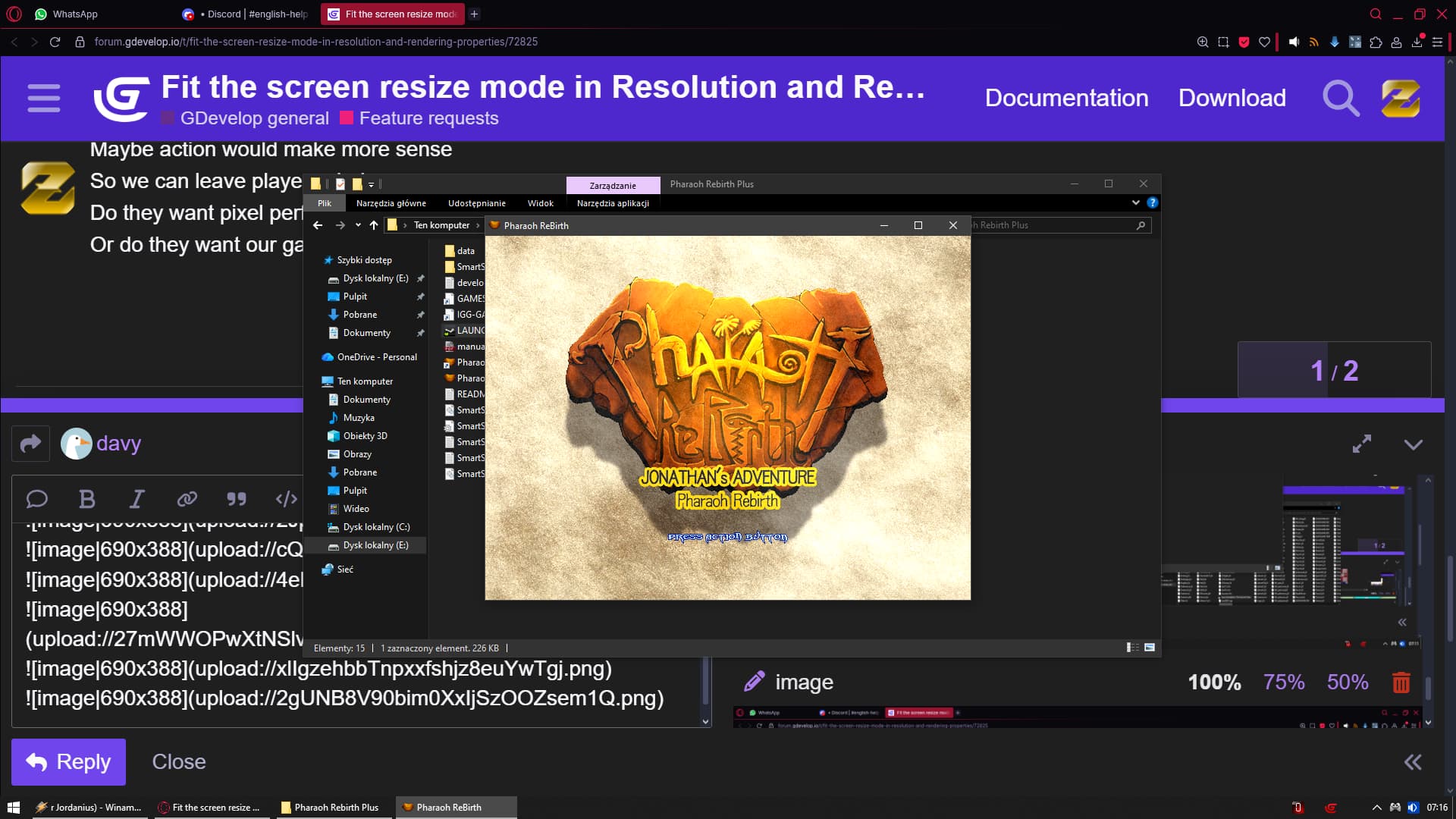
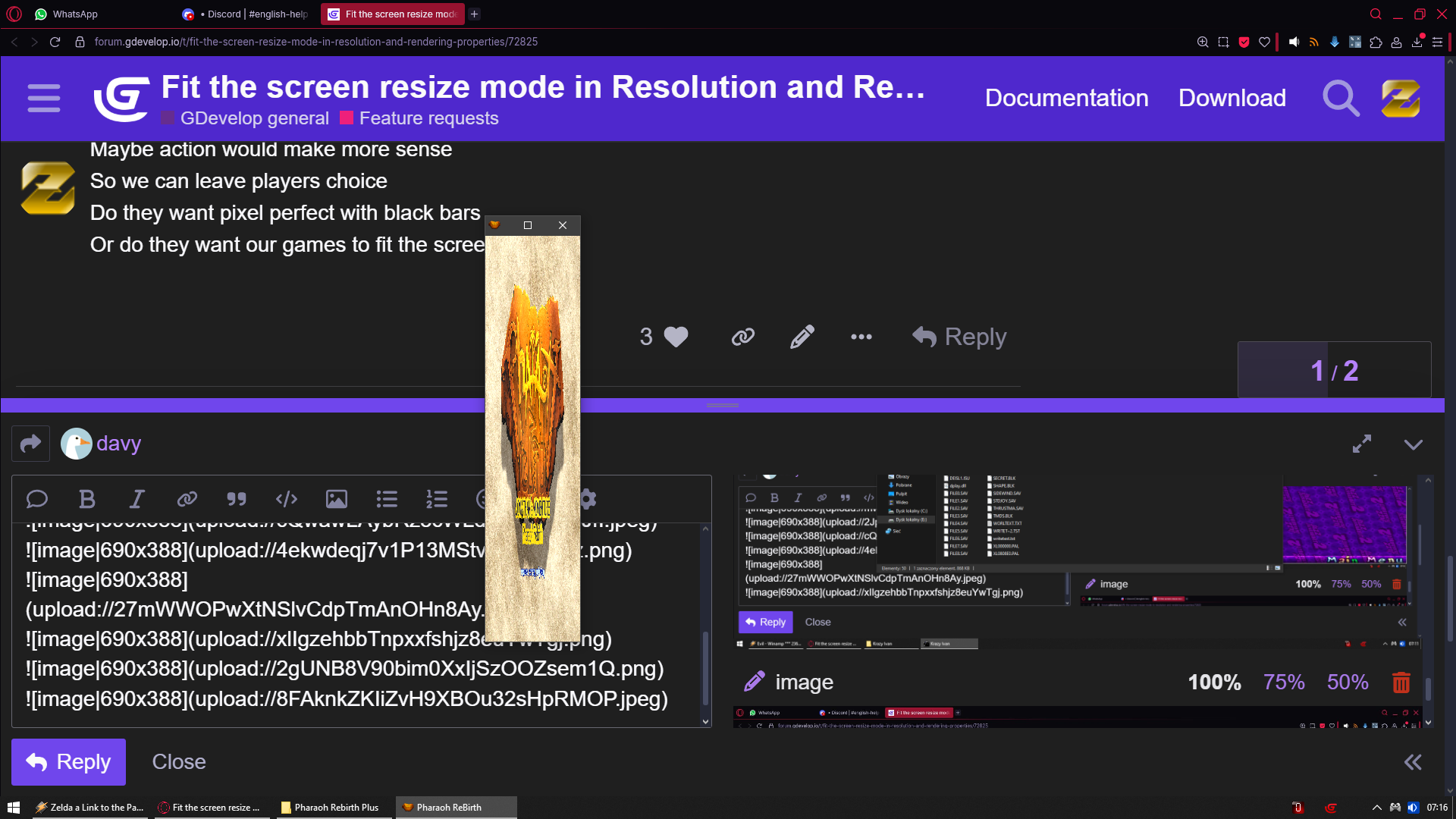
I tried doing activate full screen but then my sprites arent in aspect ratio and they look like [Capture111] and if i checked on maintain aspect ratio black bar makes the game even worst
Can anyone help please
The other posts that speak to this are pretty accurate. Unfortunately there isn’t one resolution to fit them all. For reference:
Is it possible to just have one layer or object stretch to fill the screen. For example square object somewhere in screen. Have a background image/object. And to fit the screen only the background image stretches not the square.
Still doesn’t work. It’s changing the window size, but other than that, objects, sprites, grids, etc., stay the same size I mean.
This video is from Godot
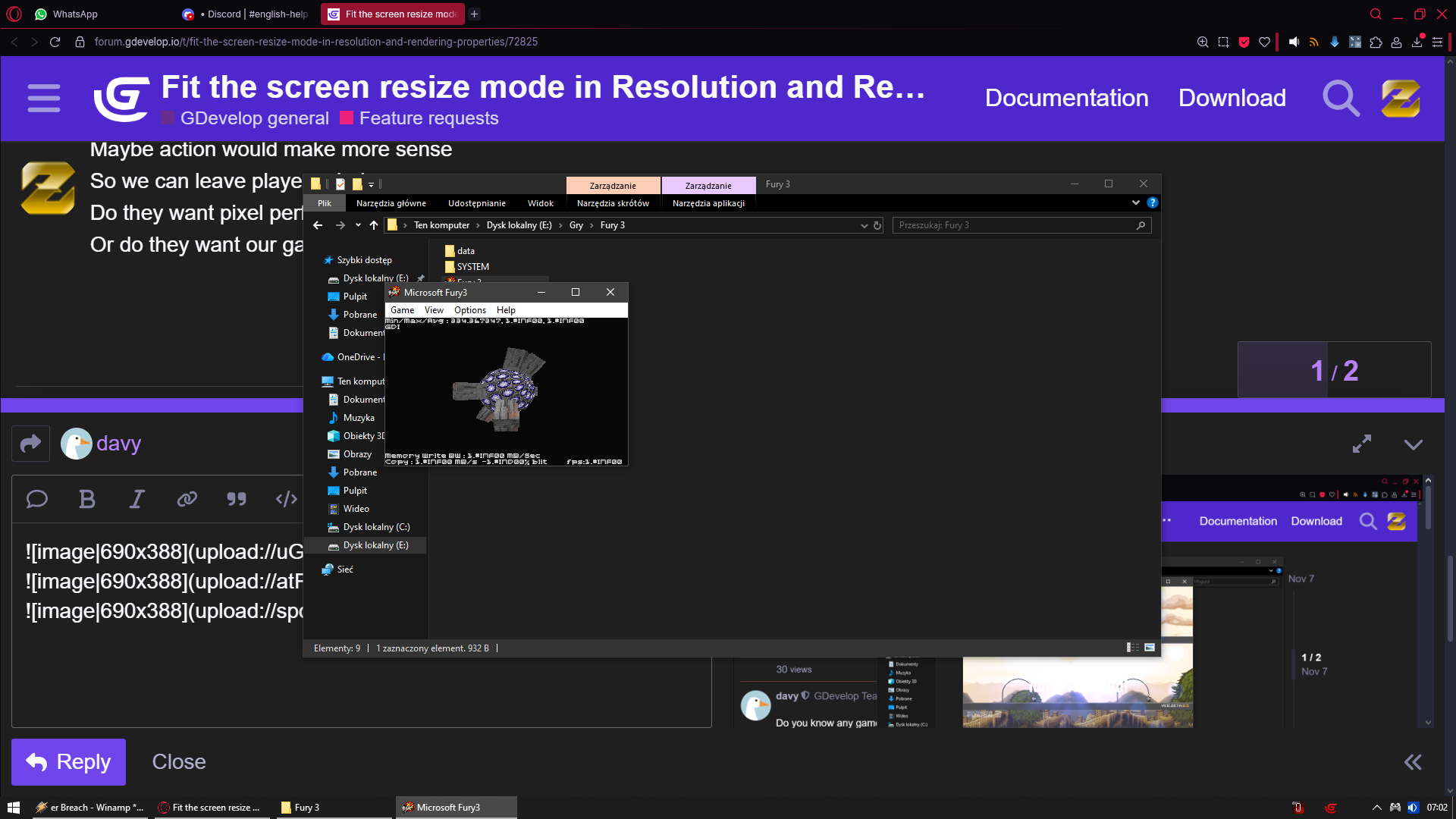
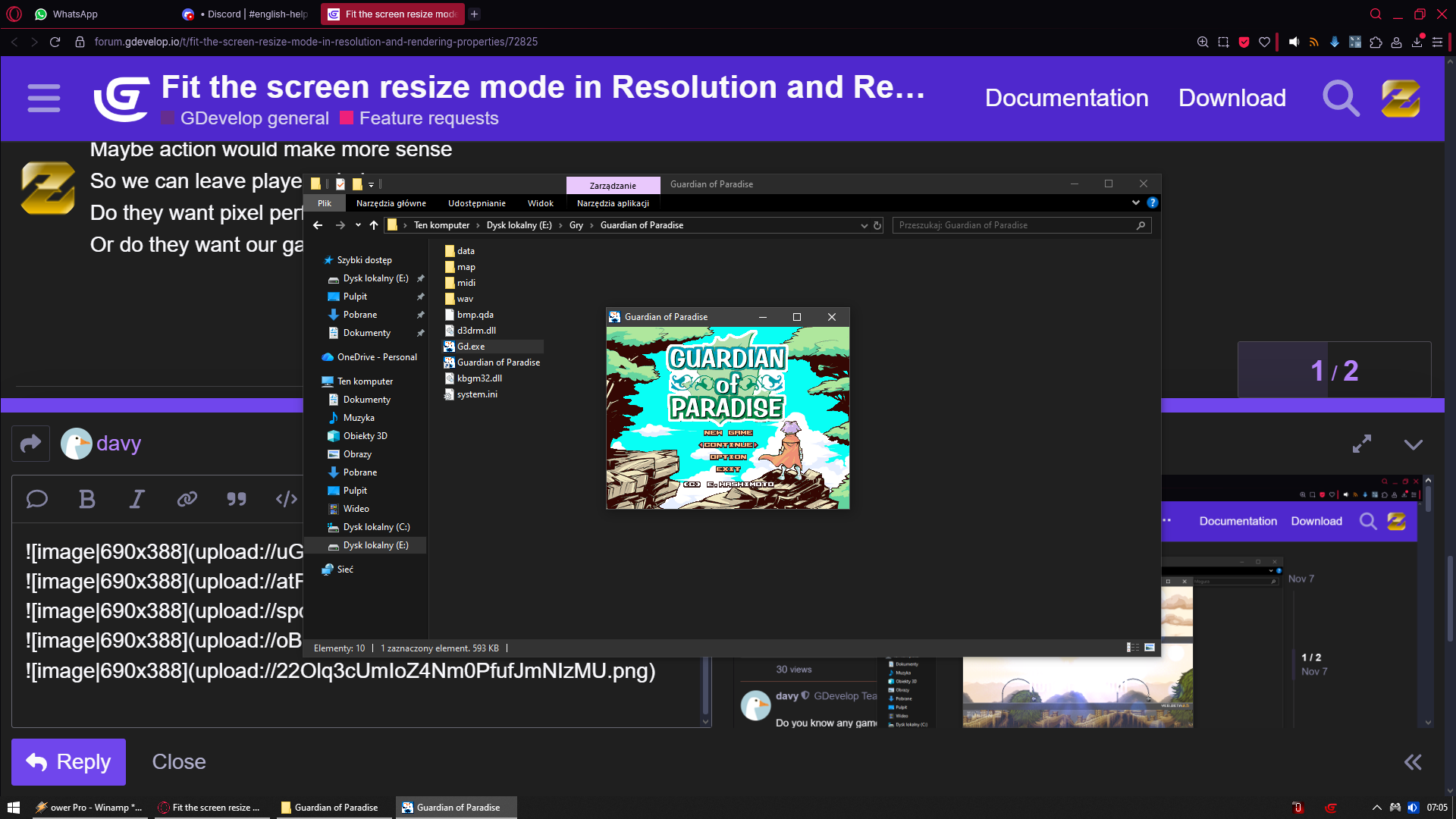
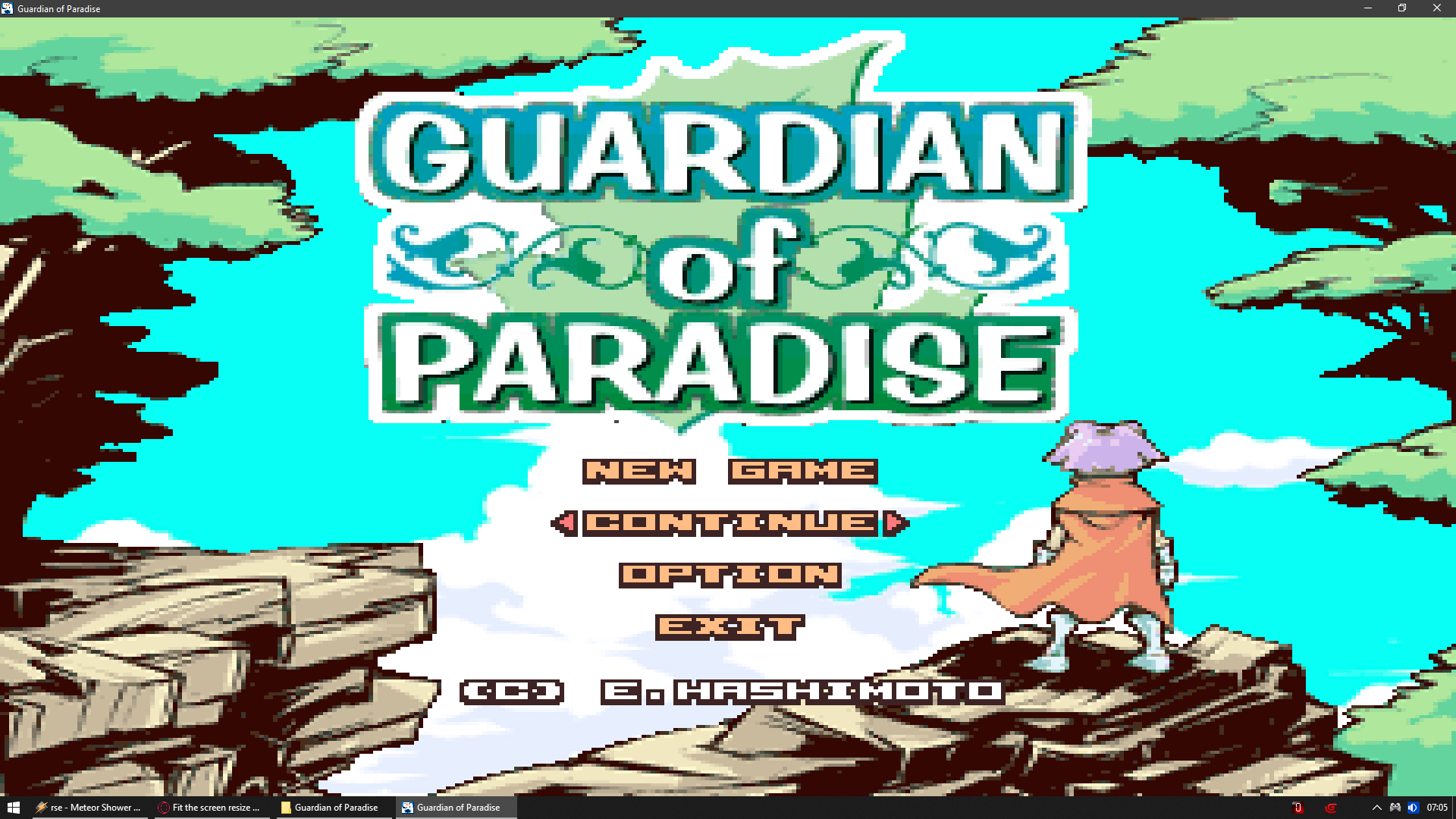
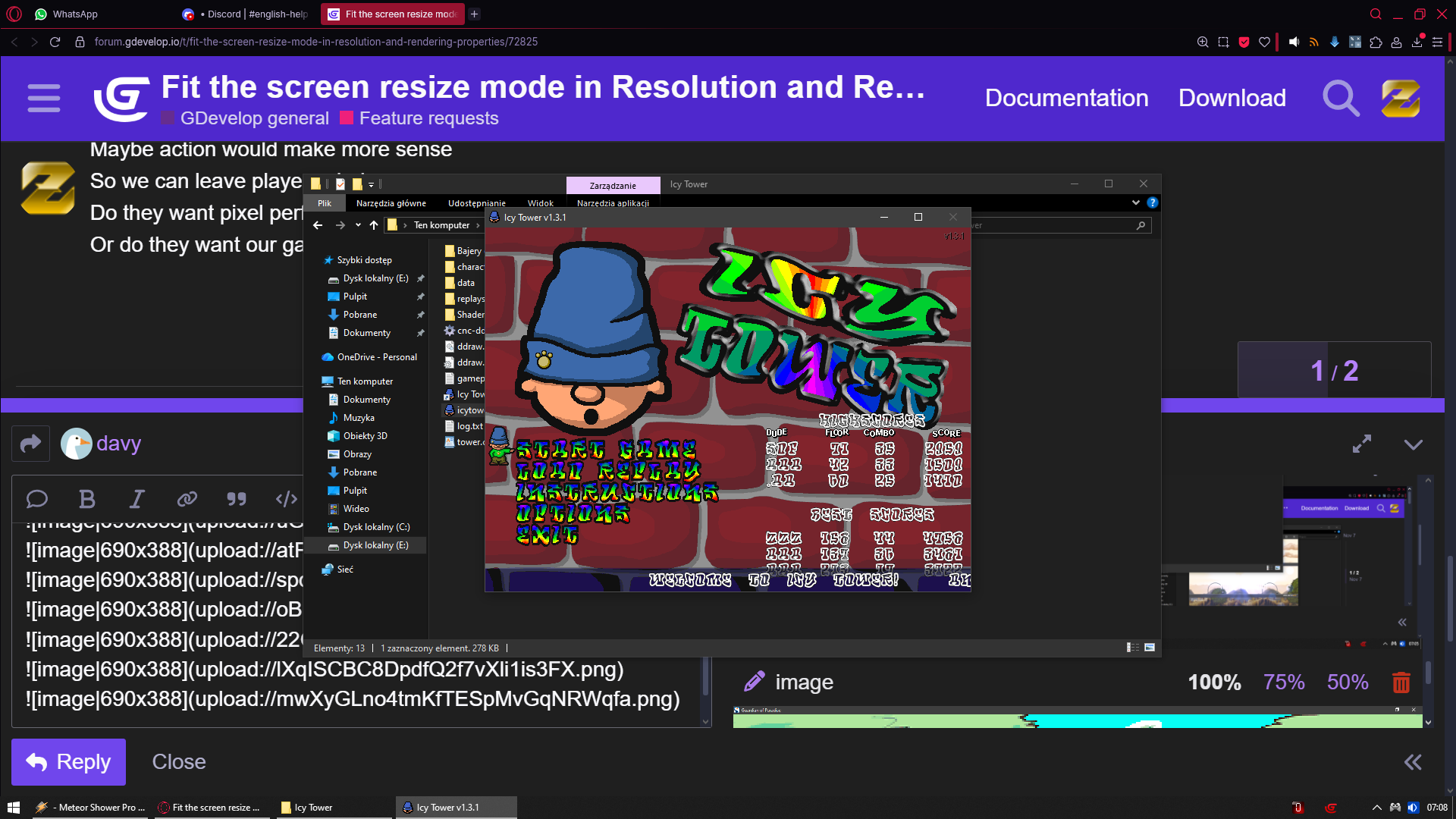
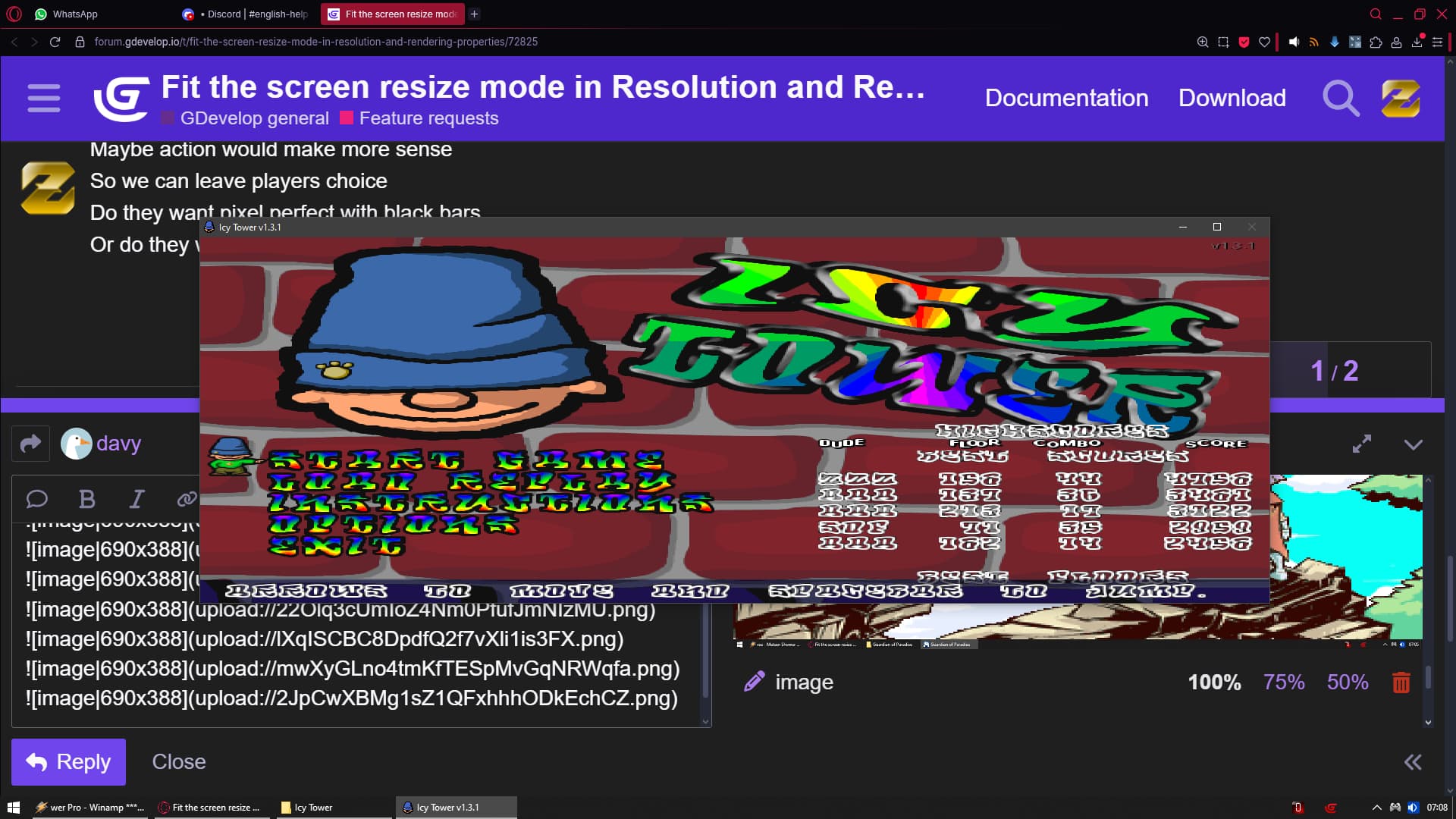
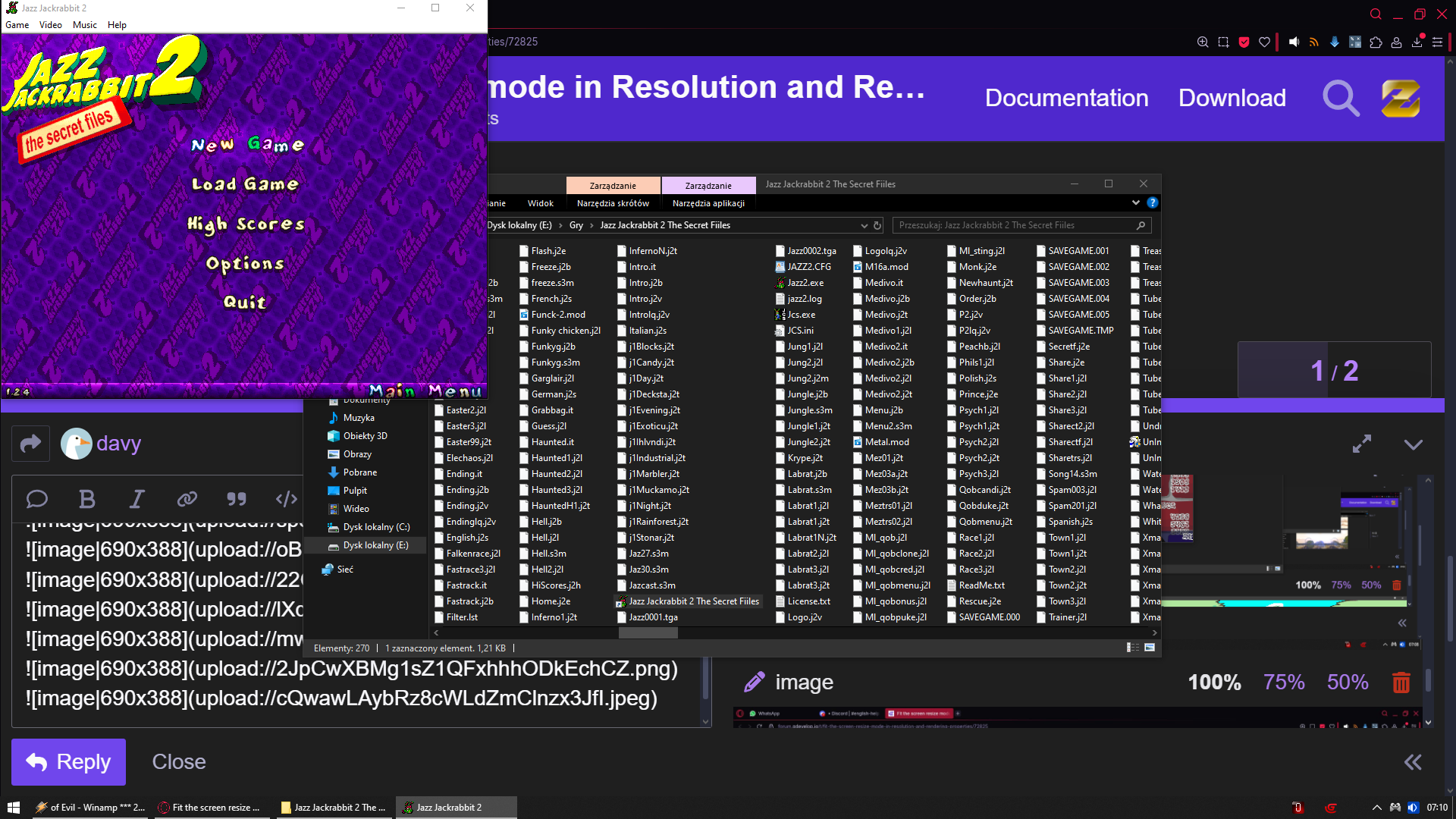
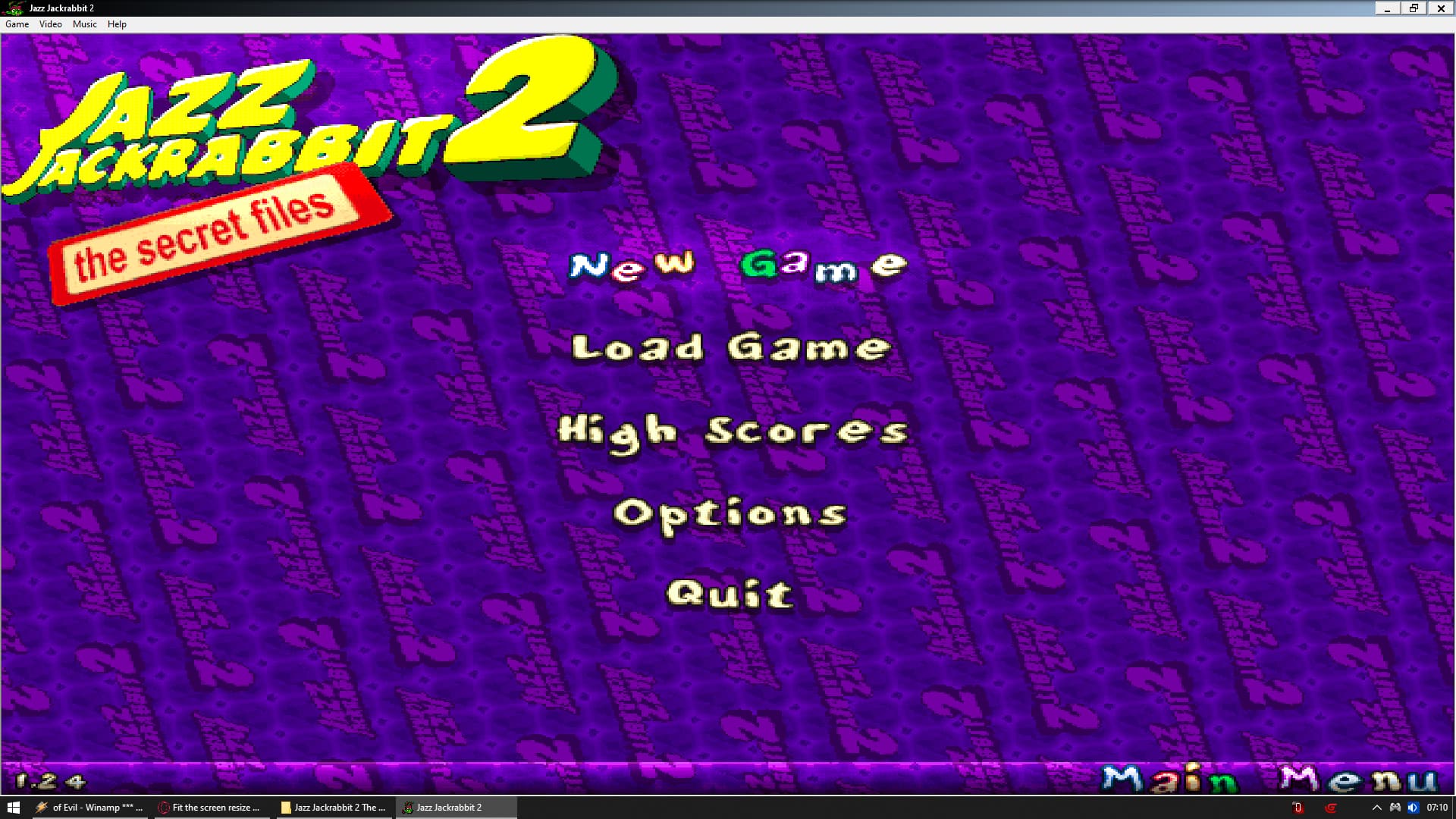
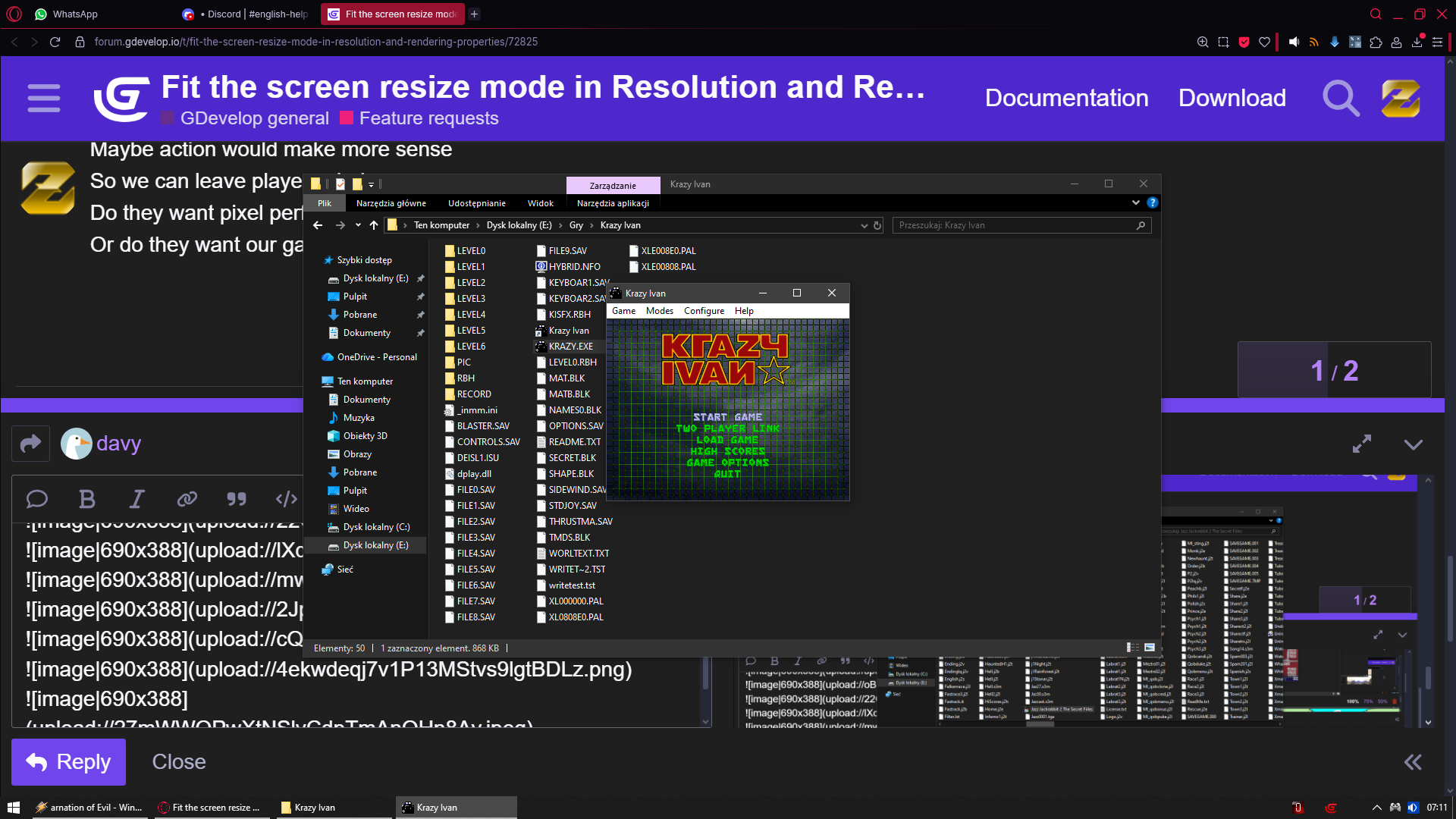
If you want i can prepare list of games that actually have stretch/fit the screen option in their settings so any user can enable/disable it at will on the fly