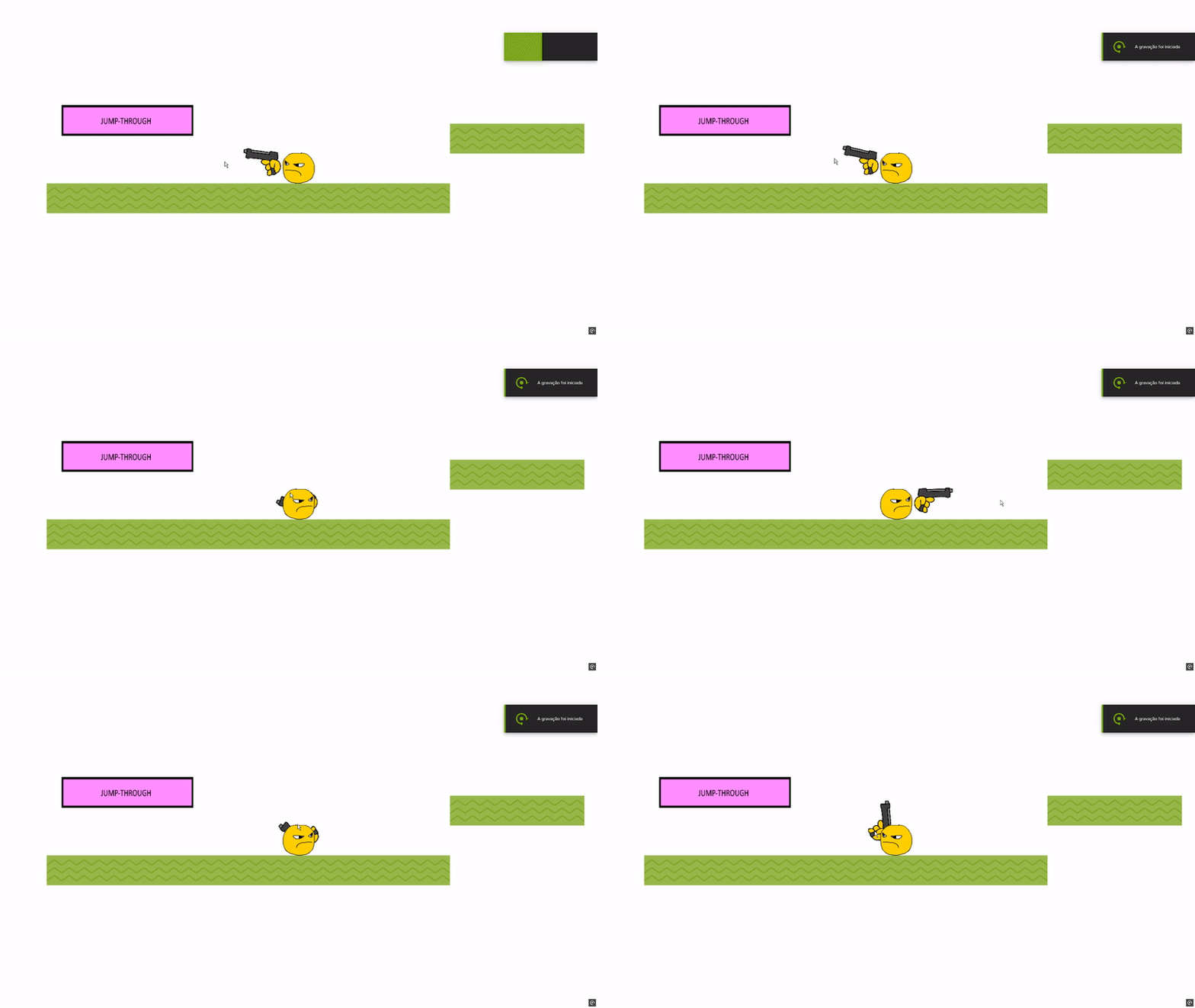
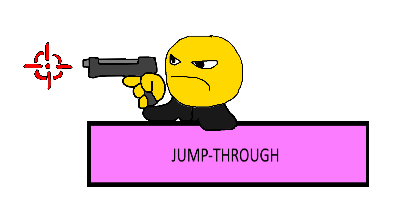
The flip of the gun and player in my game is a mess:
As you can see in the .gif, when it reaches a certain point the gun flips with the character, as I programmed it to do:
But it doesn’t looks right (the character is almost pointing it to himself).
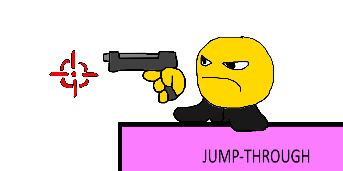
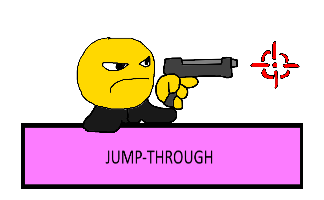
I thought I could fix it by implementing a crosshair in the game, and set a no-go zone around the player so the cursor & crosshair collide with the player, unabling the game to let the player “aim at themselves”, which is something I don’t know how to to.
This is the most accurate thread for angles problems…imo you need the clamp angle function…and the mouse clamp to distance if you dont want players to aim on character…but i dont see the problem there as long as angles works properly
IDK how you fixed it but issue you are doing is that you are setting gun/hand angle to angle between gun/angle and cursor
And you should set gun/hand angle to Player.AngleToPosition(CursorX(),CursorY())
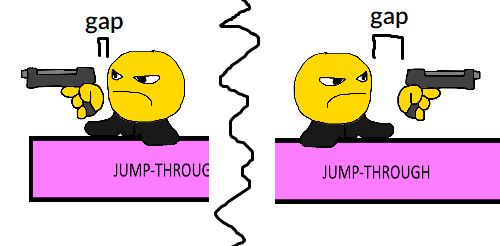
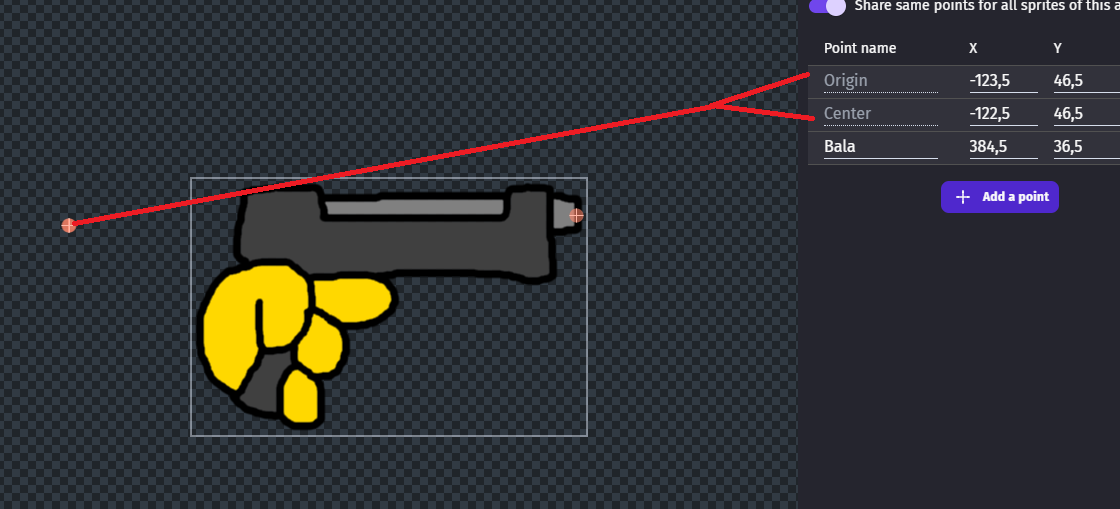
Notice the gap between the gun vs the player sprite when aiming at different directions! I was going to ignore it, but it would be incredible if I fixed it.
I tried to apply some “position” condition for the gun when facing a certain direction (IIRC…) but that only made the gun teleport across the screen when aiming to the left. I’m clueless again.
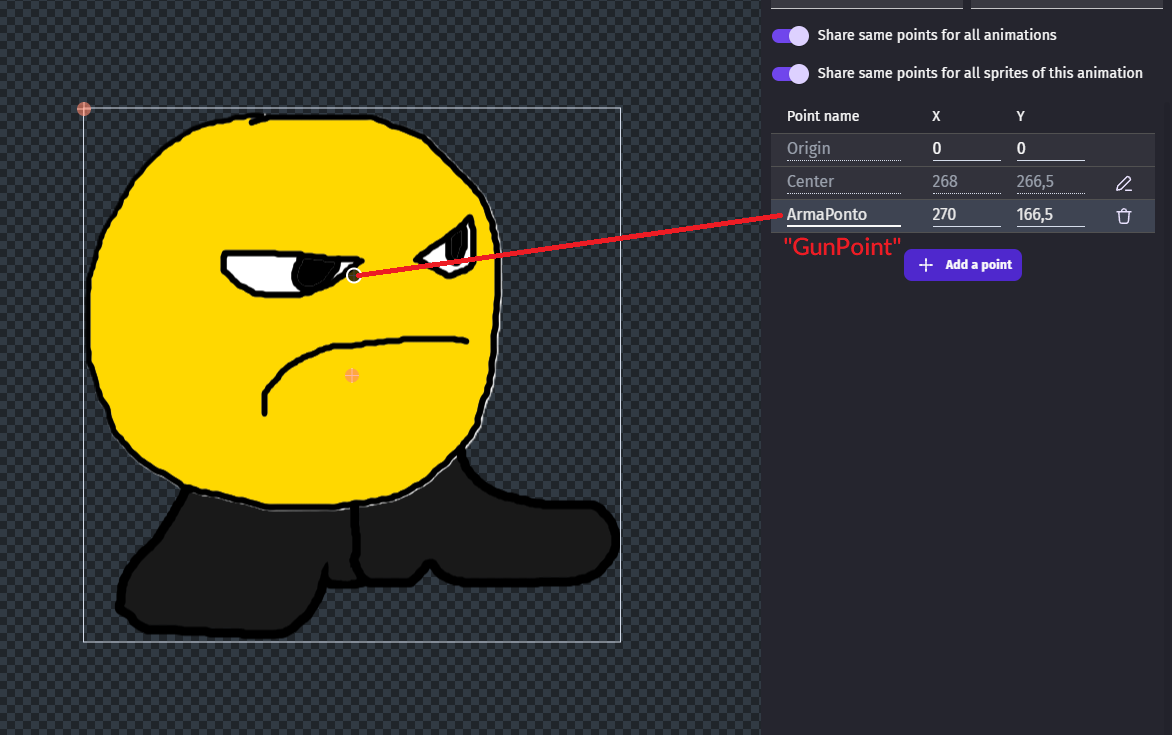
i guess it’s an origin problem…
you should set the gun centering the handle e moving the origin at center to avoid the offset…
i also requested a feature to remove this problem.