I’ve gotten it to work with the ThreeJs extension, but i can’t get it to work in default gdevelop. I would prefer to use default gdevelop since im still learning and don’t want to overcomplicate things.
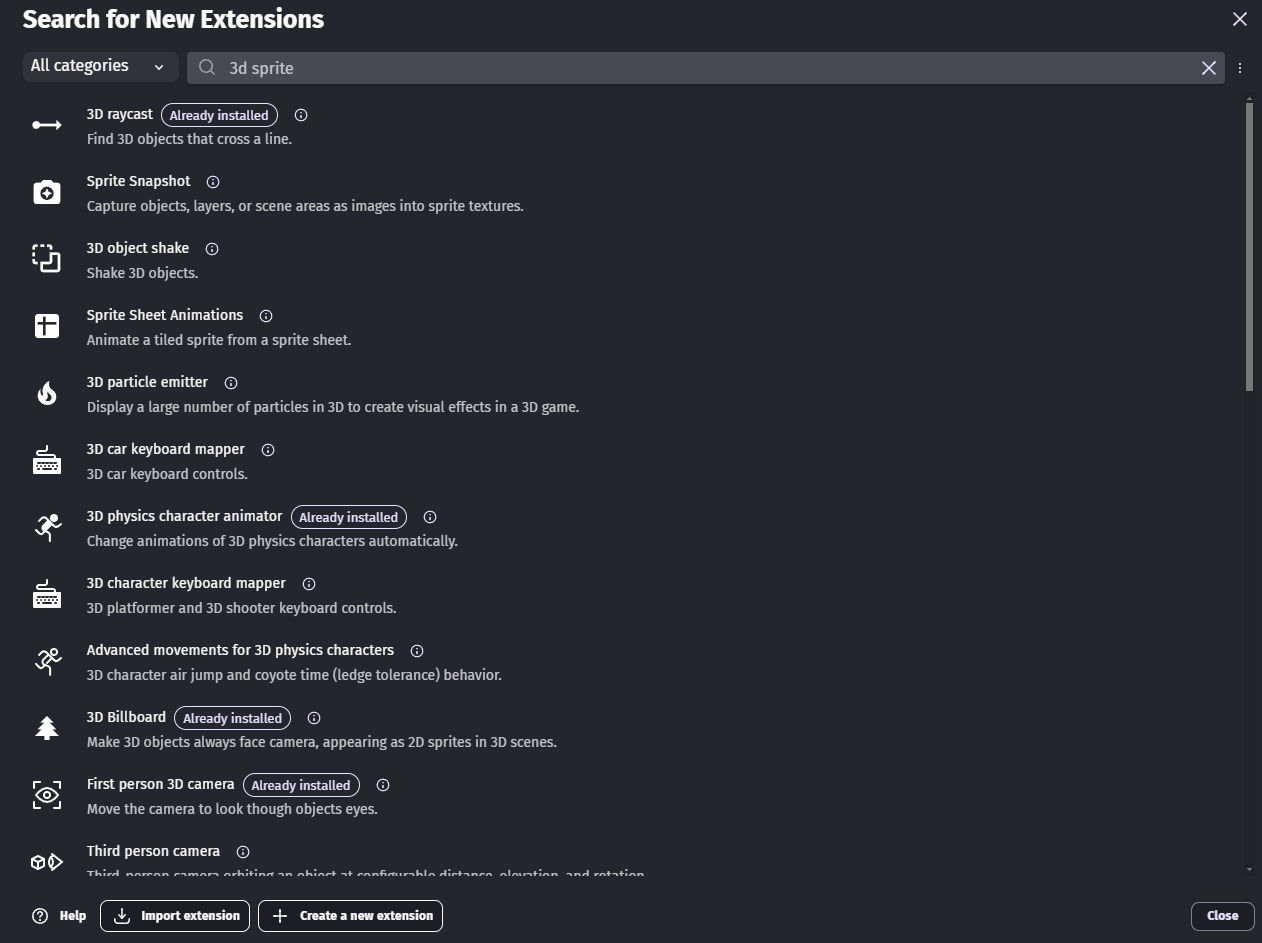
Ive watched countless tutorials/read posts and it seems to be possible but i must be missing a crucial step- if i put a 2d sprite into gdevelop it won’t allow me to put “billboard” onto it, and i can’t find anything called “3d sprite” like some of the tutorials mention. The extension just doesn’t seem to exist anymore? Am i completely missing something? It won’t let me add any 3d extensions to my sprite, and when i start up the game the sprite just doesn’t show up in the world.
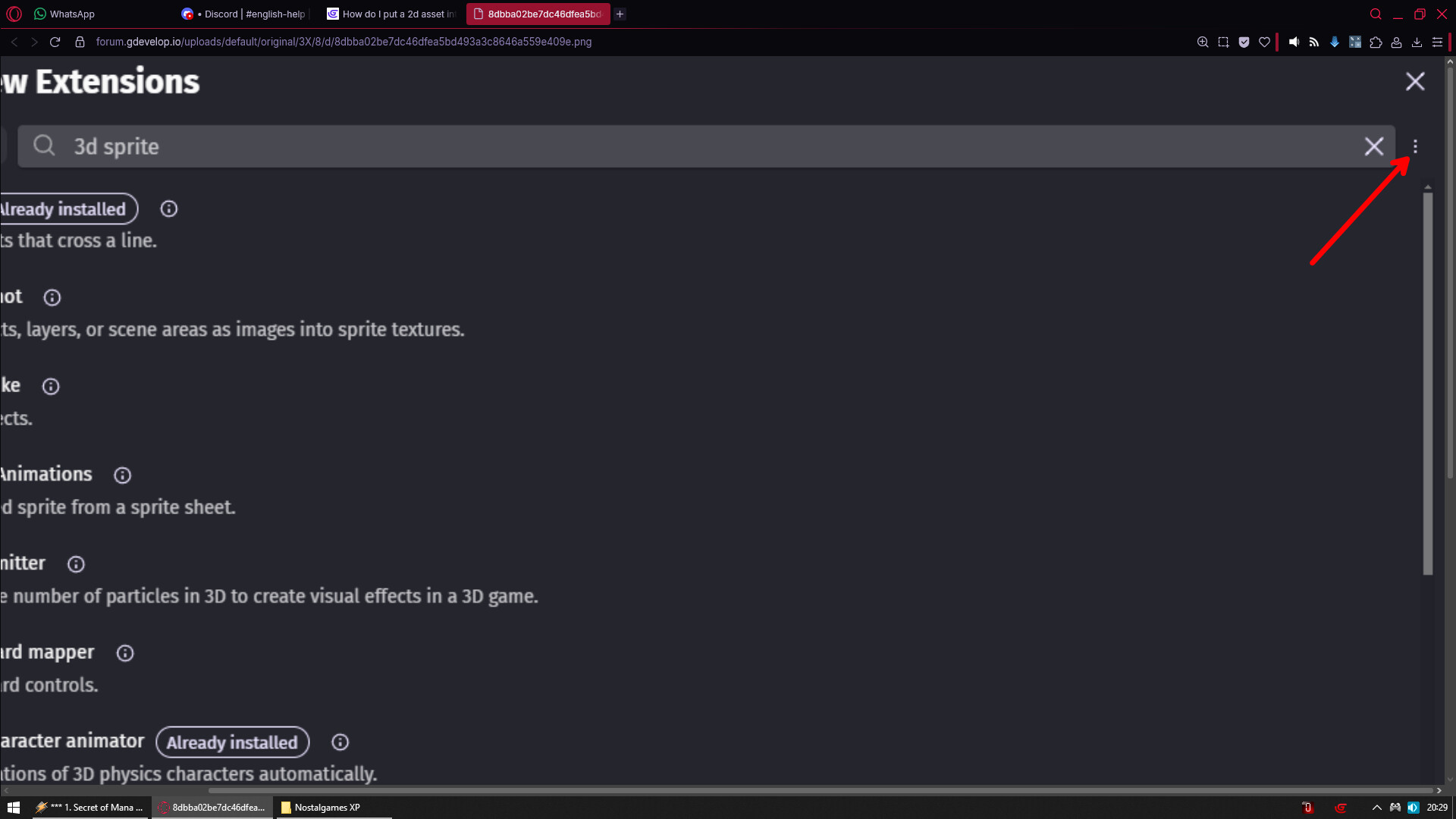
My issue is- i can’t find the extension 3D Sprite. I search for it and nothing shows up. Is it no longer listed under Gdevelops extensions? Or am i looking in the wrong place