Thanks :3
There are no spotlights >.> am not sure which light you are referring to.
The scene just have normal gdevelop light objects, with 3 switches:
Switch 1: Disable all the lights and create one that follow the cursor (so you can have a look around in the scene and see how the normal map light interact with other objects).
Switch 2: Turn the normal map extension On/Off so you can see the difference, with and without the extension.
Switch 3: A tick inside the extension to set the ambient boost to 0, which gives you this awesome effect of a complete dark asset but still reflect lights when near them.
Is the spotlight effect necessary for the normal map to be effective?
There is no spotlight at all, we dont even have 2d spotlight in gdevelop >.>
but in general, no, you just need light objects in your scene and thats it 
What about scenes that are not so dark but still have general lights but none following the character as in your example?
In my example there are no lights following the character at all, the lights are static in their position on the houses.
In general, dark, or a lil dark, it doesn’t matter, normal map will work everywhere, my example was extreme night (dark), so you can see the normal map reflections clearly :3
And lights follow the character or not, it also doesn’t matter, normal map works as soon as the character get close to the light range.
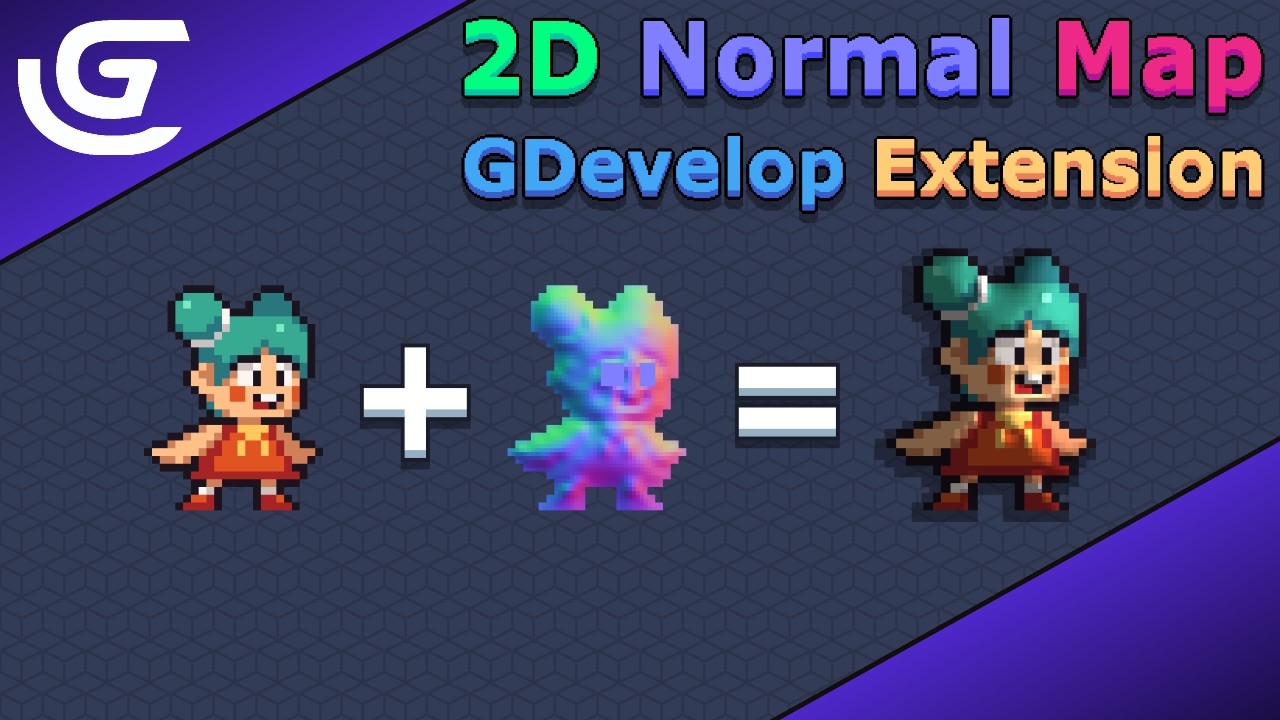
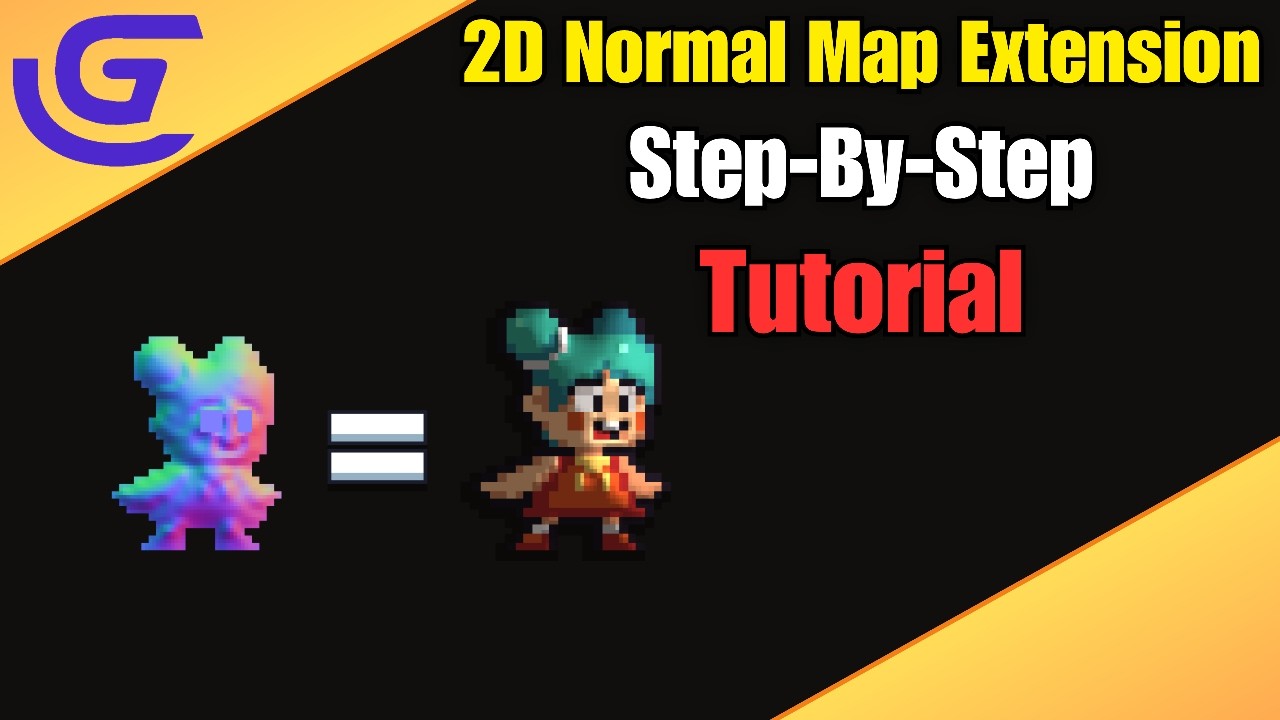
2D Normal map in gdevelop or any game engine, used to add realistic/dynamic lighting and highlights and depth to a flat 2D sprite.
You can search what is normal map, there are a lot of YouTube videos explain to you what normal map exactly is and how game devs use it to increase their game feel
So, if your game have light objects, then adding normal map to the light objects and your assets, is the best call for sure if you want to bring your assets to life with dynamic lighting 



 My templates:
